"Handycam" User Guide
PrintSearch
Operation Search
Before use
Getting started
Recording
Playback
Playing images on a TV
Saving images with an external
device
Using the Wi-Fi function
Customizing your camcorder
Troubleshooting
Maintenance and precautions
Contents list
Top page > Customizing your camcorder > Edit/Copy > Direct Copy
Direct Copy
You can save images on an external media device (USB storage device) manually while the device is
connected to your camcorder. You can perform this operation while the camcorder is displaying the
event view of the external device connected.
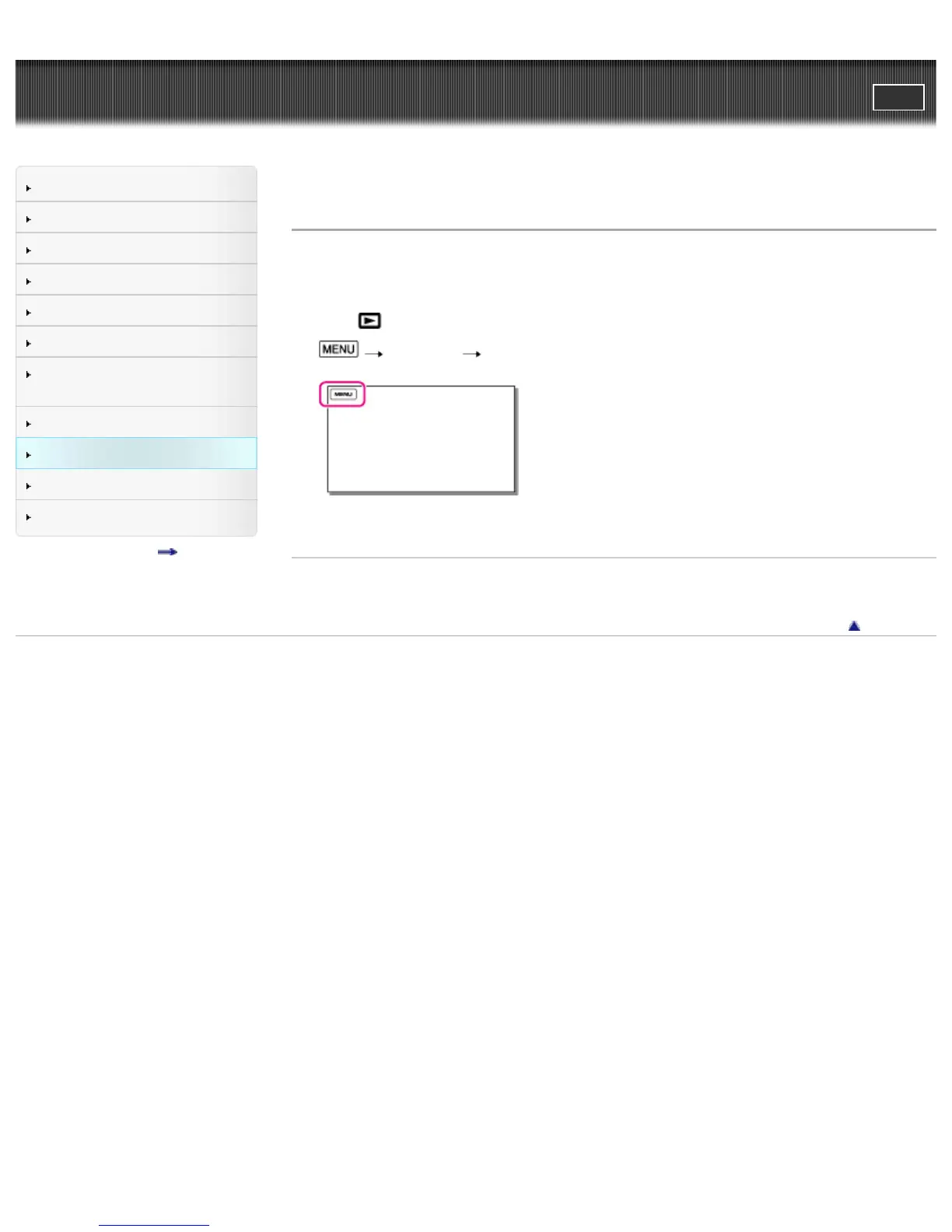
1. Press
(View Images).
2.
[Edit/Copy] [Direct Copy].
3. Follow the instructions that appear on the LCD screen.
Related topics
Saving images on an external media device easily
Back to top
Copyright 2013 Sony Corporation



 To Next Page