"Handycam" User Guide
PrintSearch
Operation Search
Before use
Getting started
Recording
Playback
Playing images on a TV
Saving images with an external
device
Using the Wi-Fi function
Customizing your camcorder
Troubleshooting
Maintenance and precautions
Contents list
Top page > Customizing your camcorder > Setup > File Number
File Number
You can select the way to assign file number of photos/MP4 movies.
1.
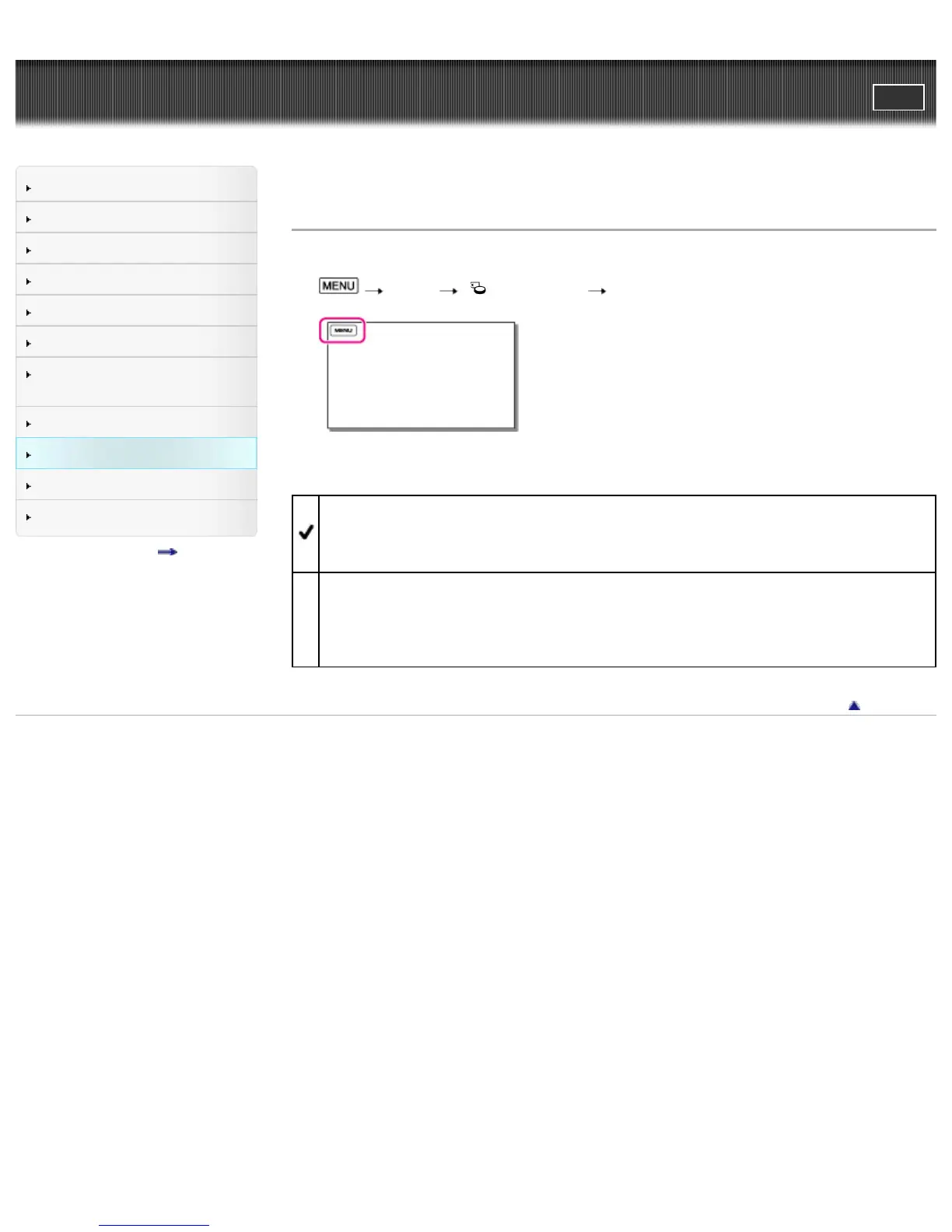
[Setup] [ Media Settings] [File Number].
2. Select the desired item.
Series
Assigns file numbers of photos/MP4 movies in sequence.
The file number becomes larger each time you record a photo/MP4 movie. Even if the memory
card is replaced with another one, the file number is assigned in sequence.
Reset
Assigns file numbers in sequence, following the largest file number existing on the recording
medium.
When the memory card is replaced with another one, the file number is assigned for each memory
card.
Back to top
Copyright 2013 Sony Corporation



 To Next Page