"Handycam" User Guide
PrintSearch
Operation Search
Before use
Getting started
Recording
Playback
Playing images on a TV
Saving images with an external
device
Using the Wi-Fi function
Customizing your camcorder
Troubleshooting
Maintenance and precautions
Contents list
Top page > Customizing your camcorder > Camera/Mic > AE Shift
AE Shift
You can adjust the exposure based on the results of the automatic exposure measurement.
1.
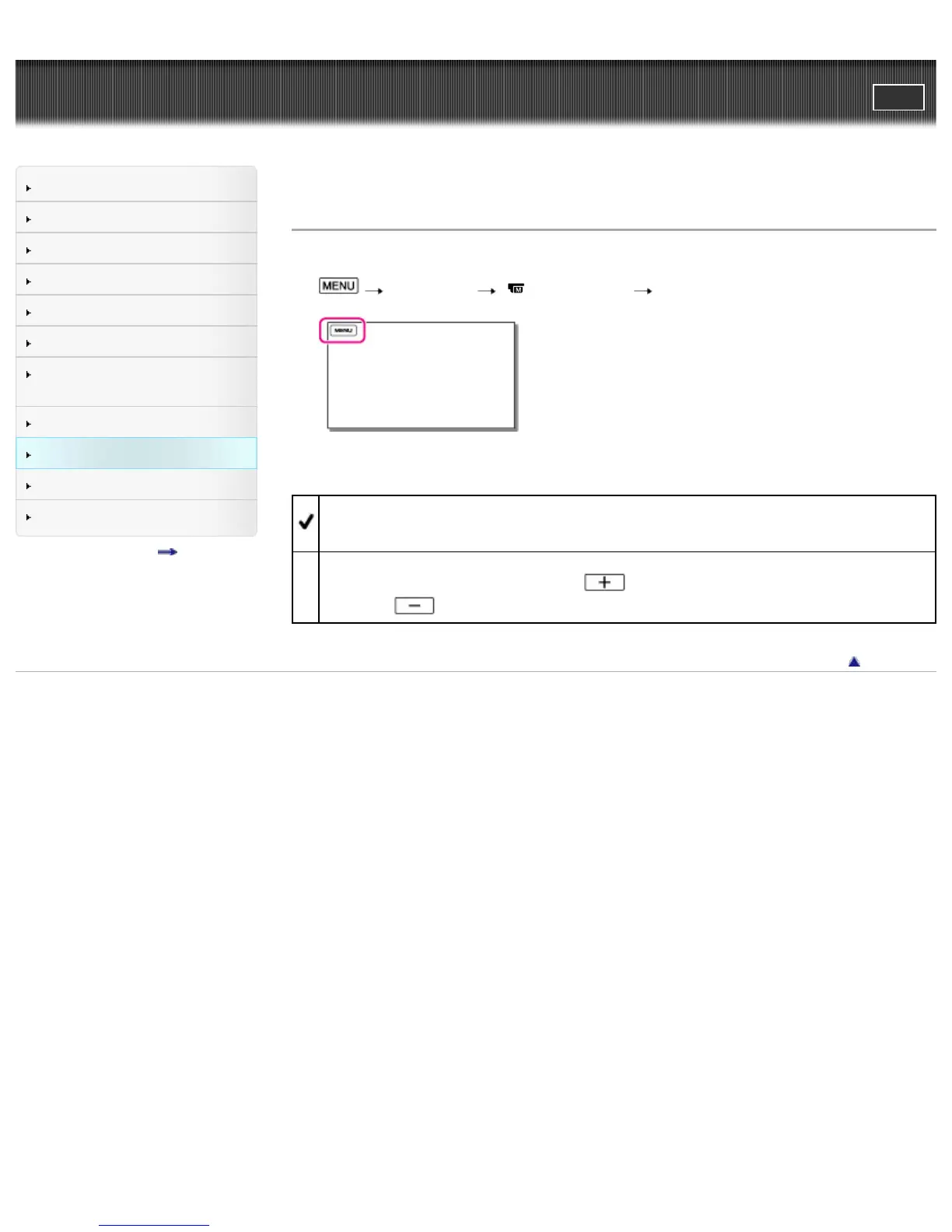
[Camera/Mic] [ Manual Settings] [AE Shift].
2. Select the desired item.
Off
The exposure is adjusted automatically.
On (Adjusted number and EV)
Adjust the automatic exposure level using
when the subject is white or the background is
bright, and
when the subject is dark or the light is dim.
Back to top
Copyright 2013 Sony Corporation



 To Next Page