"Handycam" User Guide
PrintSearch
Operation Search
Before use
Getting started
Recording
Playback
Playing images on a TV
Saving images with an external
device
Using the Wi-Fi function
Customizing your camcorder
Troubleshooting
Maintenance and precautions
Contents list
Top page > Saving images with an external device > Using the “PlayMemories Home”
software > Disconnecting your camcorder from the computer
Disconnecting your camcorder from the computer
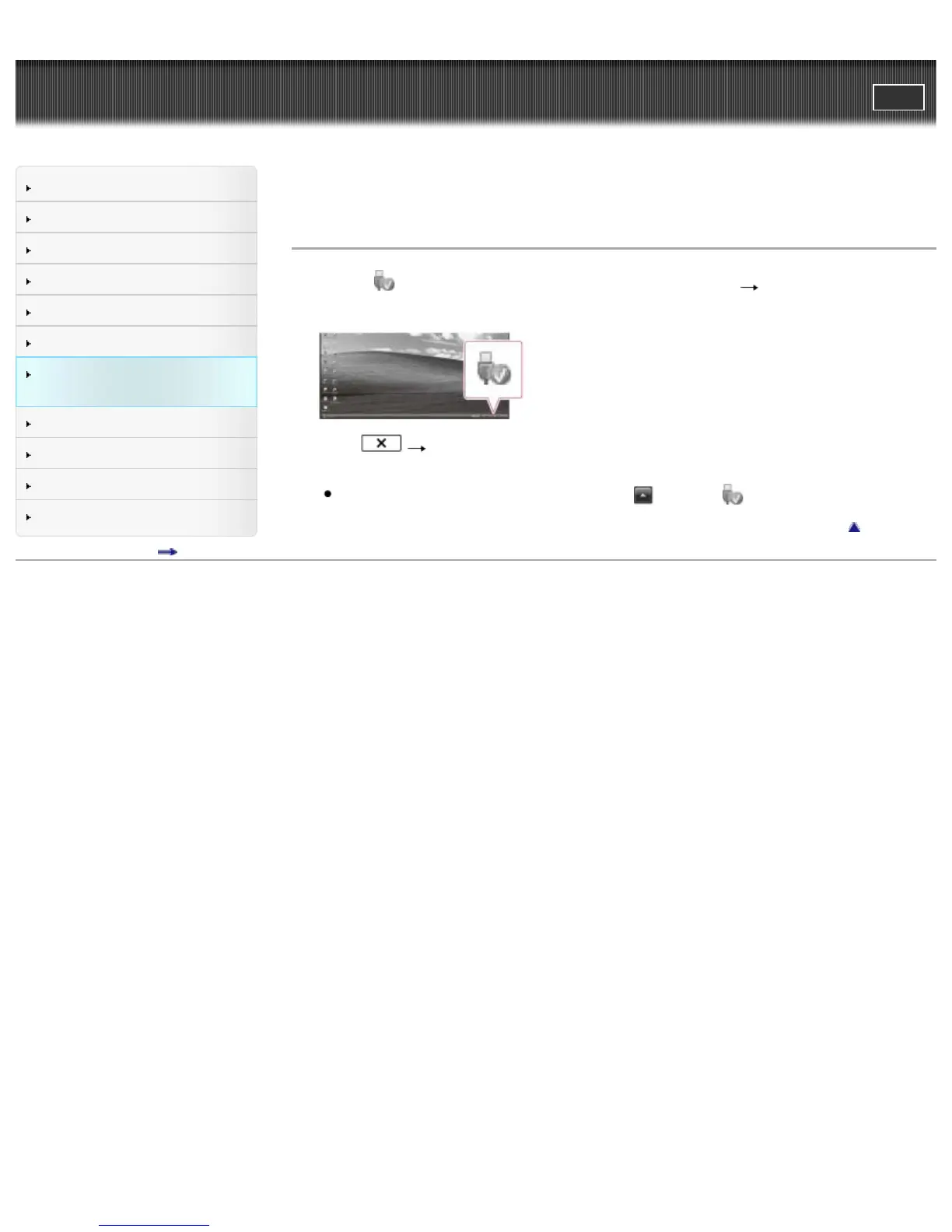
1. Click the icon at the bottom right of the desktop of the computer [Safely remove USB Mass
Storage Device].
2. Select [Yes] on the camcorder screen.
3. Disconnect the USB cable.
If you are using Windows 7 or Windows 8, click
, then click .
Back to top
Copyright 2013 Sony Corporation



 To Next Page