Dubbing only desired scenes
- Digital program editing
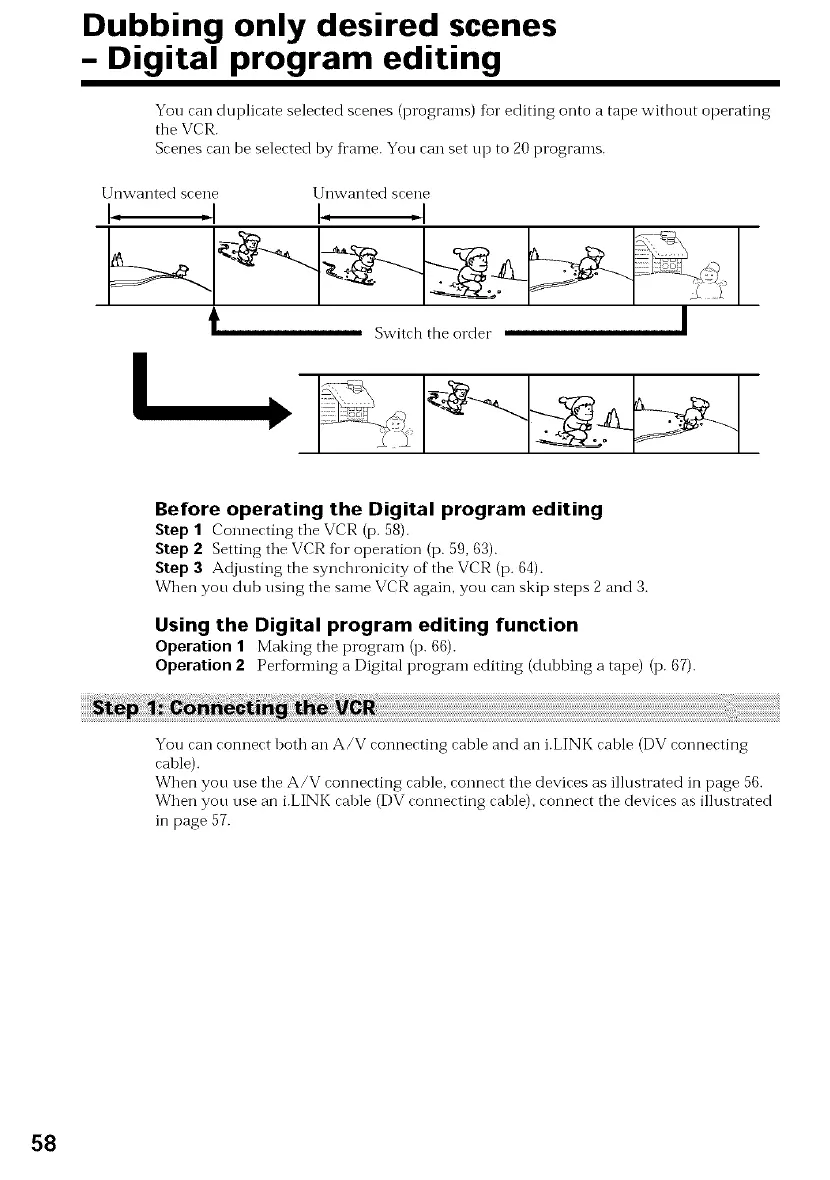
You can duplicate selected scenes (programs) for editing onto a tape without operating
the VCR.
Scenes can be selected by frame. You can set up to 20 programs.
Unwanted scene [Jnwanted scene
A ....
|
Switch the order |
Before operating the Digital program editing
Step I Connecting the VCR (p. 58).
Step 2 Setting the VCR fbr operation (p. 59, 63).
Step 3 Adjusting the synchronicity of the VCR (p. 64).
When you dub using the same VCR again, you can skip steps 2 and 3.
Using the Digital program editing function
Operation 1 Making the program (p. 66).
Operation 2 Per%rming a Digital program editing (dubbing a tape) (p. 67).
You can connect both an A/V connecting cable and an i.LINK cable (DV connecting
cable).
When you use the A/V connecting cable, connect the devices as illustrated in page 56.
When you use an i.LINK cable (DV connecting cable), connect the devices as illustrated
in page 57.
58















 To Next Page