5-24
DSR-2000A/2000AP
(5) TENSION
Executes the adjustment of the tape tension.
Mode
PLAY mode
Tools
DV torque cassette : J-6082-373-A
1. Remove the cassette compartment.
2. Turn on the main power and press the [EJECT] key.
n
Make sure that the cassette compartment connection cable is
not shorted to chassis when the main power is turned on.
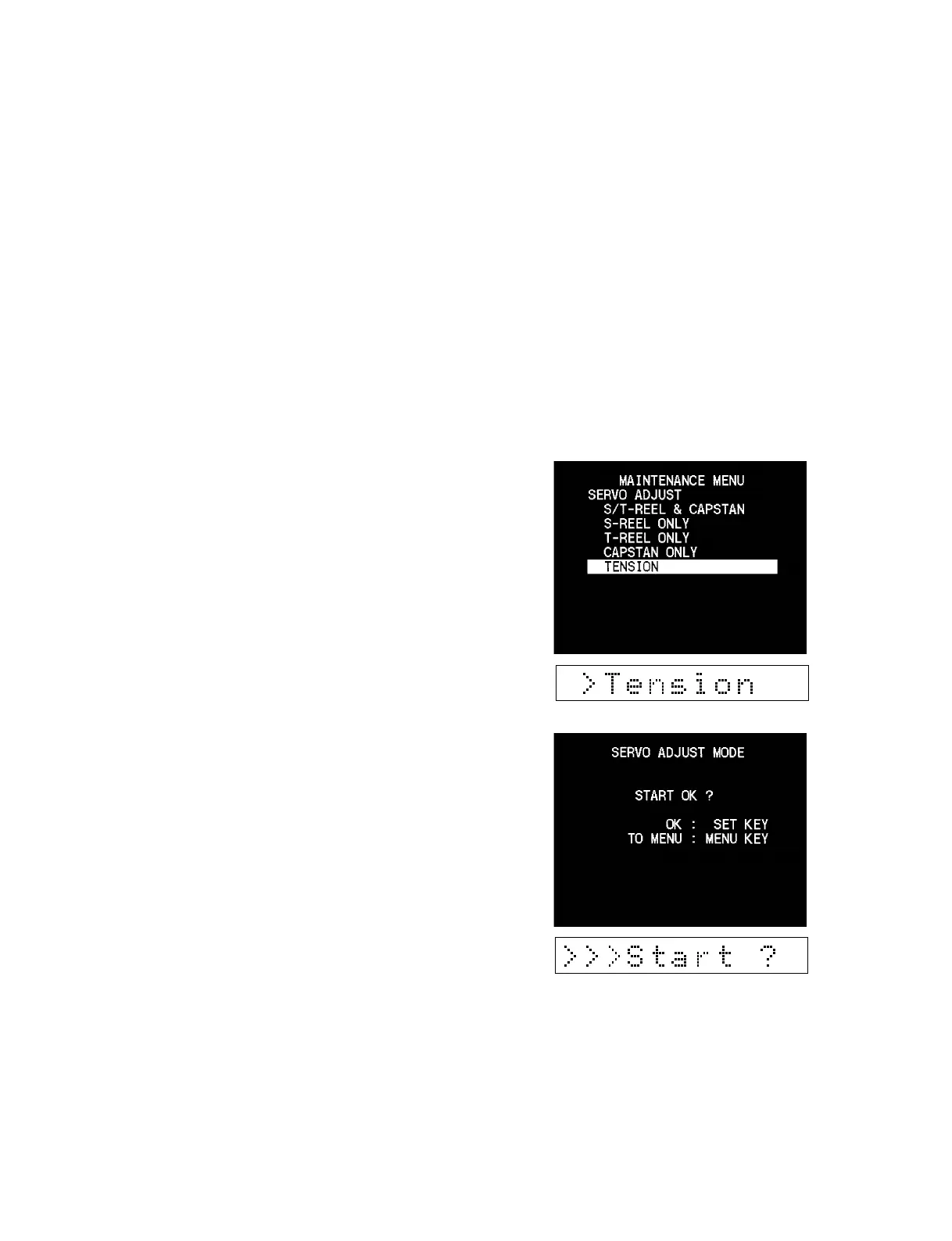
3. Enter “MAINTENANCE MENU” and select “TENSION”
from “SERVO ADJUST” using the [AUDIO|IN] (↑), [IN] (↓)
keys.
4. Press the [ENTRY] (→) key to move to the next display.
5. When the display appears, press the [SET] key to start the
adjustment.











 To Next Page