5-25
DSR-2000A/2000AP
Specification is as indicated on the display.
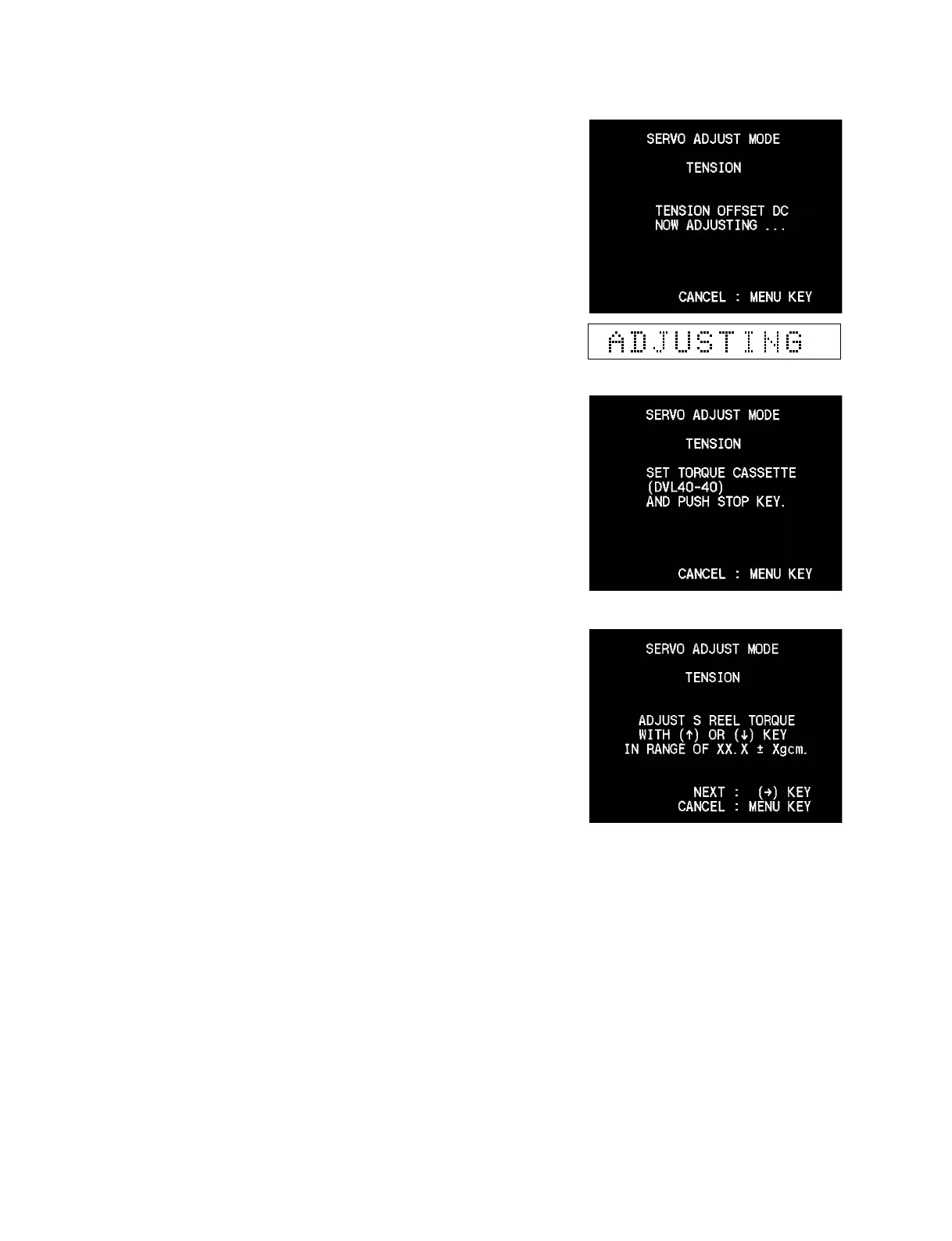
6. Wait until display changes and the menu appears as shown in
the right.
7. Set the DV torque cassette and place a weight of about 300 g
on it. Press the [STOP] key.
8. Keep pressing the [AUDIO|IN] (↑), [IN] (↓) keys until the
DV torque cassette reading agrees with the specification value
on display.
9. When adjustment is completed, press the [ENTRY] (→) key.











 To Next Page