Displaying the Disc Information (Disc
Explorer)
"0
W
o
o
_fl
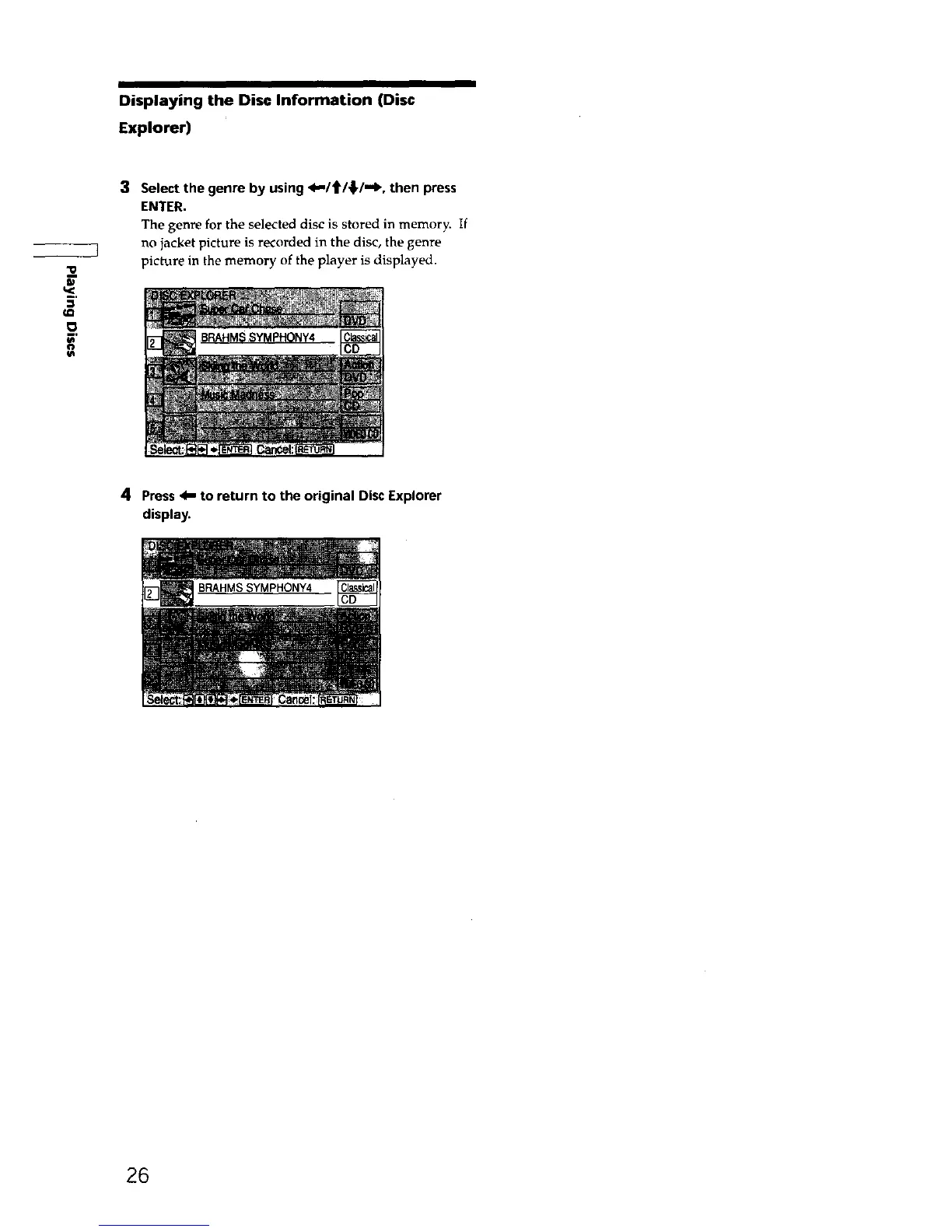
3 Select the genre by using <1,-/t_/_,/-_, then press
ENTER.
The genre for the selected disc is stored in memory. If
no jacket picture is recorded in the disc, the genre
picture in the memory of the player is displayed.
4 Press 4,,, to return to the original Disc Explorer
display.
26











 To Next Page