35
GB
Getting Started
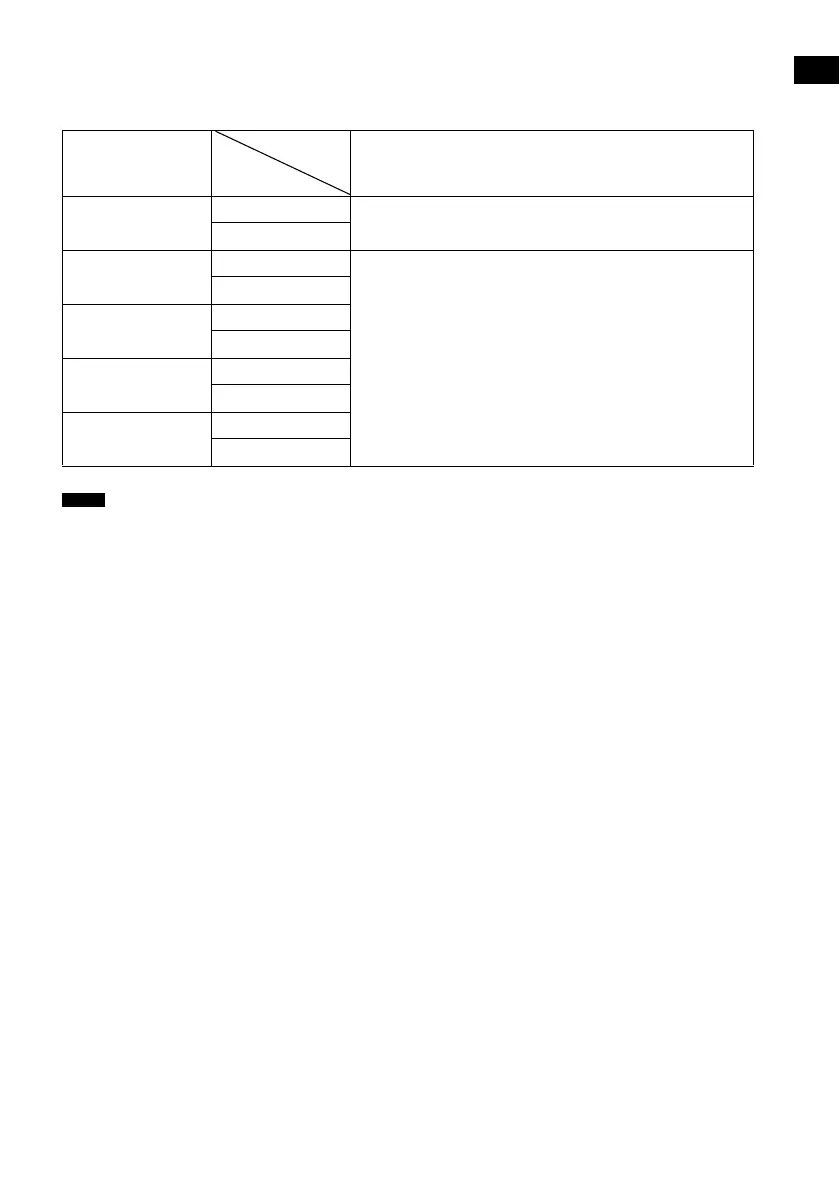
Video input/output conversion table
For details on the [Resolution] menu setting, see “Converting the resolution of analog video input
signals” (page 82).
• If you select a resolution that the connected TV does not support in the [Resolution] menu, images from the TV will
not be output correctly.
• Converted HDMI image output signals do not support “x.v.Colour.”
• Converted HDMI image output signals do not support Deep Colour.
[Resolution]
menu setting
HDMI TV OUT jack
AUTO (default setting) Component video
The resolution is set automatically, depending on the connected
TV.
Video
480/576p Component video
Video signals are up-converted and output through this system.
Video
720p Component video
Video
1080i Component video
Video
1080p Component video
Video
Notes
Input signals
Output from



 To Next Page