61
GB
“BRAVIA” Sync features
Play back a connected component.
The system and the TV are turned on
automatically and switch to the appropriate
HDMI input.
• Depending on the TV, the start of the content may not
be output.
You can enjoy the TV sound from the speaker of
the system by means of a simple operation. For
details, refer to the operating instructions of the
TV.
Press ?/1 to turn on the system.
The sound is output from the speaker of the
system. The sound is output from the TV’s
speaker when you turn the system off.
• If the TV is turned on before this system is turned on,
the TV sound will not be output for a moment.
• You can adjust the volume and turn off the sound of
the system using the TV remote.
Using the Volume Limit
function
When the System Audio Control function is
active, and the output method changes from the
TV speaker to the system speaker automatically,
Enjoying a Blu-ray Disc/
DVD
(One-Touch Play)
Note
Enjoying the TV sound
from the speakers
(System Audio Control)
Note
Tip
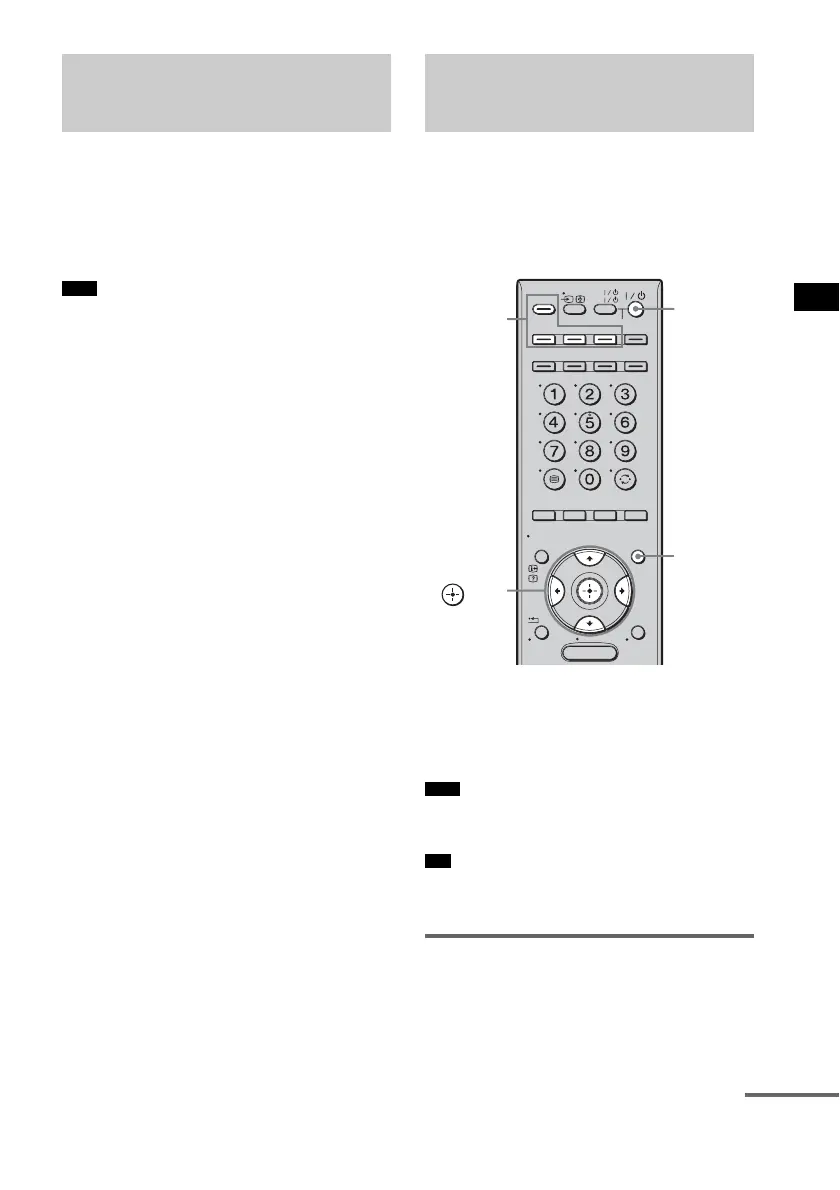
MENU
TV
AV
TV
BD
VIDEO1 VIDEO2 VIDEO3
TUNER/
BAND
/ENTER/CLEAR
GUI MENU
TOOLS/
OPTIONS
RETURN/
EXIT
HOME
DISPLAY
DVD
SAT/CATV
DMPORT
SYSTEM STANDBY
?/1
Input
buttons
C, X, x, c,
GUI
MENU
continued



 To Next Page