54
GB
Contents list for audio
a)
Displayed only when M-crew Server is connected.
b)
Displayed only when a DLNA server other than
M-crew Server is connected.
c)
Displayed as [Genre], [Artist] or [Album],
depending on setting of [List Mode].
Contents list for video
To operate the TDM-iP1, TDM-
iP50, or TDM-NC1 using the
adapter menu
Make sure that [Adapter GUI] is selected in step
6 in “Selecting the operation screen” (page 52).
For details on operating the adapter using the
adapter GUI menu, refer to the operating
instructions of the adapter.
To operate the TDM-iP1 or TDM-
iP50 using the iPod menu
Make sure that [iPod] is selected in step 6 in
“Selecting the operation screen” (page 52).
For details on operating the iPod, refer to the
operating instructions of the iPod.
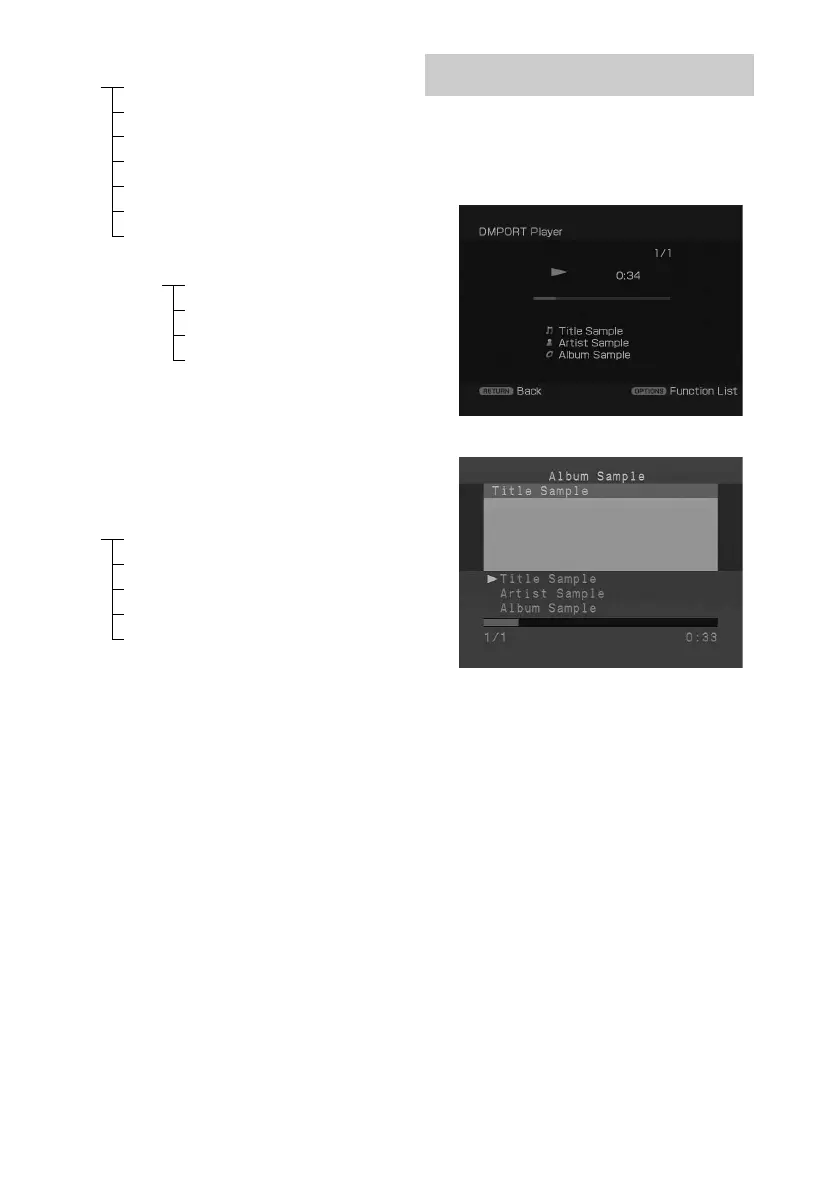
During playback of the selected track, the
displayed screen changes depending on the
connected DIGITAL MEDIA PORT adapter.
iPod Playlists > Playlist > Track
Artists > Artist > Album > Track
Albums > Album > Track
Songs > Track
Genres > Genre > Artist > Album > Track
Composers > Composer > Track
Audiobooks > Audiobook
Network Client Music Surfin
a)
> Album
c)
> Track
Playlist
a)
> Playlist > Track
Web Radio
a)
> Station > Program
Music Library
b)
> Album > Track
iPod Movies > Content
TV Shows > Episode > Content
Music Videos > Artist > Content
Video Playlists > Video Playlist > Content
Video Podcasts > Episode > Content
Playing the selected track
Example of a [System GUI] screen
Example of an [Adapter GUI] screen



 To Next Page