82
GB
You can change the resolution of analog video
input signals using the [Video] settings menu.
You cannot set this function for HDMI video
input signal.
For details on resolution, see “Video input/
output conversion table” (page 35).
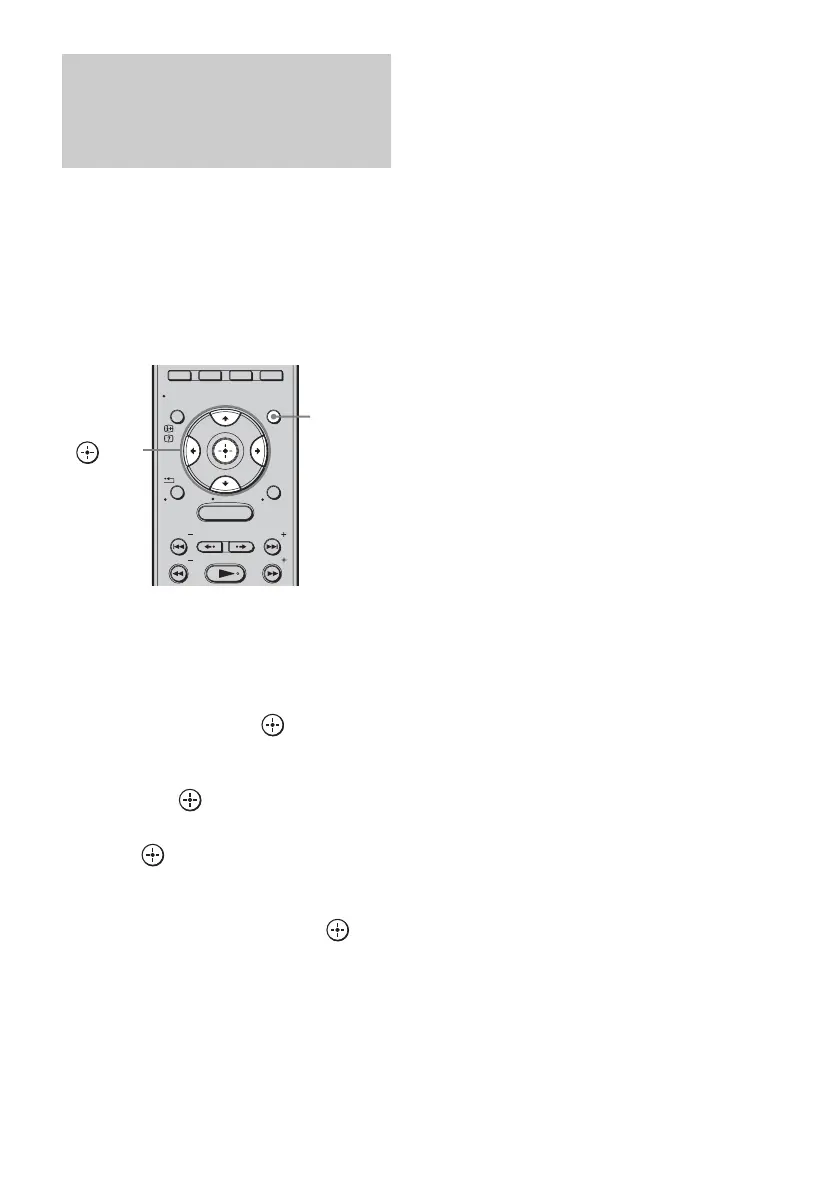
1 Press GUI MENU.
“GUI MENU” appears in the front panel
display of the subwoofer and the GUI menu
appears on the TV screen.
2 Press X/x repeatedly to select
[Settings], then press or c.
The settings menu appears.
3 Press X/x repeatedly to select [Video],
then press .
[Resolution] appears.
4 Press or c.
The parameter menu appears.
5 Press X/x repeatedly to select the
desired parameter, then press .
• [AUTO]: Normally select this. The
unit outputs signals starting
from the highest resolution
acceptable to the TV. If the
resulting image format is
undesirable, try another
setting that suits your TV.
• [480/576p]: Outputs 480p/576p video
signals.
• [720p]: Outputs 720p video signals.
• [1080i]: Outputs 1080i video
signals.
• [1080p]: Outputs 1080p video
signals.
For details on operating, see “Video input/
output conversion table” (page 35).
6 Press GUI MENU.
The GUI menu turns off.
Converting the resolution
of analog video input
signals
(Resolution)
MENU
GUI MENU
TOOLS/
OPTIONS
RETURN/
EXIT
PRESET
TUNING
PRESET
TUNING
HOME
DISPLAY
GUI
MENU
C, X, x, c,



 To Next Page