67
GB
Tuner Functions
To tune in to preset stations
1 Repeat steps 1 and 2 of “Presetting
radio stations” (page 66).
2 Press X/x to select the preset station
you want.
You can select a preset station as follows:
• AM band: AM 1 to AM 10
• FM band: FM 1 to FM 20
Naming preset stations
You can enter a name for preset stations. These
names (for example, “XYZ”) appear when a
station is selected.
You can enter/display a name of up to 8
characters.
Note that no more than one name can be entered
for each preset station.
• You cannot enter a name for preset stations of the
Radio Data System (RDS) (page 71).
1 Select a preset station you want to
name.
2 Press TOOLS/OPTIONS.
3 Press X/x repeatedly to select [Name
Input], then press or c.
4 Press C/X/x/c to select a character,
then press .
Presetting radio stations
You can preset up to 20 FM and 10 AM stations.
In this way, you can easily find stations you often
listen to.
Before tuning, make sure to turn the volume
down to minimum.
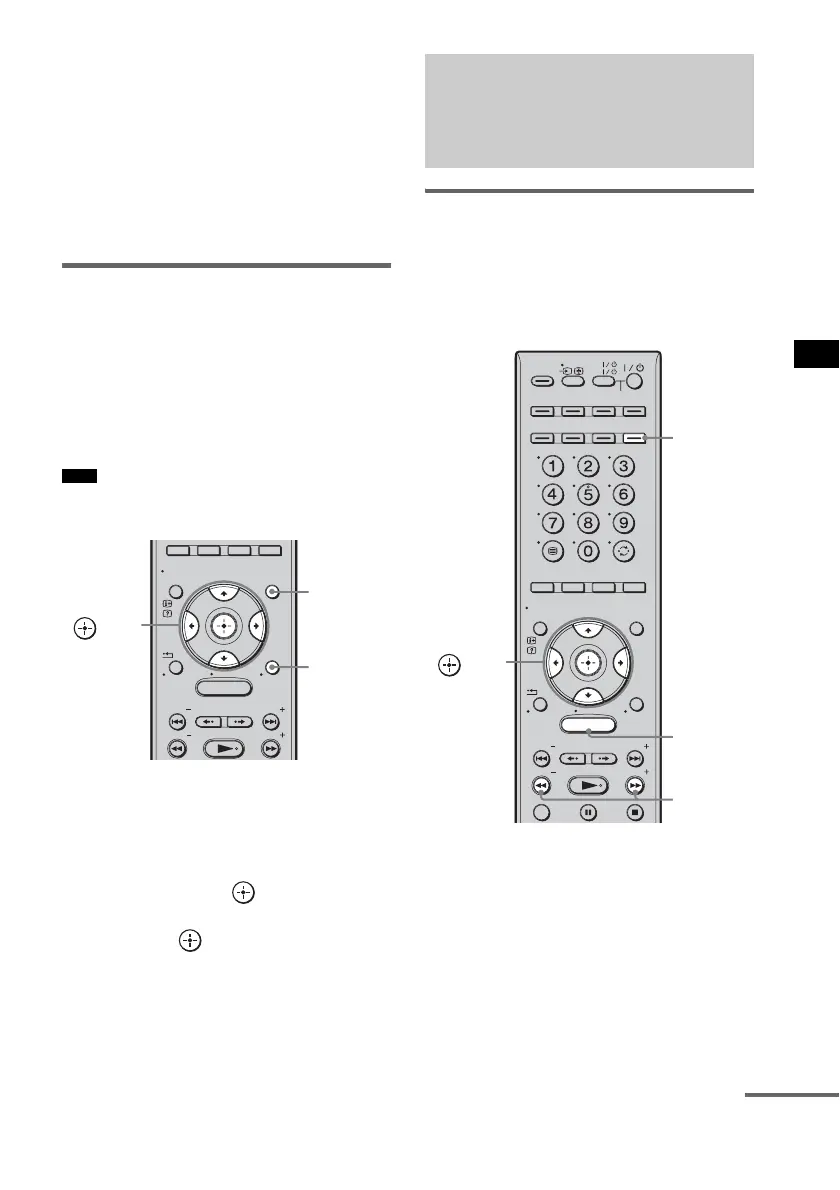
1 Press TUNER/BAND.
You can change “FM” or “AM” by pressing
TUNER/BAND.
2 Press and hold TUNING + or – until the
auto scanning starts.
Scanning stops when the system tunes in a
station. “TUNED” and “ST” (for stereo
program) light up in the front panel display.
3 Press MENU.
Note
MENU
GUI MENU
TOOLS/
OPTIONS
RETURN/
EXIT
PRESET
TUNING
PRESET
TUNING
HOME
DISPLAY
C, X, x, c,
TOOLS/
OPTIONS
GUI
MENU
Listening to FM/AM radio
using the front panel
display of the subwoofer
MENU
TV
AV
TV
BD
VIDEO1 VIDEO2 VIDEO3
TUNER/
BAND
/ENTER/CLEAR
GUI MENU
TOOLS/
OPTIONS
RETURN/
EXIT
PRESET
TUNING
PRESET
TUNING
TV
HOME
DISPLAY
DVD
SAT/CATV
DMPORT
SYSTEM STANDBY
C, X, x, c,
TUNING
–/+
TUNER/
BAND
MENU
continued



 To Next Page