84
GB
The brightness of the front panel display can be
set to one of 2 levels.
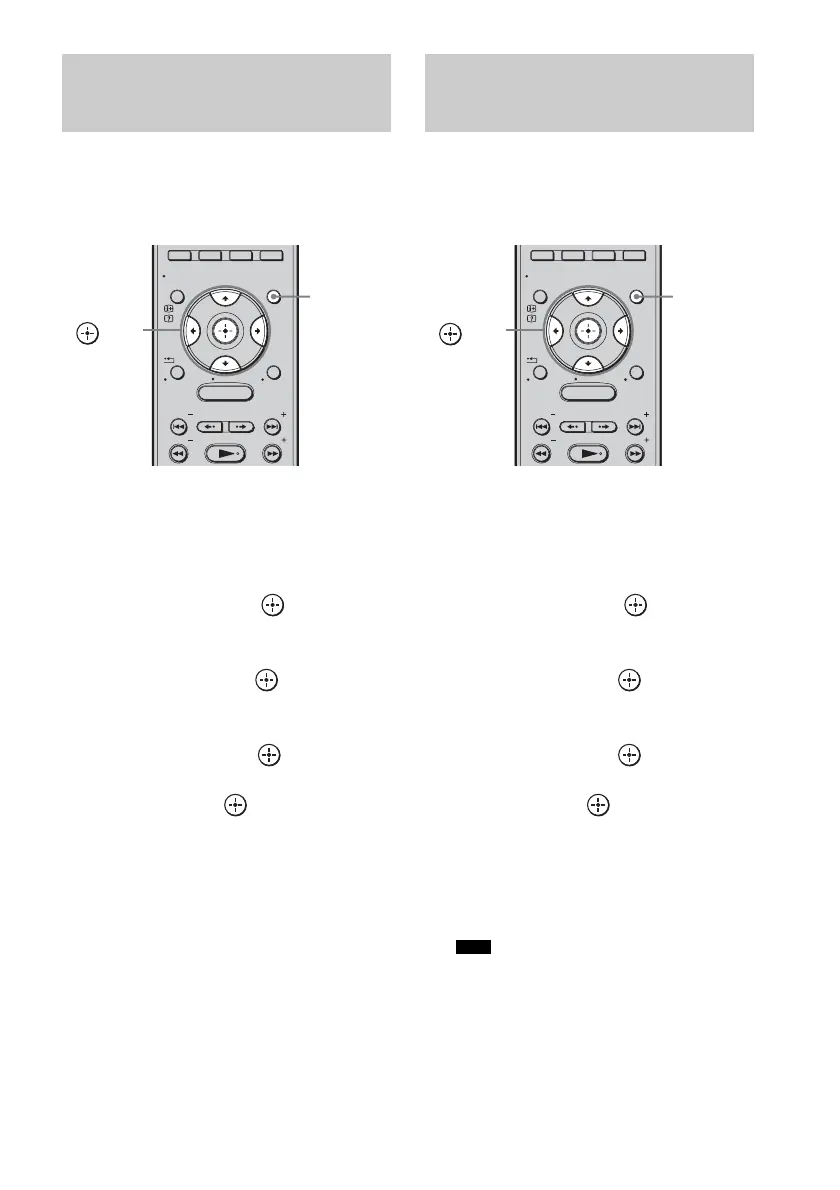
1 Press GUI MENU.
“GUI MENU” appears in the front panel
display of the subwoofer and the GUI menu
appears on the TV screen.
2 Press X/x repeatedly to select
[Settings], then press or c.
The settings menu appears.
3 Press X/x repeatedly to select
[System], then press .
The system menu appears.
4 Press X/x repeatedly to select
[Dimmer], then press or c.
5 Press X/x to select the setting you
want, then press .
•[ON]: dim.
•[OFF]: bright.
6 Press GUI MENU.
The GUI menu turns off.
You can change the display setting of the front
panel display.
1 Press GUI MENU.
“GUI MENU” appears in the front panel
display of the subwoofer and the GUI menu
appears on the TV screen.
2 Press X/x repeatedly to select
[Settings], then press or c.
The settings menu appears.
3 Press X/x repeatedly to select
[System], then press .
The system menu appears.
4 Press X/x repeatedly to select
[Display], then press or c.
5 Press X/x to select the setting you
want, then press .
• [ON]: the display remains on all the
time.
• [OFF]: the display appears for a
moment when you operate
the system.
• The display remains on all the time when the
protection function is working, even if you set
the [Display] to [OFF].
6 Press GUI MENU.
The GUI menu turns off.
Changing the brightness of
the front panel display
(Dimmer)
MENU
GUI MENU
TOOLS/
OPTIONS
RETURN/
EXIT
PRESET
TUNING
PRESET
TUNING
HOME
DISPLAY
GUI
MENU
C, X, x, c,
Changing the display
setting
(Display)
Note
MENU
GUI MENU
TOOLS/
OPTIONS
RETURN/
EXIT
PRESET
TUNING
PRESET
TUNING
HOME
DISPLAY
GUI
MENU
C, X, x, c,



 To Next Page