53
GB
DMPORT function
displayed on the TV screen. You can
select a track you want and play it back on
each GUI screen.
• [Adapter GUI]
This mode is for the TDM-iP1/iP50 and
TDM-NC1. The menu of the adapter will
be displayed on the TV screen.
•[iPod]
This mode is for the TDM-iP1/iP50.
If [DMPORT Control] does not appear on
the screen, refer to the operating instructions
of the connected component.
When an adapter other than for iPod is
connected, a hierarchical menu does not
appear.
When the connected iPod is compatible
with the video function, a hierarchical menu
appears, and when the connected iPod is
incompatible, the message [No Video]
appears.
To operate the TDM-iP1, TDM-
iP50, or TDM-NC1 using the GUI
menu of the system
1 Make sure that [System GUI] is selected
in step 5 in “Selecting the operation
screen” (page 52).
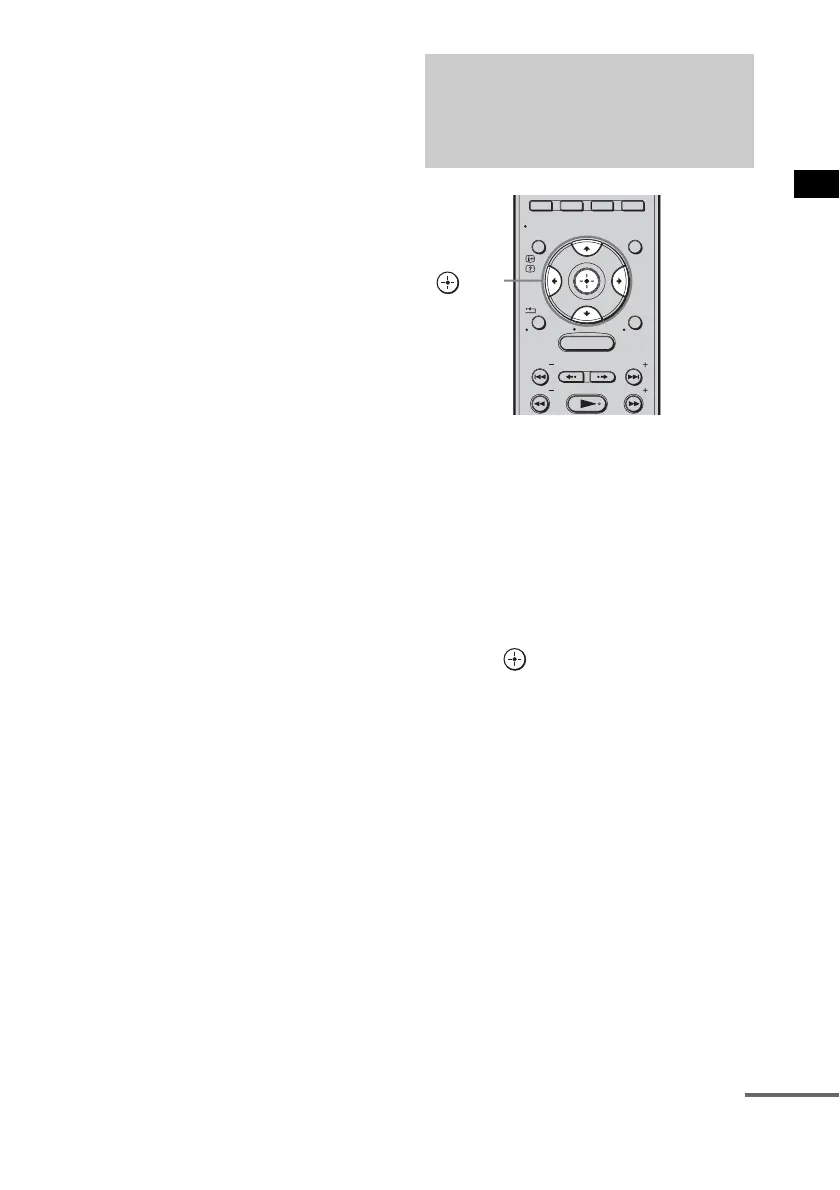
2 Press C/X/x/c repeatedly to select the
content you want from the contents list
displayed on the GUI screen, then
press to play it back.
Operating the component
connected to the DIGITAL
MEDIA PORT adapter
MENU
GUI MENU
TOOLS/
OPTIONS
RETURN/
EXIT
PRESET
TUNING
PRESET
TUNING
HOME
DISPLAY
C, X, x, c,
continued



 To Next Page