57
GB
Surround Sound Functions
6 Press GUI MENU.
The GUI menu turns off.
• If you select the [Music] sound field for a 2 channel
source, the center speaker of the SS-CT500 does not
output sound.
• The sound fields memorized for each input are
retained even if you disconnect the AC power cord
(mains lead).
• Whenever you select a function such as BD or DVD,
the sound field that was last applied to the function is
automatically applied again. For example, if you
listen to DVD with the [Movie] sound field, then
change to another function, and then return to DVD,
the [Movie] sound field will be applied again.
To select a sound field on the
remote
Press SOUND FIELD on the remote.
Each time you press the SOUND FIELD button,
the sound field changes cyclically.
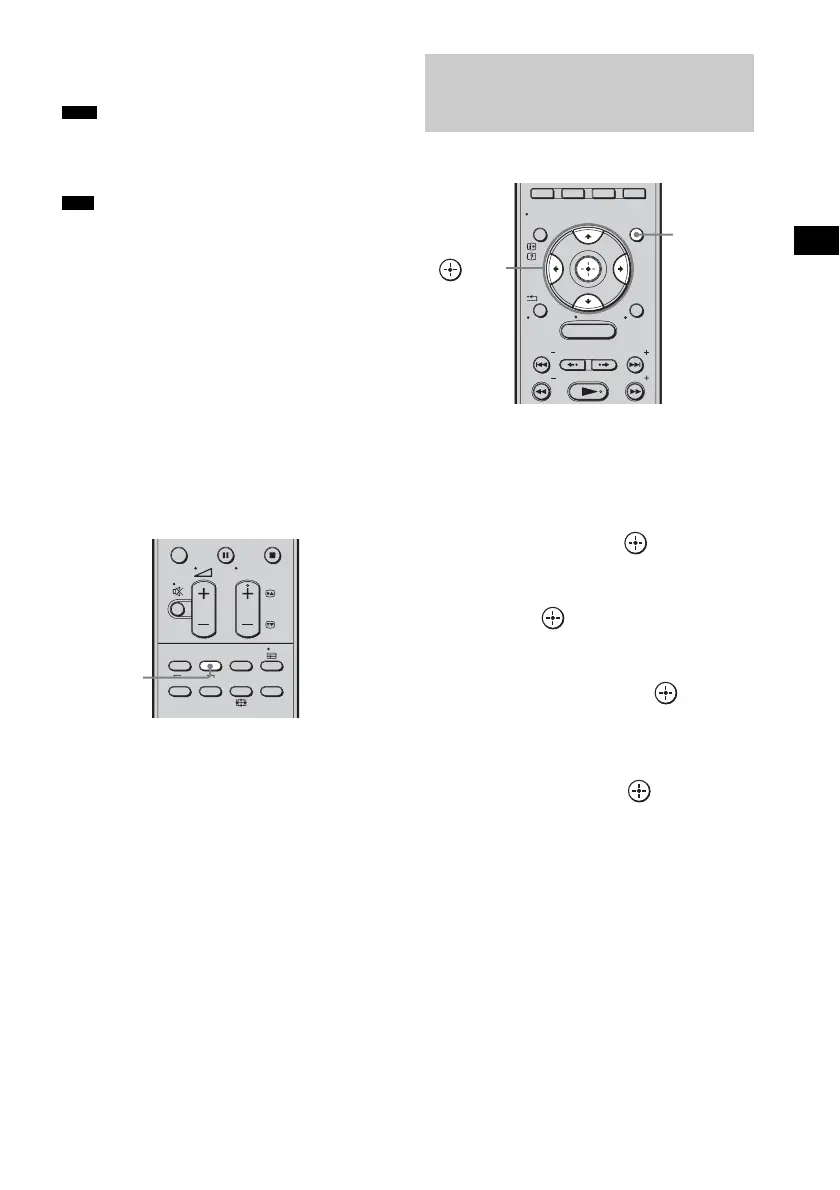
You can adjust the bass and treble level easily.
1 Press GUI MENU.
“GUI MENU” appears in the front panel
display of the subwoofer and the GUI menu
appears on the TV screen.
2 Press X/x repeatedly to select
[Settings], then press or c.
The settings menu appears.
3 Press X/x repeatedly to select [Tone],
then press .
The tone menu appears.
4 Press X/x to select [Bass Level] or
[Treble Level], then press or c.
• [Bass Level]: adjusts the bass level
• [Treble Level]: adjusts the treble level
5 Press X/x to select the desired
parameter, then press .
The parameter is from [–6dB] to [+6dB] in
1 dB steps. The default setting is [0dB].
6 Press GUI MENU.
The GUI menu turns off.
Note
Tips
THEATRE
TOP MENU
DIGITAL ANALOG
AUDIO
BD/DVD
MENU F1 F2
SOUND
FIELD
SYSTEM
MENU
TV
PROG
SOUND
FIELD
Adjusting the bass and
treble level
MENU
GUI MENU
TOOLS/
OPTIONS
RETURN/
EXIT
PRESET
TUNING
PRESET
TUNING
HOME
DISPLAY
GUI
MENU
C, X, x, c,



 To Next Page