80
GB
You can enjoy multiplex broadcast sound when
the system receives an AC-3 multiplex broadcast
signal.
• To receive AC-3 signal, you need to connect a digital
satellite tuner to the system with a digital optical cord,
digital coaxial cord, or an HDMI cable, and set the
digital output mode of the digital satellite tuner to AC-
3.
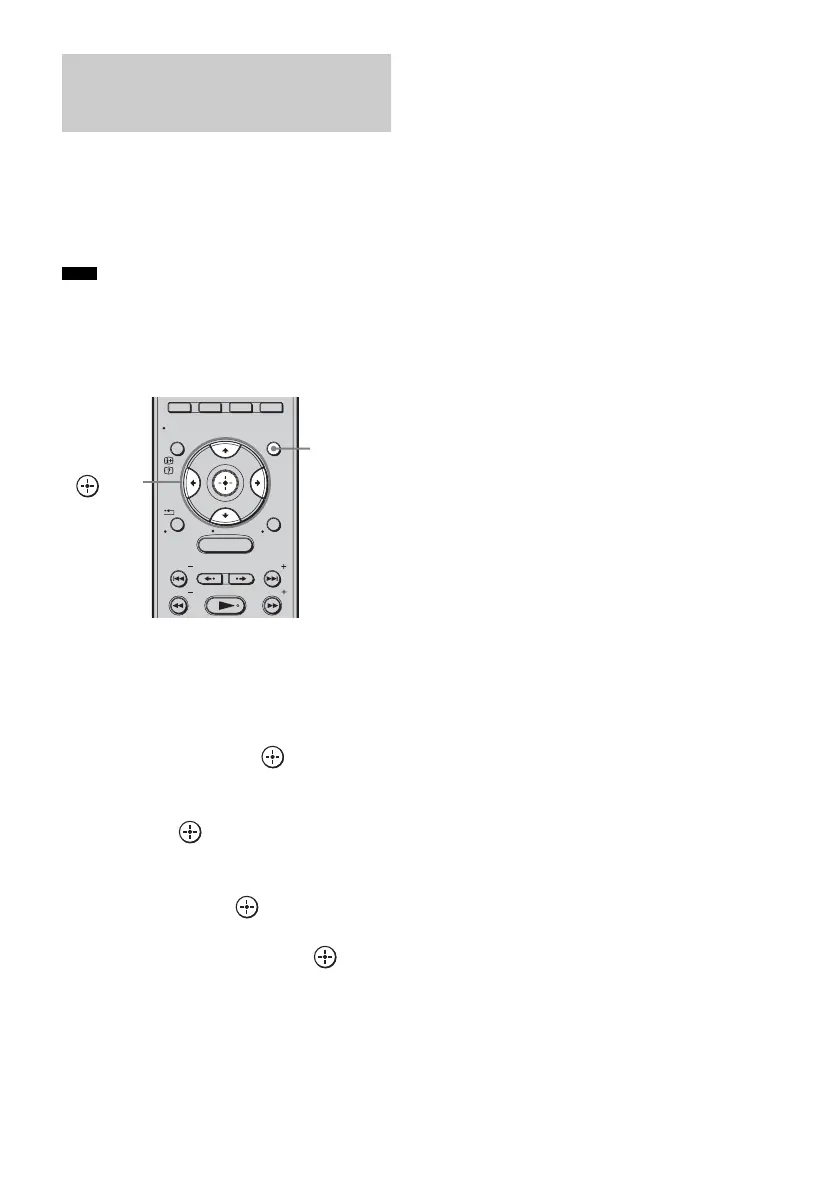
1 Press GUI MENU.
“GUI MENU” appears in the front panel
display of the subwoofer and the GUI menu
appears on the TV screen.
2 Press X/x repeatedly to select
[Settings], then press or c.
The settings menu appears.
3 Press X/x repeatedly to select [Audio],
then press .
The audio menu appears.
4 Press X/x repeatedly to select [Dual
Mono], then press or c.
5 Press X/x repeatedly to select the
setting you want, then press .
• [Main/Sub]: main sound is output from
the left side of the speaker
and the sub sound is output
from the right side of the
speaker.
• [Main]: plays back only the main
channel.
• [Sub]: plays back only the sub
channel.
6 Press GUI MENU.
The GUI menu turns off.
Enjoying multiplex
broadcast sound
(Dual Mono)
Note
MENU
GUI MENU
TOOLS/
OPTIONS
RETURN/
EXIT
PRESET
TUNING
PRESET
TUNING
HOME
DISPLAY
GUI
MENU
C, X, x, c,



 To Next Page