41
GB
Getting Started
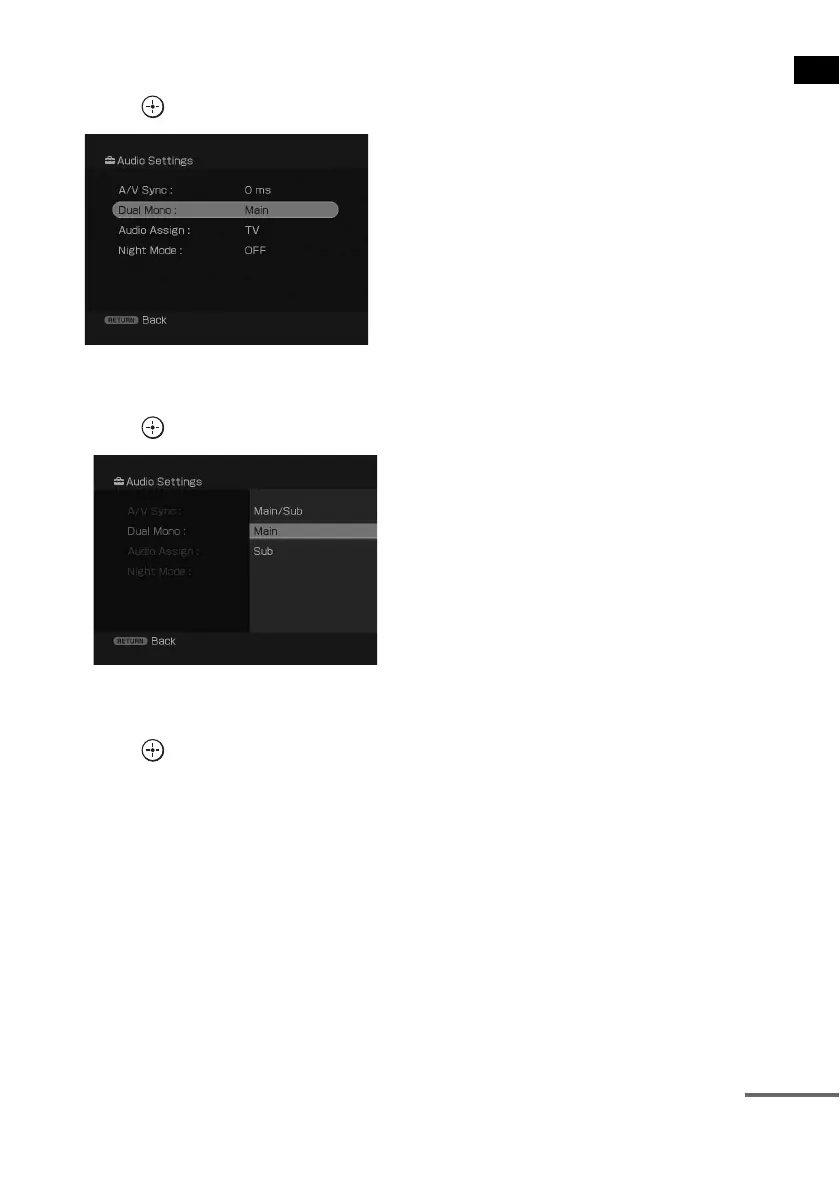
4 Press X/x repeatedly to select the menu
item you want to adjust.
5 Press to enter the menu item.
6 Press X/x repeatedly to select the
parameter you want to adjust.
7 Press or c to enter the parameter.
8 Press X/x repeatedly to select the
setting you want.
9 Press to enter the setting.
10 Repeat steps 2 to 9 to make other
settings.
To return to the previous screen
Press RETURN/EXIT.
To display or erase the guide
menu
Press DISPLAY.
To exit the GUI menu
Press GUI MENU.
continued



 To Next Page