HT-CT800
33
6. Each time the [CLEAR AUDIO+] button on the remote com-
mander is pressed, VACS on/off setting is changed.
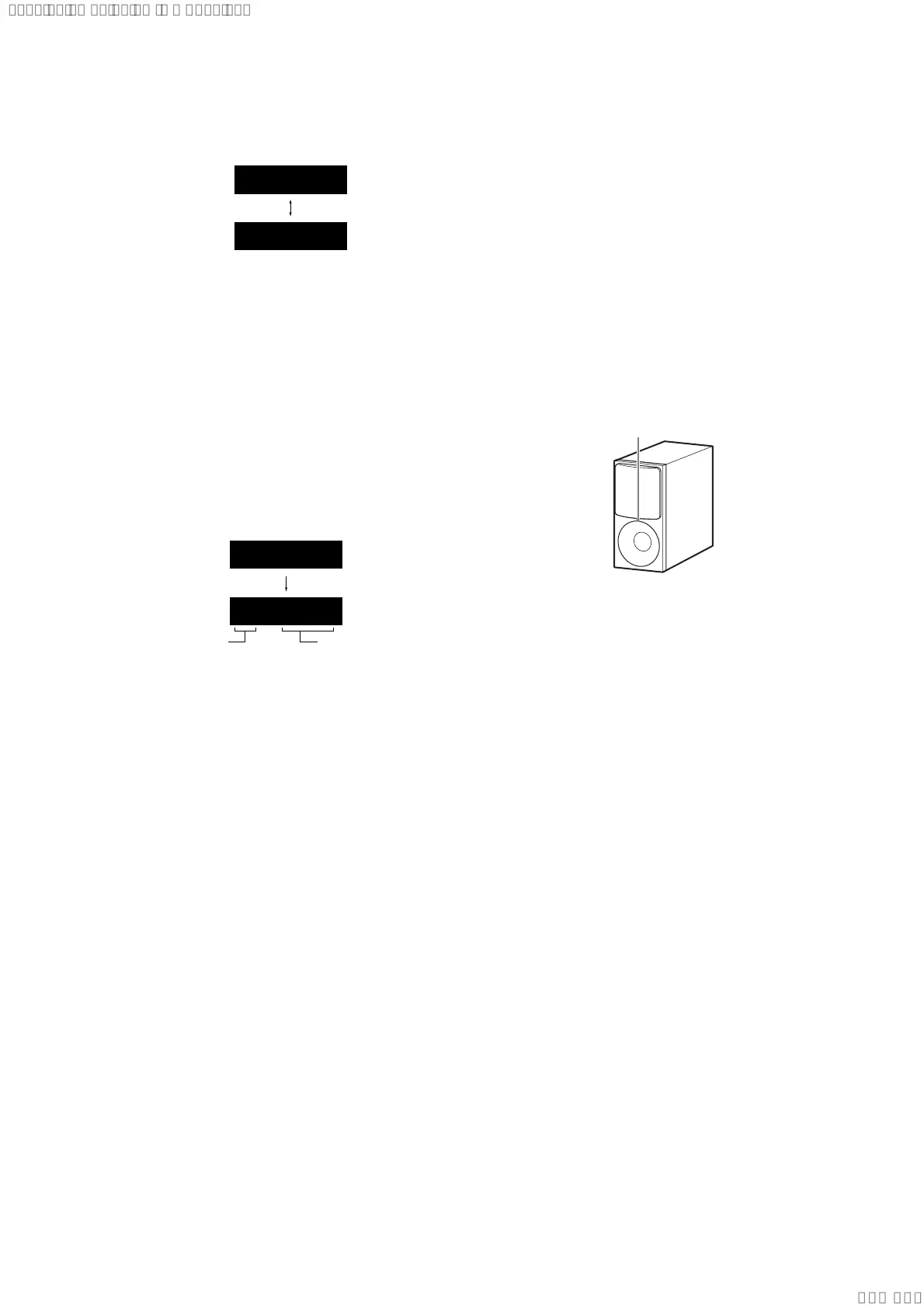
VAON
VAOFF
Releasing method:
Touch the [
1
] button and return to the normal mode.
ACCELERATION SENSOR TEST
It can measurement the installation state (Base or Wall) of the main
unit by the acceleration sensor.
Procedure:
1. Touch the [
1
] button to turn the power on.
2. Press the buttons on the remote commander in the order of [
x
]
→ [DISPLAY] → [
m
] → [V].
3. The message “ANG. T” is displayed on the front panel display
and enter the acceleration sensor test mode, and after a few
seconds, change to the installation state (Base or Wall) mea-
surement screen.
B : Base
W : Wall
Angle: 0 to 180
B 0
ANG. T
(Displayed characters/values in the above fi gure are example)
4. By tilting the main unit, information that is displayed will be
updated.
Releasing method:
Touch the [
1
] button and return to the normal mode.
WIRELESS SOUND COLD RESET
It can initialize various backup information of Subwoofer (SA-
WCT800).
Preparation:
Connect the Subwoofer (SA-WCT800) and the Bar Speaker (SA-
CT800) by wireless.
Note: Refer to “WIRELESS CONNECTION (LINK) WORK OF BAR
SPEAKER AND SUBWOOFER”on page 7 for details of wireless
connection.
Procedure:
1. Touch the [
1
] button to turn the power on.
2. Press the buttons on the remote commander in the order of [
x
]
→ [DISPLAY] → [BACK] → [V].
3. The power indicator on the Subwoofer (SA-WCT800) turns
following fi gure.
Power indicator
Green (light up)
t Light off t Yellow (light up)
4. Press the [1] button on the Subwoofer (SA-WCT800) to
check that the power indicator does not light off.
Note: If the power indicator is light off, reset is not executing.
5. Unplug the AC cord on the Subwoofer (SA-WCT800) from an
outlet and insert the AC cord again.
SYSSET
2019/09/2422:06:08(GMT+09:00)



 To Next Page