Note
You
cannot measure the speaker height
of
the
surround speakers and the surround hack speakers.
Set the position
of
the surround speakers from
"Position"
in
the Speaker sellings menu.
Tips
oOperations other than turning the rccciver on or off
arc dea(;tiqlled during the mcasurcment.
oln thc following situations.thc measurcments
ha\c
not becn pcrformcd correctly
or
auto calihration
cannot be pcrfonned.
"hcn
connecting special speakers.
sUcb
as
dipole speakers.
\\-hen
lIsing.
the
lone:!
function
in
lone
2.
To
cancel the measurement
The
measurement
is
cancelled
when
you
change
the
volume.
switch
functions.
change
the
setting
of
the
SPEAKERS
switch.
or
connect
headphones.
Confirming/saving
the
measurement
results
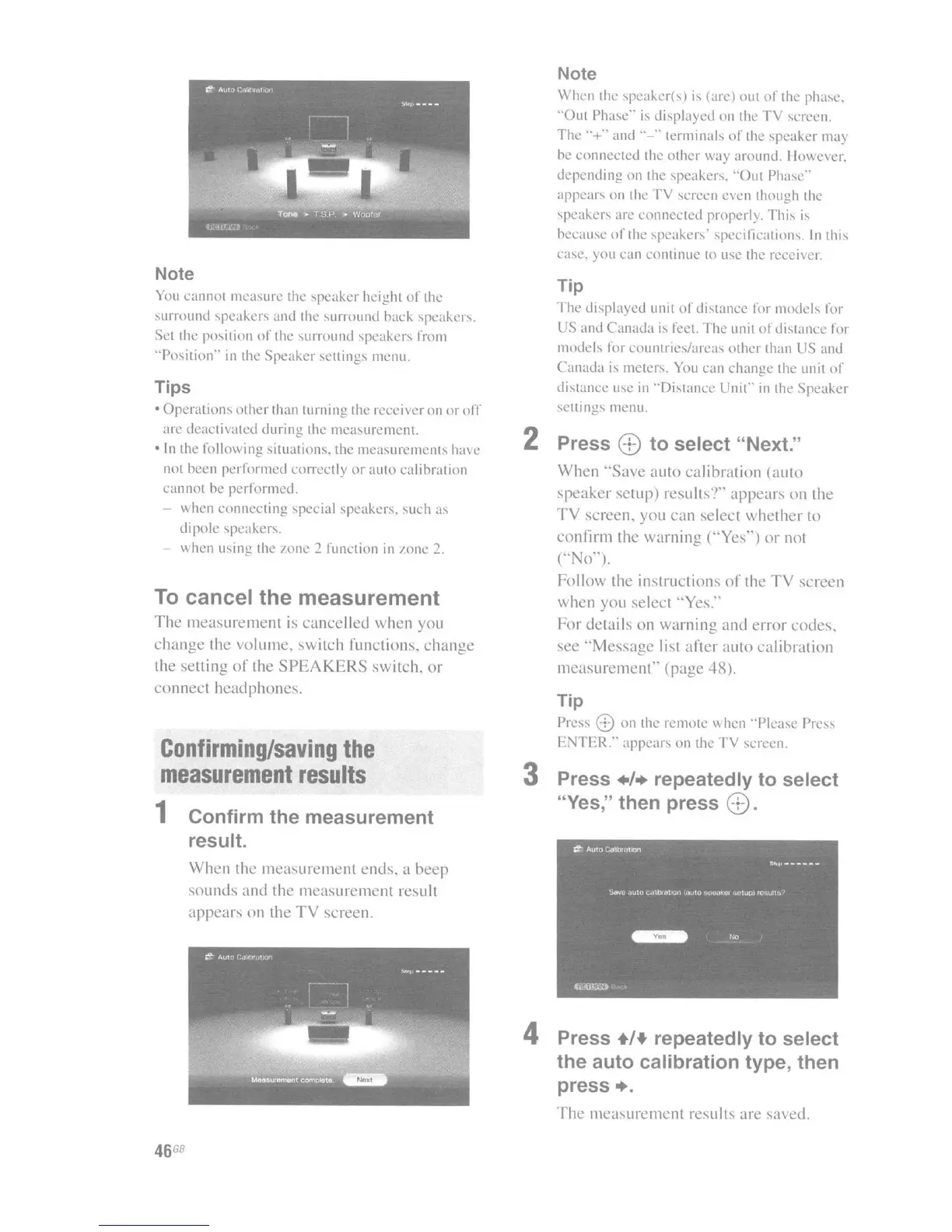
1 Confirm the measurement
result.
When
the
measurement
ends.
a
beep
sounds
and
the
measurement
result
appears
on
the
TV
screen.
46
GB
Note
\\'ben
thc spcaker(s)
is
tarc) out of the phasc.
"Out Phasc" is displayed on the
rv
screcn.
The
"+"
and"
..
terminals
of
the speakcr may
be connected the other wa) around. Howe\er.
dcpcnding on the speakers. "Out Phase"
appears
on
the TV screen
c\en
though the
speal-ers are (;onnected properly. This
is
because
of
the speakcrs' spccilicalions.
In
this
ca
....
c,
you
can
continue
(0
lise
the
rccci\l~r.
Tip
The displayed unit
of
distance for models for
US
and Canada
is
reet. Thc unit
of
distance for
modcls for countries/areas othcr than
US
and
Canatla is mcters.
You
can change the unit
of
t1istancc use
III
"Distance Unit"
in
the Speakcr
sCllings menu.
2 Press 8 to select "Next."
When
"Save
auto
calibration
(auto
speaker
setup)
results')"
appears
on
the
TV
screen.
you
can
select
whether
to
confirm
the
warning
("Yes")
or
not
("No").
Follow
the
instructions
of
the
TV
screen
when
you
select
"Yes:'
For
details
on
warning
and
error
codes.
see
"Message
list
after
auto
calibration
measurement"
(page
48).
Tip
Prcss
6)
on the remote
\\
hcn
"Please Press
E TER." appcars on the TV screen.
3 Press
./.
repeatedly to select
"Yes," then press
8.
4 Press
./+
repeatedly to select
the auto calibration type, then
press
•.
The
measurement
results
are
sayed.

















 To Next Page