CRANEX Novus e 3. Taking an Exposure
User manual 208898 17
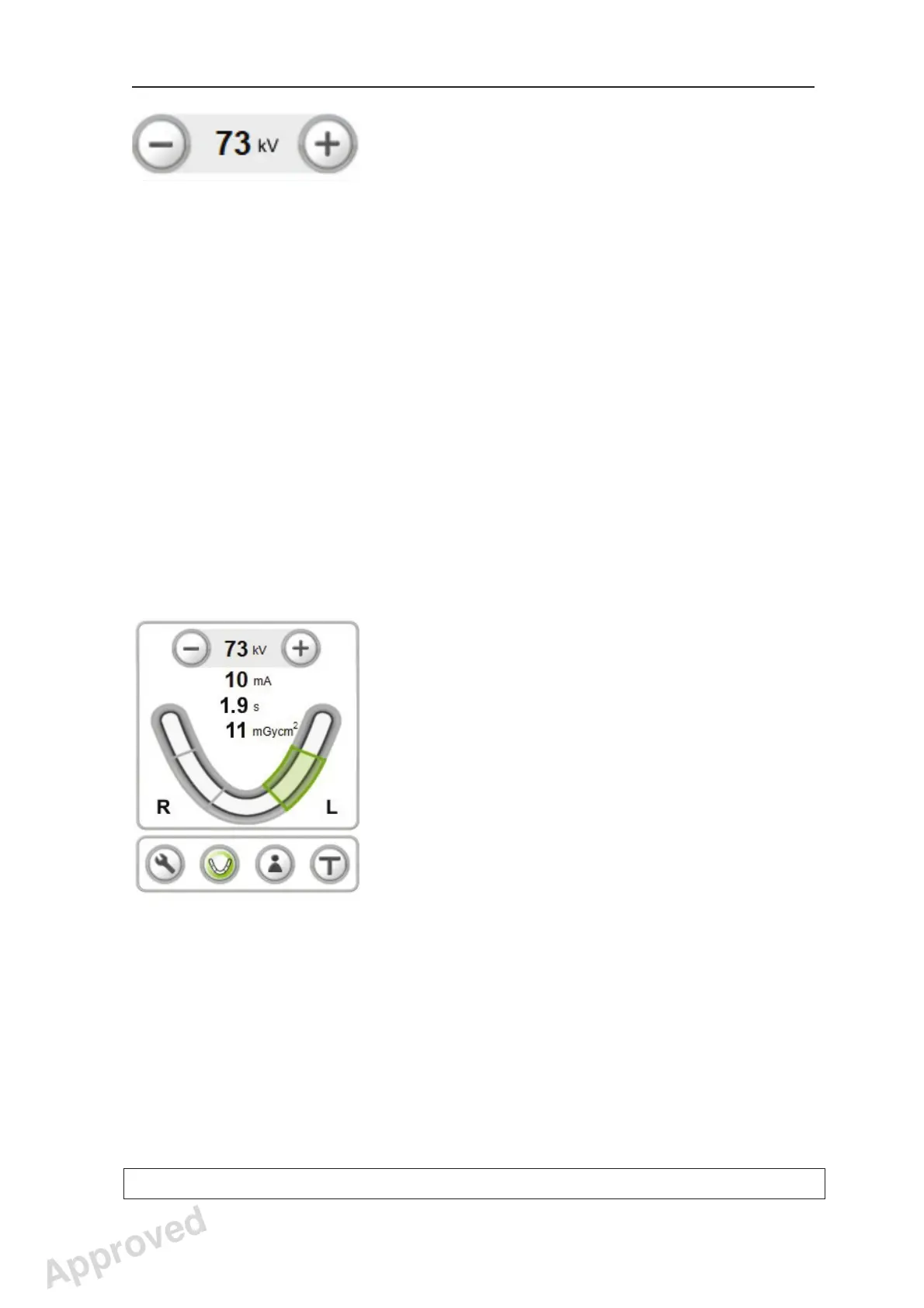
5. A default kV value for the selected panoramic
program will appear on the display.
If you consider that the default kV value for the
program selected is not correct for the patient
being examined, select a different kV value
based on the patient’s size, age and estimated
bone density.
To change the kV value press the kV plus (+) or
minus (-) key.
The recommended values are:
- Large Adult, 77 kV
- Adult, 73 kV
- Juvenile or small adult, 70 kV
- Child, 63 or 66 kV
6. If you are taking Sectional Panoramic
exposure, press the required section selection
keys to toggle between selected (green) and
unselected (gray), until only the sections you
wish to expose are selected.
NOTE:
Sectional Panoramic key is selectable only if the
Sectional Panoramic program option is activated
in the unit and the Adult program is selected
fi rst.
If you decide to take other than Sectional
Panoramic exposure and wish to return to main
screen, press the Sectional Panoramic key
again.
Approved: Ukkonen Juha-Pekka 2015-03-13 13:08
Reviewed: Savinen Antti Juhani 2015-03-12 11:32
Approved
See PDM system to determine the status of this document. Printed out: 2016-01-27 12:19:26
D508980, 4
Copyright © 2015 by PaloDEx Group Oy. All rights reserved.



 To Next Page