28 User manual 208898
3. Taking an Exposure CRANEX Novus e
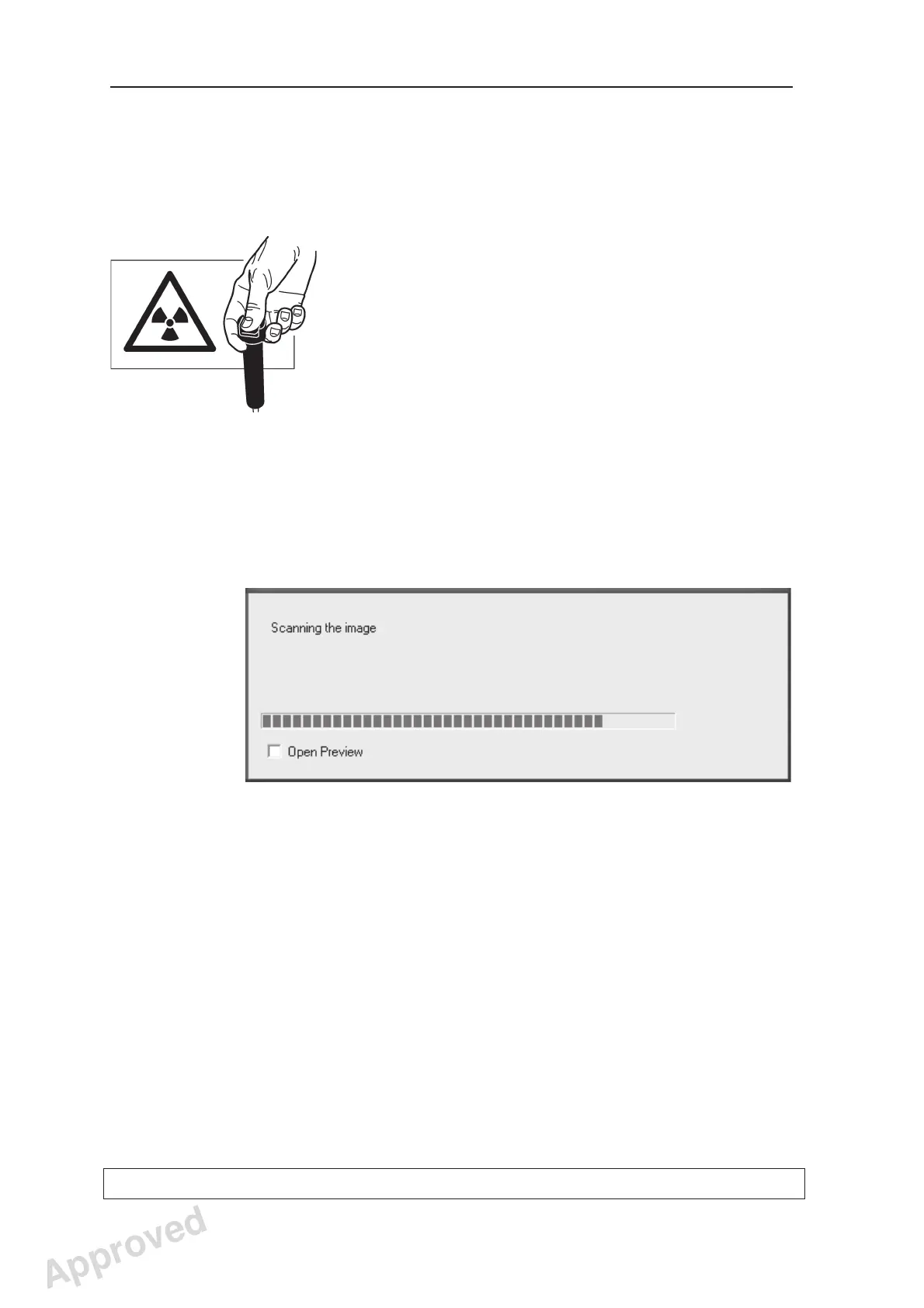
16. Move at least two metres from the unit and
protect yourself from radiation. Make sure that
you can see and hear the patient during the
exposure.
17. Press and hold down the exposure button for
the duration of the exposure. The exposure
starts when you hear the exposure warning
signal and the exposure warning indicator
(control panel) and light (side of the unit) come
on. The rotating unit will rotate around the
patient’s head and take the exposure. When the
exposure warning signal and rotating unit stop,
the exposure has been taken.
18. PC: After the exposure has been taken a
progress bar will appear. This indicates that the
image is being transferred to the PC.
19. If you wish to take a second TMJ exposure,
press the Return key to drive the unit back to
the PIO position, and reposition the patient and
take the second exposure, steps 13 -17.
Approved: Ukkonen Juha-Pekka 2015-03-13 13:08
Reviewed: Savinen Antti Juhani 2015-03-12 11:32
Approved
See PDM system to determine the status of this document. Printed out: 2016-01-27 12:19:26
D508980, 4
Copyright © 2015 by PaloDEx Group Oy. All rights reserved.



 To Next Page