CRANEX Novus e 3. Taking an Exposure
User manual 208898 31
5. A default kV value for the selected program will
appear on the display.
If you consider that the default kV value for the
program selected is not correct for the patient
being examined select a different kV value
based on the patient’s size, age and estimated
bone density.
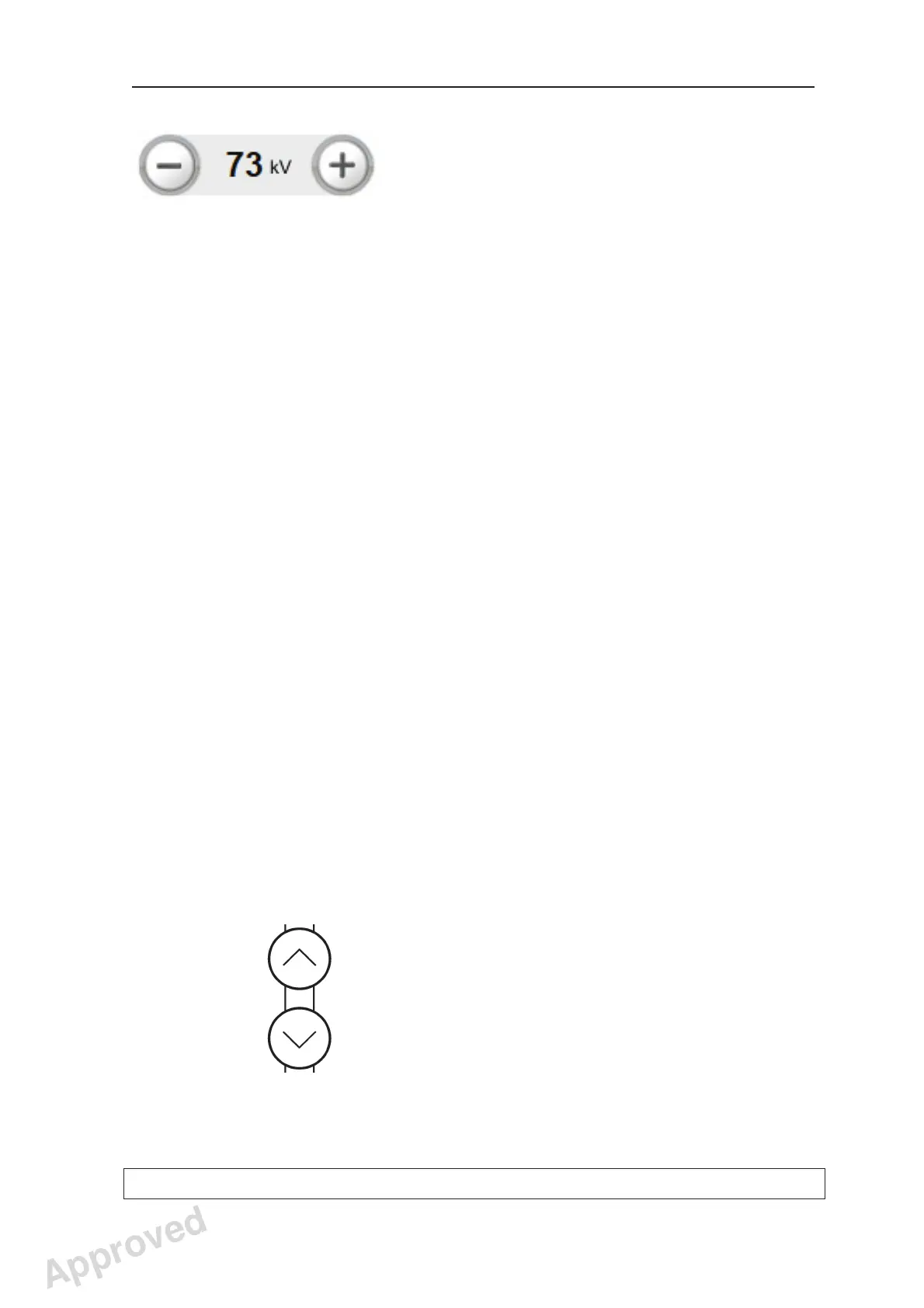
To change the kV value press the kV plus (+) or
minus (-) key.
The recommended values are:
- Large Adult, 77 kV
- Adult, 73 kV
- Juvenile or small adult, 70 kV
- Child, 63 or 66 kV
6. Ask the patient to remove any spectacles,
dentures, jewelry and hair clips and pins.
Place a protective lead apron over the patient’s
shoulders.
NOTE:
If the patient is nervous, you can reassure him/
her by demonstrating how the unit works before
taking the exposure. See chapter 4. Operating
the unit without generating x-rays.
7. Press the Up/Down keys to adjust the height of
the chin support so it is slightly higher than the
patient’s chin.
Approved: Ukkonen Juha-Pekka 2015-03-13 13:08
Reviewed: Savinen Antti Juhani 2015-03-12 11:32
Approved
See PDM system to determine the status of this document. Printed out: 2016-01-27 12:19:26
D508980, 4
Copyright © 2015 by PaloDEx Group Oy. All rights reserved.



 To Next Page