Installation and Reference Manual
Configuring PBX functionality
116
Installation and Reference Manual v3.2/0410/6
In the Translate CLI To field -
? (question mark) = withhold the number
Assigning a Dial Plan to a User
Dial Plans are assigned to Users and determine how digits dialled on their extension will be handled.
1 In Manager select Users
2 Select the User required
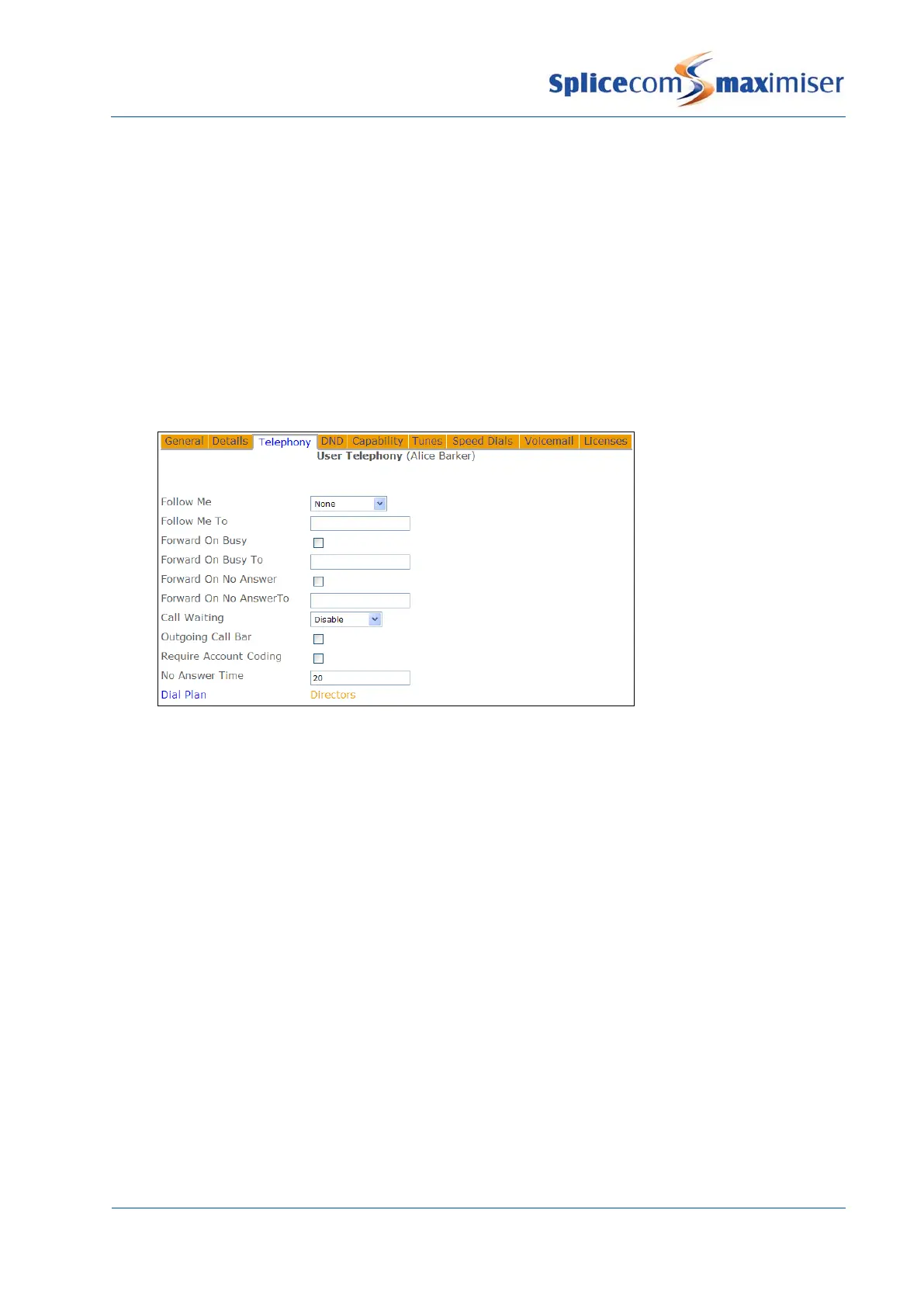
3 Select the Telephony page
4 Select Dial Plan
5 Select the Dial Plan required and this will be displayed in the Dial Plan field
6 Select Update or Apply when ready
A User will require a Dial Plan in order to make outgoing calls therefore if the User’s Dial Plan field is
blank this field will default to the Standard Dial Plan. It is therefore recommended that default Standard
Dial Plan is not deleted.
If different Dial Plans are going to be used by different Users and there are common entries in each dial
plan these common entries can be created in one Dial Plan and then associated with another Dial Plan so
that both Dial Plans are used. This means that these common entries do not need to be stored in each
Dial Plan.
1 Create a Dial Plan and create the entries that will be common to each User.
2 Create another Dial Plan and create the entries that will be specific to the particular User(s)
3 Within this Dial Plan select Common Dial Plan
4 From the Dial Plan list select the Dial Plan containing the common entries
5 Select Update or Apply when ready



 To Next Page