Installation and Reference Manual
Maintenance & Troubleshooting
Installation and Reference Manual v3.2/0410/6 269
Server section on page 252. Please then refer to the Using Telnet section from page 270 for further
details.
The files that are likely to be requested are:
Admin_xxxx.log – Call set up trace
Gateway_xxxx.log – ISDN trace
Voicemail_xxxx.log – voicemail trace
Core.xxxx – trace dumps
These files can be found in the root and should be copied to the ftp directory using the following
command:
mv a b = move a to b eg mv Admin_1265.log /ftp
Once placed in the ftp directory these files can be accessed as described in the Admin Access to a Call
Server section on page 252.
You may also be asked to access the following files:
cat /dev/emlog0 catalogue file – this is main unit trace
cat /dev/emlog1 gateway trace
cat /dev/emlog2 voicemail trace
cat /dev/emlog3 phone module trace
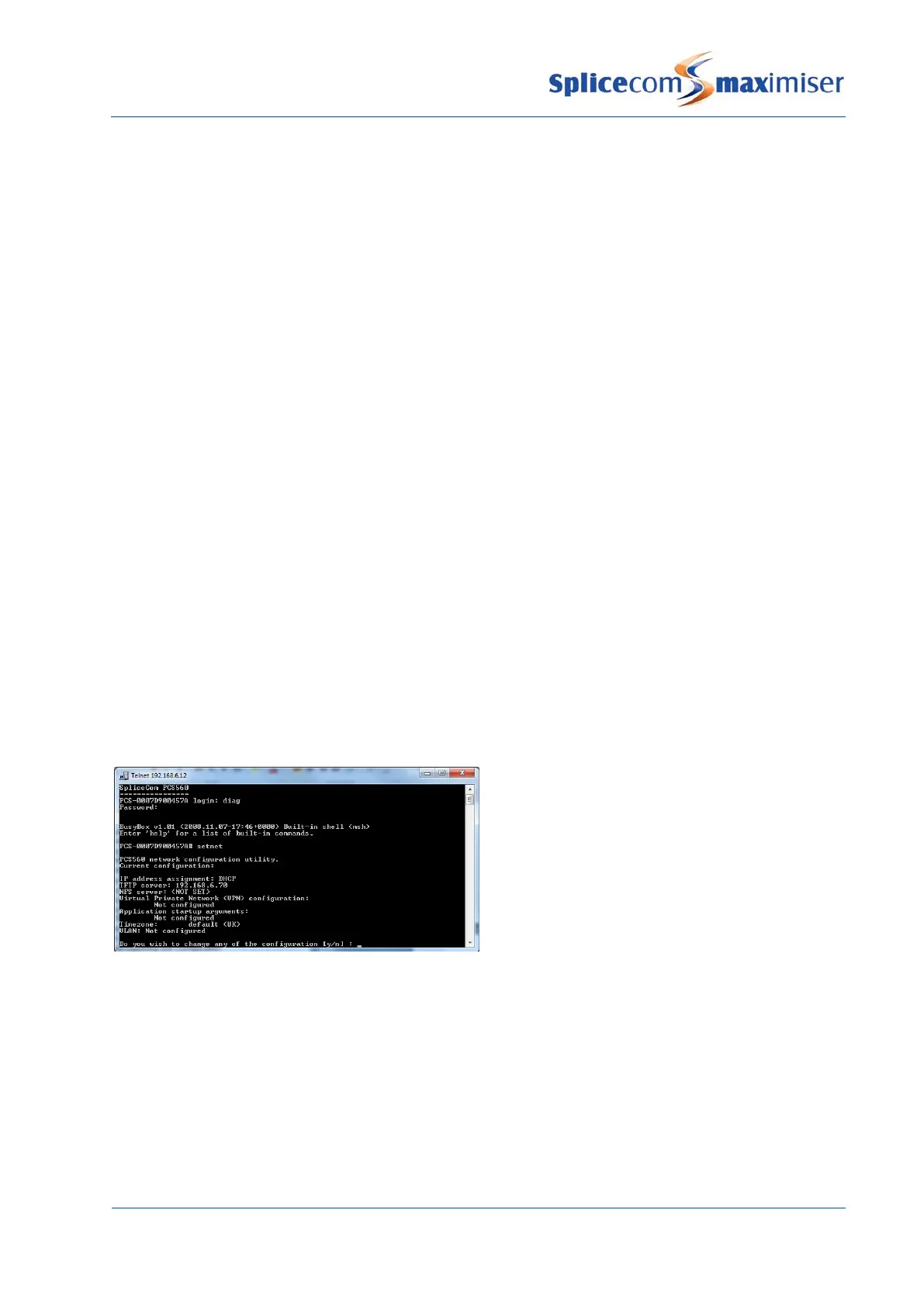
Setnet is a facility that can be used to change the network configuration of a module, such as a Phone
Module, or PCS 580, 570, 560, 410, 400 or 100. Typical use would be to give a Phone Module or PCS IP
phone a static IP address.
Setnet is accessed as follows:
1 Within a Command prompt enter
telnet <ip address of Phone Module/PCS 580/570/560/410/400/100> eg telnet 192.168.0.250
then press Enter
2 You will be prompted for a Username, enter
diag
, then press Enter



 To Next Page