Installation and Reference Manual
Configuring PBX functionality
Installation and Reference Manual v3.2/0410/6 143
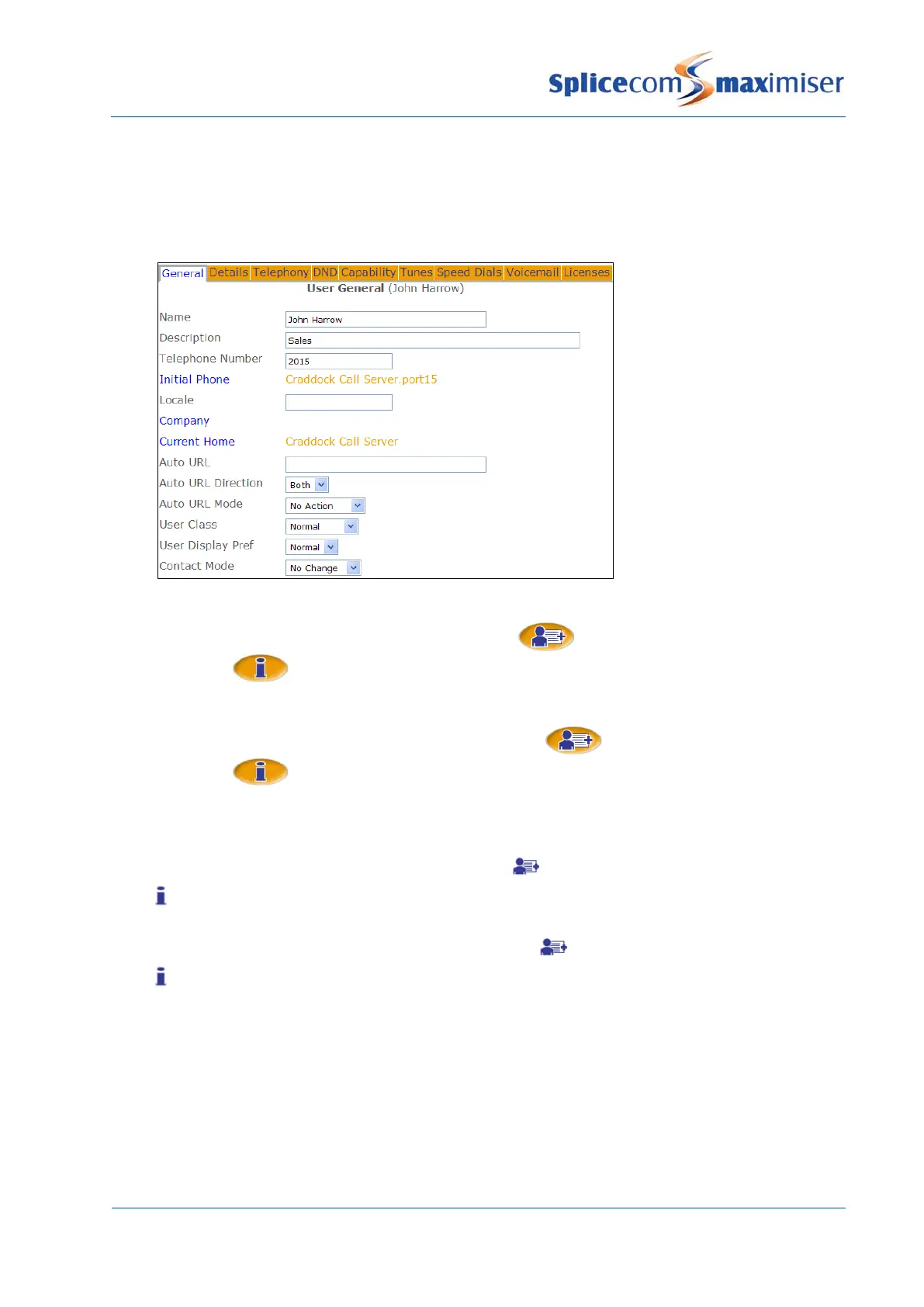
a Add/Update – this is the default entry. The User will be able to create new entries and amend
existing entries
b Update – the User will be only able to amend existing entries.
c No Change – the User will not be able to create new entries or amend existing entries.
4 Select Update or Apply when ready.
When the Update option is selected the New Contact icon will not be available, however the
Information icon will be displayed when a Contact is selected and changes to the Contact can
be made.
When the No Change option is selected the New Contact icon will not be available, the
Information icon will be displayed when a Contact is selected but any changes made will not be
saved.
When the Update option is selected the Add Contact icon will not be active. The Information
icon will be available to view the Contact details and any changes can be saved.
When the No Change option is selected the Add Contact icon will not be active. The Information
icon will be available to view the Contact details but the Save/OK button will be unavailable and any
changes will not be saved.
Using an Ambiguous Number
The Ambiguous Number field can be used to match a range of numbers, particularly useful if a company
has a large DDI number range. The ? is used to specify any number, therefore an entry of, eg 01923
2877??, will match all calls within the range of 01923 287700 to 287799. Contacts with a complete match
will have priority over an ambiguous number.



 To Next Page