Installation and Reference Manual
Configuring PBX functionality
156
Installation and Reference Manual v3.2/0410/6
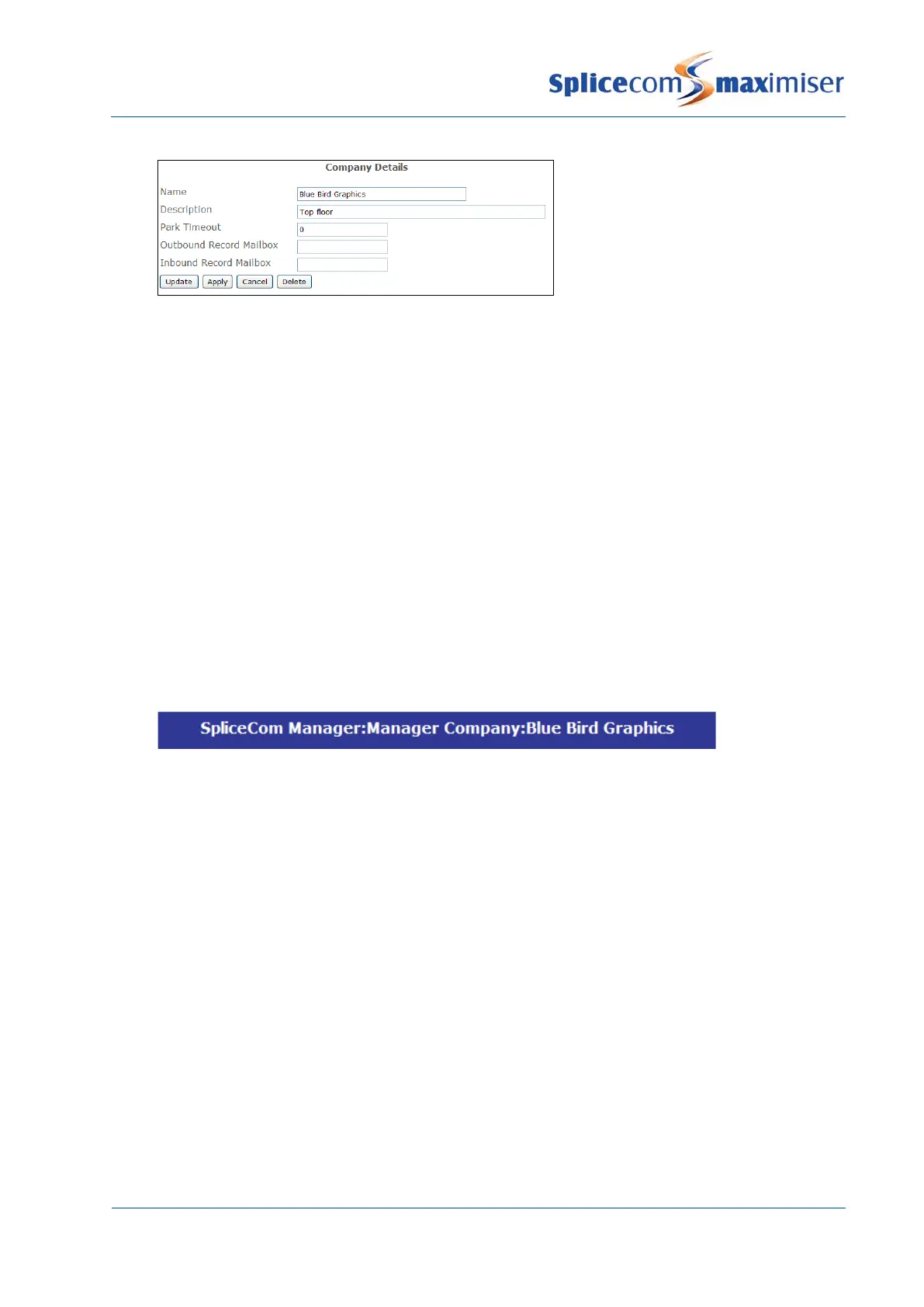
Each Company is identified on the database by a GUID (Global Unique Identifier). This unique identifier
can be displayed by selecting Utilities and then Voicemail GUIDs.
For further information on using a Park Timeout and parking a call please refer to the Using the Park
Facility section from page 106.
For information on how to record inbound and outbound external calls made by a member of a
Company please refer to the Call Recording section from page 232.
Each Company can have its own Contacts database, Meet Me Conferences and Auto Attendant; and
specific Users, Departments, Groups, Time Plans and Assistants can be assigned to the Company. These
can be administered via the Manage Company feature as follows.
1 In Manager select Manage Company
2 From the Select Company to Manage list select the Company required
3 The Company that you are currently managing will be displayed in the title bar
4 Select either Users, Departments, Contacts or Meet Me Conferences to manage these objects
within the Company
Users created while managing a specific company will be automatically assigned to that Company.
Users assigned to a Company will only be able to view, via the Users Directory on their PCS, Users
assigned to the same company. The User will still be able to dial other Users on the system however they
will not be able to do this via the Users Directory.
Users assigned to a Company can use the Call Pick-up feature on their PCS 50 and 410/400 for extensions
who are also members of the same company. The relevant extension must be set up in their Speed Dial
list.
Park slots are company dependent; therefore a User will not be able to pick up a parked call parked by a
User belonging to different Company or a global User (a User not assigned to a specific Company).
Please refer to the Using the Park Facility section from page 106 for further information.



 To Next Page