Installation and Reference Manual
Configuring PBX functionality
158
Installation and Reference Manual v3.2/0410/6
Clear the Manage Company feature
When you wish to return to managing the complete database the following steps can be taken:
1 In Manager select Manage Company
2 Select Clear
3 The title bar will display that the Manage Company feature is no longer on and all Users,
Departments etc can be viewed.
Assigning an existing User/Department/Group/Time Plan to a Company
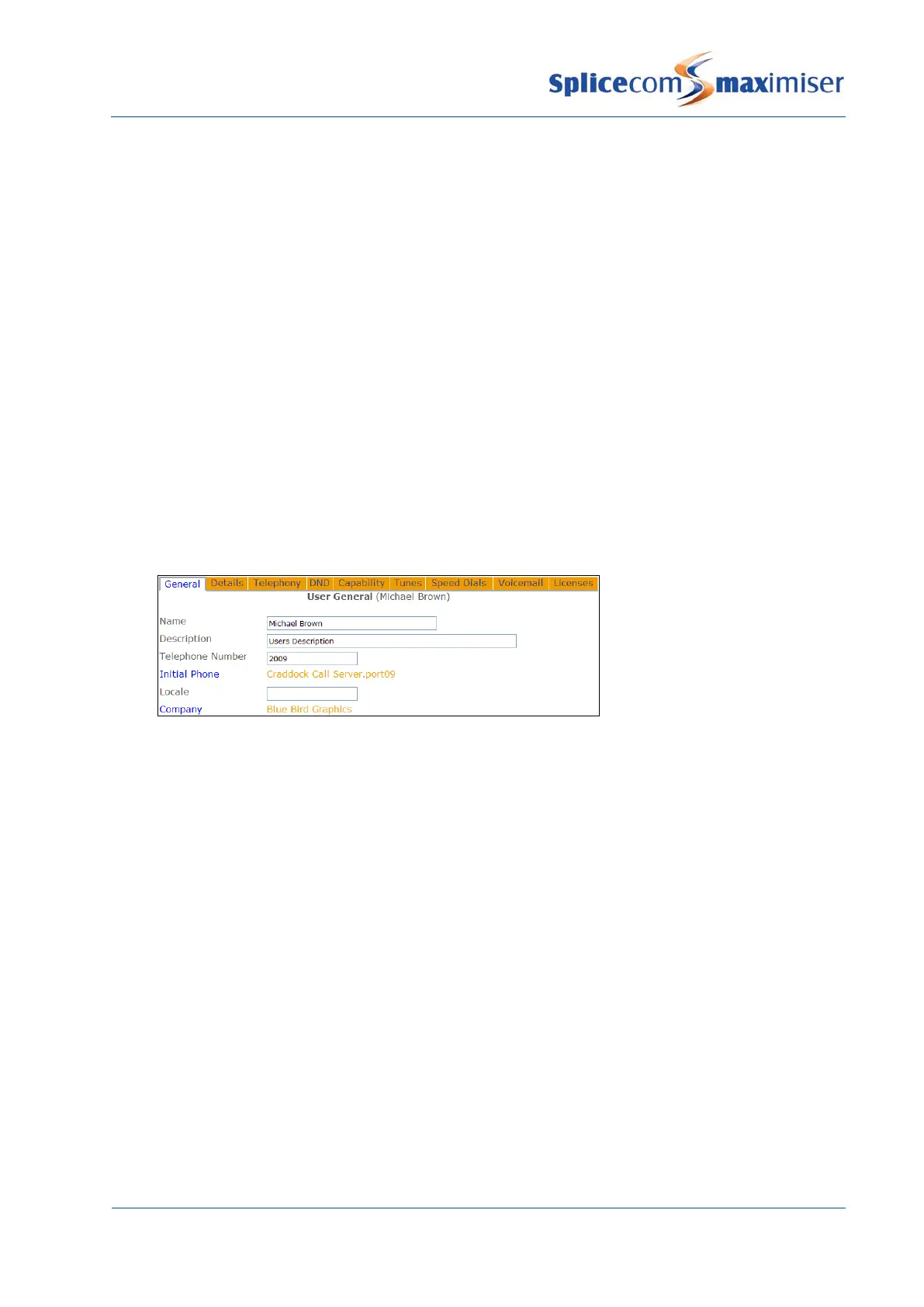
An existing User, Department, Group or Time Plan on the system can be assigned to a Company if
required.
1 In Manager select either Users, Departments, Groups, or Time Plans
2 Select the User, Department, Group or Time Plan required
3 Select the Company field
4 From the Select Company list select the Company required and this will be entered into the
Company field
5 Select Update or Apply when ready.
A User that is not assigned to a Company will remain a global User and will be able to view all Users
regardless of the Company to which they belong. This is useful if, for example, a centralised reception is
being used for all Companies.
A global User will be able to view all Departments regardless of the Company they belong to.
Creating a Default Company
All Users, Department, Contacts etc that do not belong to a specific Company are global Users, global
Departments and so on. If you wish to configure features available via a Company for the global entries,
such as the Park Timeout, call recording etc, create a Company called Default and configure the feature
required. Do
add the global Users, global Departments etc to this Company.
Routing calls from a Companies’ Contact to a specific User or Department
Calls from a particular Contact may need to be handled by a specific User or Department, the
imiser
can route calls directly rather than via the receptionist first, for example. However, if the Contact belongs
to a Company the system needs to know which Company’s list of Contacts to search. This feature can be
configured as follows:



 To Next Page