Installation and Reference Manual
Internal Web Server
Installation and Reference Manual v3.2/0410/6 185
A PCS 60, 50 and 410/400 can display web pages when the incoming CLI of a call matches a number
entered in a Contact or when a call is routed via a Department. The path to the web page should be
entered in the Auto URL field, this can point to an external web page if an Internet connection is
available, or to a page stored on the customer’s Intranet or to a page stored on the internal Web Server.
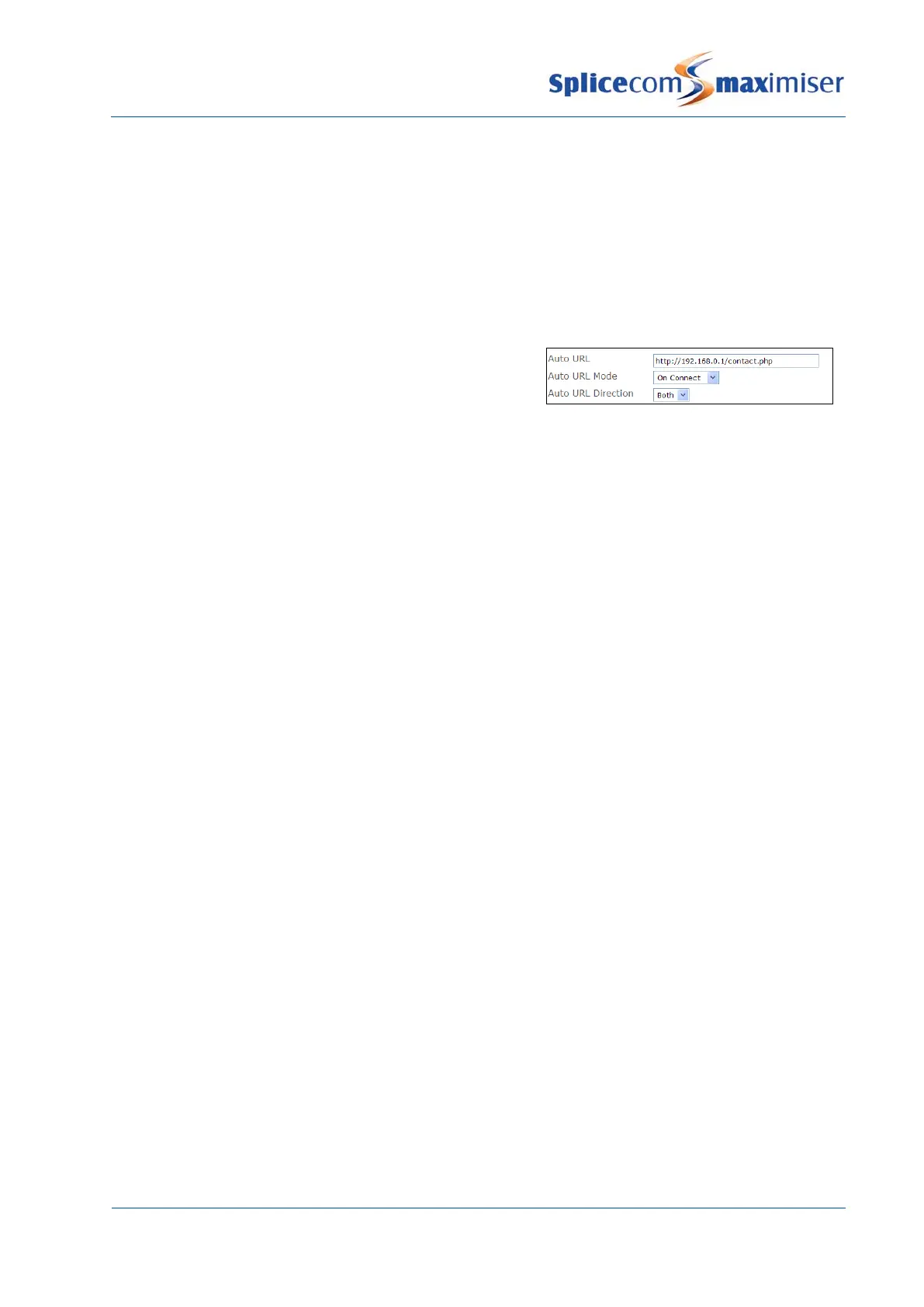
To point the Auto URL field to a file stored on the internal Web Server enter:
http://<ip address of Call Server>/<file name>.php
eg http://192.168.0.1/contact.php
The Auto URL Mode field then determines when this web page will appear, either:
On Ring – when a call is presented to the phone and before it has been answered.
or
On Connect – once the call has been answered.
Contact.php is an example page provided by default on the Web Server to demonstrate information
available from the Call Server. This information could be used by a web author to, for example, search a
database and display the results of the query.
To demonstrate the information available, in the Auto URL field, enter
http://<ip address of call server>/contact.php?n=%n&c=%c&u=%u&e=%e&d=%d&p=%p&t=%t
%n = Number Caller’s number
%c = Contact Caller’s name (if available)
%u = User Name Recipient’s User name
%e = Extension Number Recipient’s extension number
%d = Destination Number Destination of the call – User or Department number
%p = Port Address of the phone receiving the call
%t = Target Name Name of the destination – User or Department name.
An Event can display an external web page if an Internet connection is available, or a page on the
customer’s Intranet or a page on the internal Web Server.
To point an Event to a file stored on the internal Web Server enter:
http://<ip address of Call Server>/<file name>.php
eg http://192.168.0.1/input6.php
Please refer to page 181 for further information on Events.



 To Next Page