Installation and Reference Manual
Working with Voicemail
Installation and Reference Manual v3.2/0410/6 195
Using Voicemail Call Back
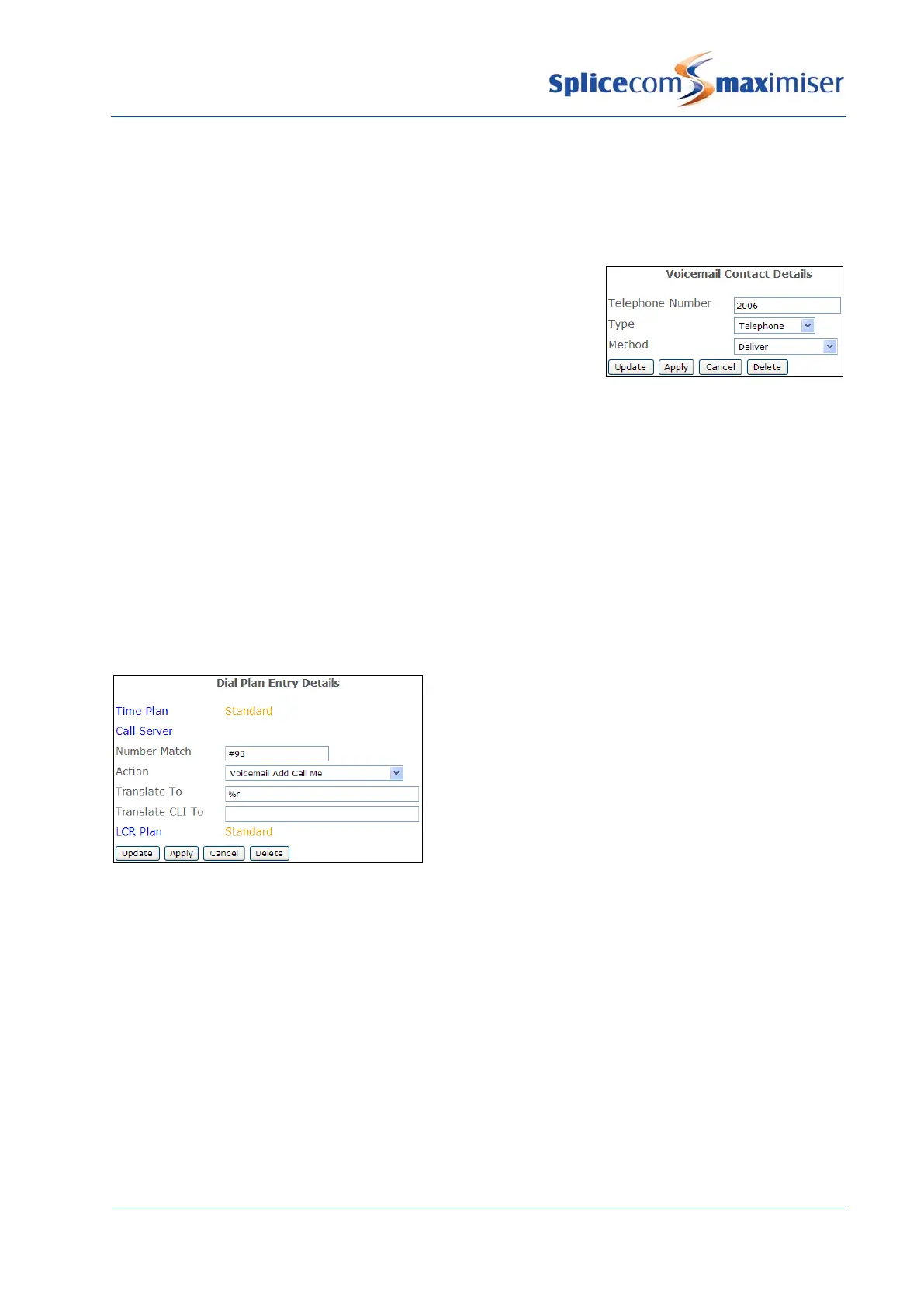
The Voicemail Call Back facility can be configured to automatically ring the User when a new message
has been received and on answer deliver the new message.
1 In Manager, select Users
2 Select the User required
3 Select the Voicemail page
4 Select the Add Voicemail Contact button (at the bottom of the
page)
5 In the Telephone Number field enter the User’s extension
6 From the Type list box select Telephone
7 From the Method list box select Deliver
8 Select Update or Apply when ready.
Voicemail will attempt to deliver a new message immediately the message is received. If this is not
successful this will be repeated after 3 minutes, 10 minutes, 30 minutes, 1 hour and every 3 hours until
the call back has been answered.
Please note: Ensure that the relevant voicemail Port has been configured with a Dial Plan otherwise the
voicemail server will not be able to dial the digits entered in the Telephone Number field.
A Voicemail Contact entry as describe above can also be created via a Dial Plan entry similar to the
following example:
By dialling, for example, #982006#, the above
example Voicemail Contact entry would be
created for the User on whose extension the
digits where dialled.
A Voicemail Contact entry created to use the Voicemail Call Back facility can also be removed via a Dial
Plan entry similar to the following examples:



 To Next Page