Installation and Reference Manual
Importing and Exporting the Configuration
246 Installatio
n and Reference Manual v3.2/0410/6
Please note:
• MS Excel will remove leading zeros from numbers therefore it is recommended that you to format all
columns containing telephone numbers as text.
• This feature does not download entries within the User’s Speed Dial page.
Use the Refresh option (at the top right hand corner of Manager) to return to the first Modify Users
screen.
Upload the amended Users configuration to the database
1 From Manager select Utilities
2 Select Modify Users
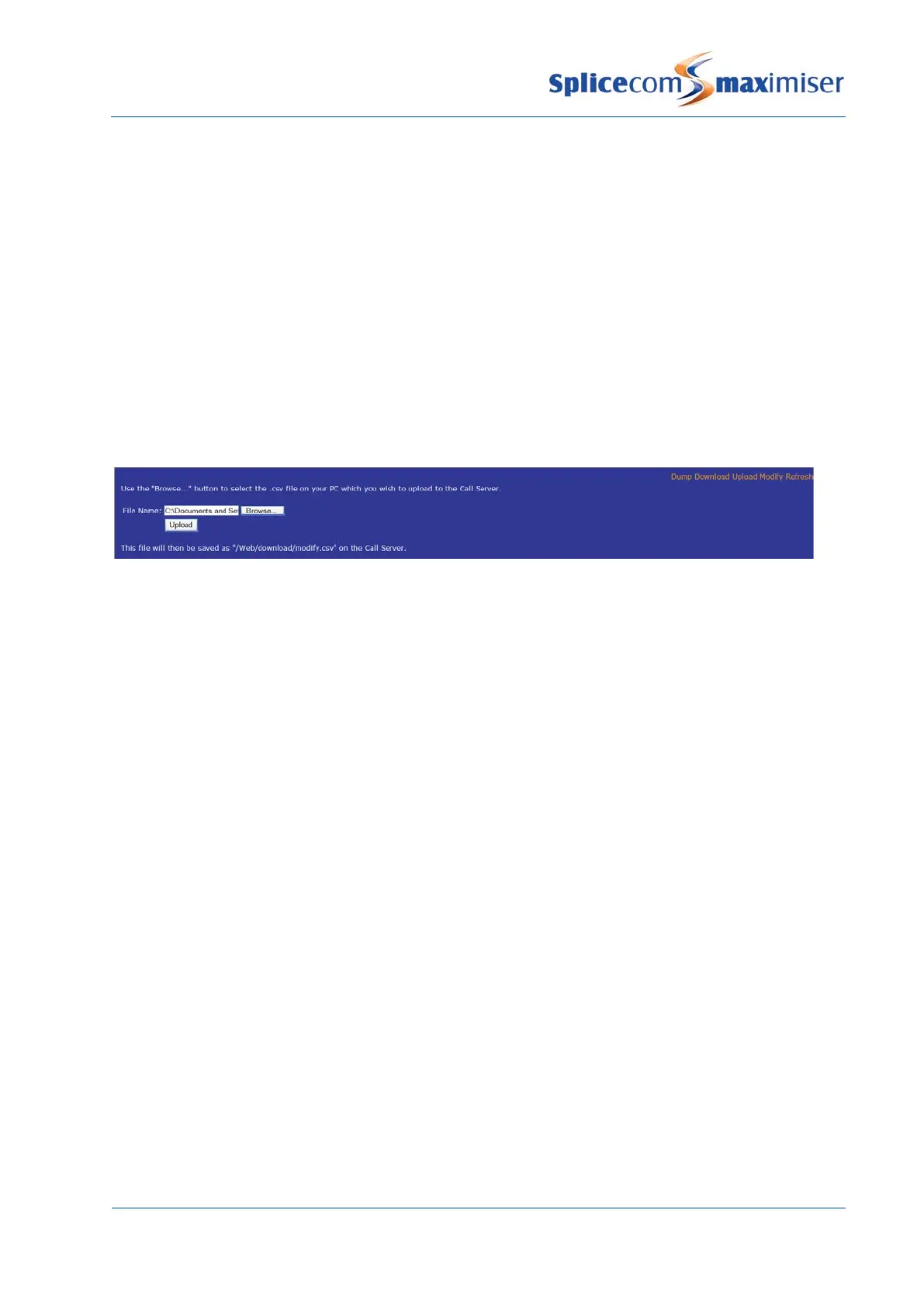
3 Select Upload
4 Select Browse to select the .csv file to be uploaded
5 Select the Upload button and the file will be saved as modify.csv in the Download folder on the
Web server.
6 To make the changes to the configuration on the database select Modify
7 Select Continue from the message displayed
8 Details of the upload will be displayed followed by “Done” to confirm that changes have been
completed.
Please note: when certain fields are amended in this way Users’ phones will re-register with the system
and interrupt active calls.
Use the Refresh option (at the top right hand corner of Manager) to return to the first Modify Users
screen.



 To Next Page