53/317
3 - Programming a microcontroller
03-prom
3.1.2.6 Simulators
A simulator is a tool that pretends to run an absolute executable program. Like the other tools,
it runs on the programmer's own PC. It interprets the machine code that is specific to the
chosen processor or microcontroller, and outputs the results on the PC screen, without the
need for actually building the application hardware or even obtaining a sample of the target mi-
crocontroller.
The simulator allows the program to be run step-by-step (instruction-by-instruction), allowing
the programmer to watch the values changing in any register or memory location that result
from the execution of the instructions. It also makes it possible to put breakpoints in the pro-
gram, which are traps that stop the execution it reaches the address of the instruction where
the breakpoint was put. This can be used to run some parts at full speed and then stop on
reaching parts that are not yet fully functional, to avoid walking step-by-step through a lot of in-
structions that have already proven to be correct.
The progress of the execution can be followed on the screen in a special window that shows
the source file, and a cursor indicating the next line to be executed. At the same time, other
windows may display items like a range of data memory, the registers, the values of selected
data in a selected format (byte, word, character string...).
The user is even allowed to alter the values of the registers of the core, of the input-outputs, or
in memory, for example to correct a programming mistake, and continue the execution with
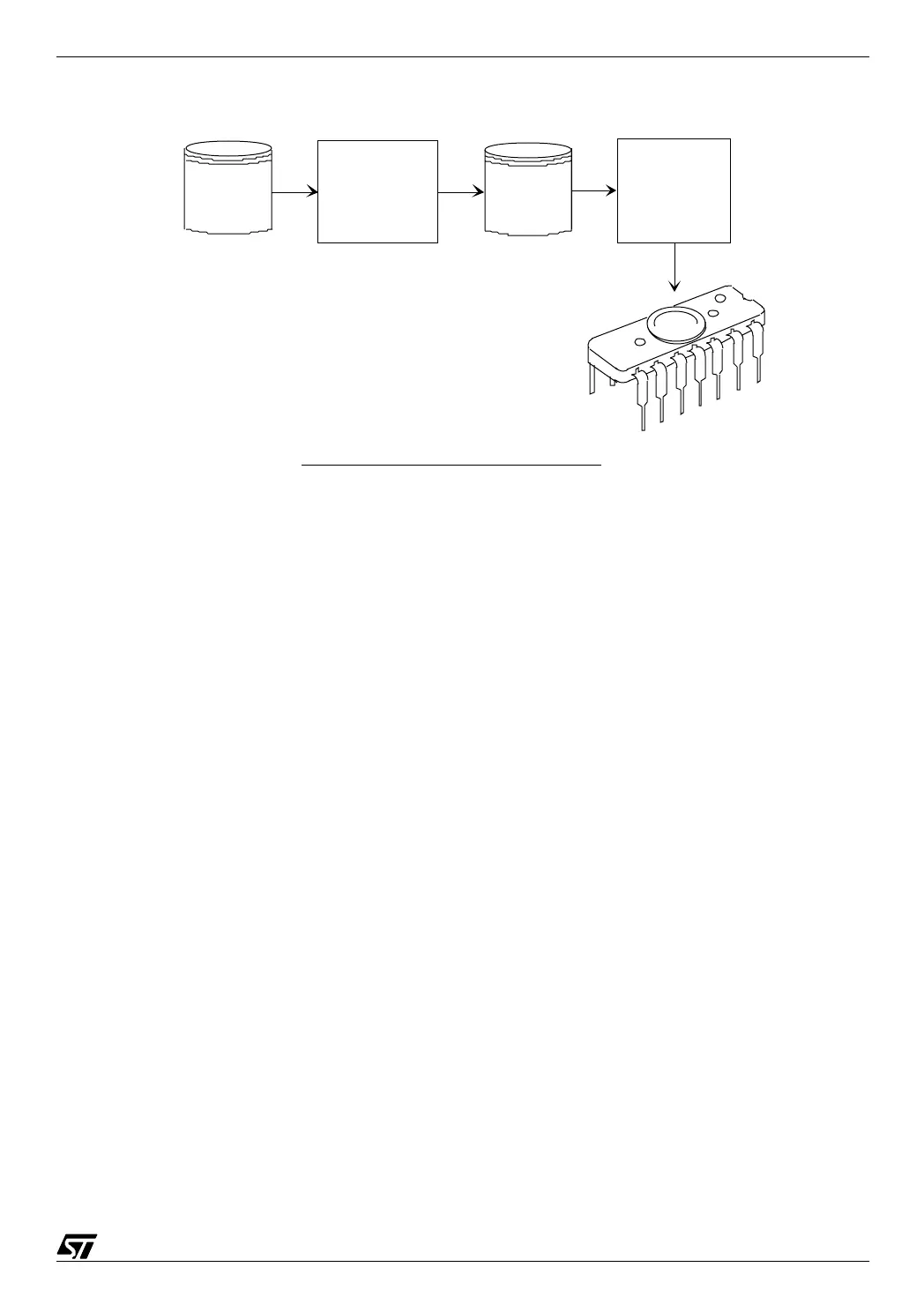
File.cod
or
File.abs
Absolute object file
Executable file
formatter
File.s19
Memory content
image file
Eprom
programmer
microcontroller
with built-in EPROM
Programming a microcontroller



 To Next Page