197/317
7 - Debugger and PROM Programmer Tutorial for ST72251
07-emu10.bmp
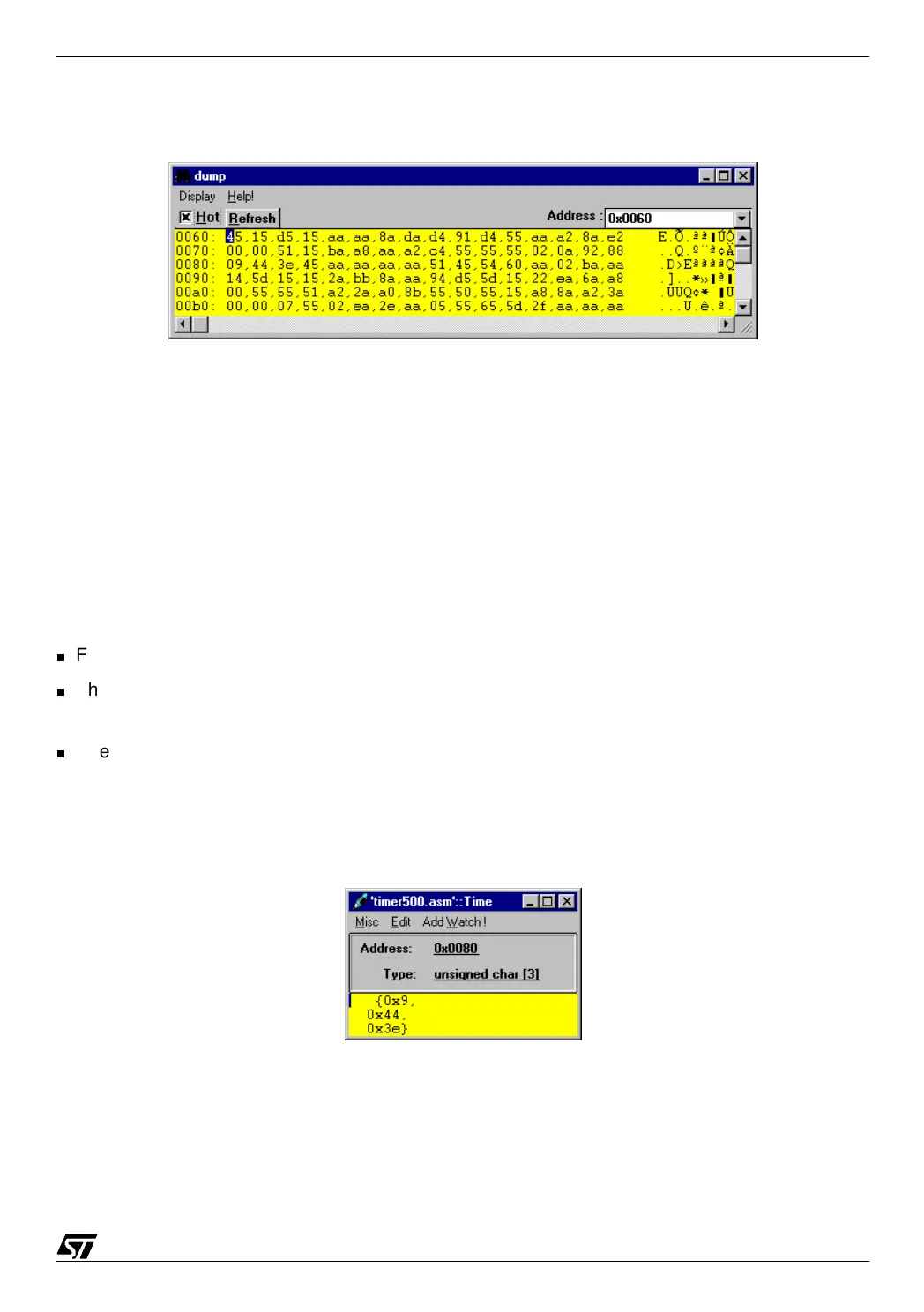
Now, if we step through the timing loops, we can see the values changing.
7.3.3.4 Using Inspect and Watch
The memory inspection as shown above gives access to the whole data and program in
memory; however, it only gives the raw data that is not necessarily easy to understand and
that is buried among a lot of irrelevant information.
When your attention is focused on a particular variable, it is much more convenient to use the
Inspect function as follows:
First, place the cursor anywhere on the name of a variable in the source window.
Then, press the button “Inspect” at the top of the window. Let us assume that we have
selected the variable
Time in the Timer500 source window.
The following box then opens, showing the contents of the variable. Here, the variable has
been declared as an array of three bytes, and it is displayed accordingly:
07-emu10b.bmp



 To Next Page