185/317
7 - Debugger and PROM Programmer Tutorial for ST72251
A power supply, that connects to a wall outlet and to the programming board though a
coaxial jack
A cable that connects the programming board to a parallel port of the computer
The software stored on disk
7.2.1 EPROM programmer Installation
First connect the parallel port of the computer to the programmer using the supplied cable,
then apply power to the board using the power supply provided.
The software has already been installed with the STMicroelectronics Software Tools as de-
scribed in the previous chapter.
7.2.2 Using the EPROMER software
The EPROMER is accessible from the ST7 Tools program group that the installation has put
on the hard disk of your computer.
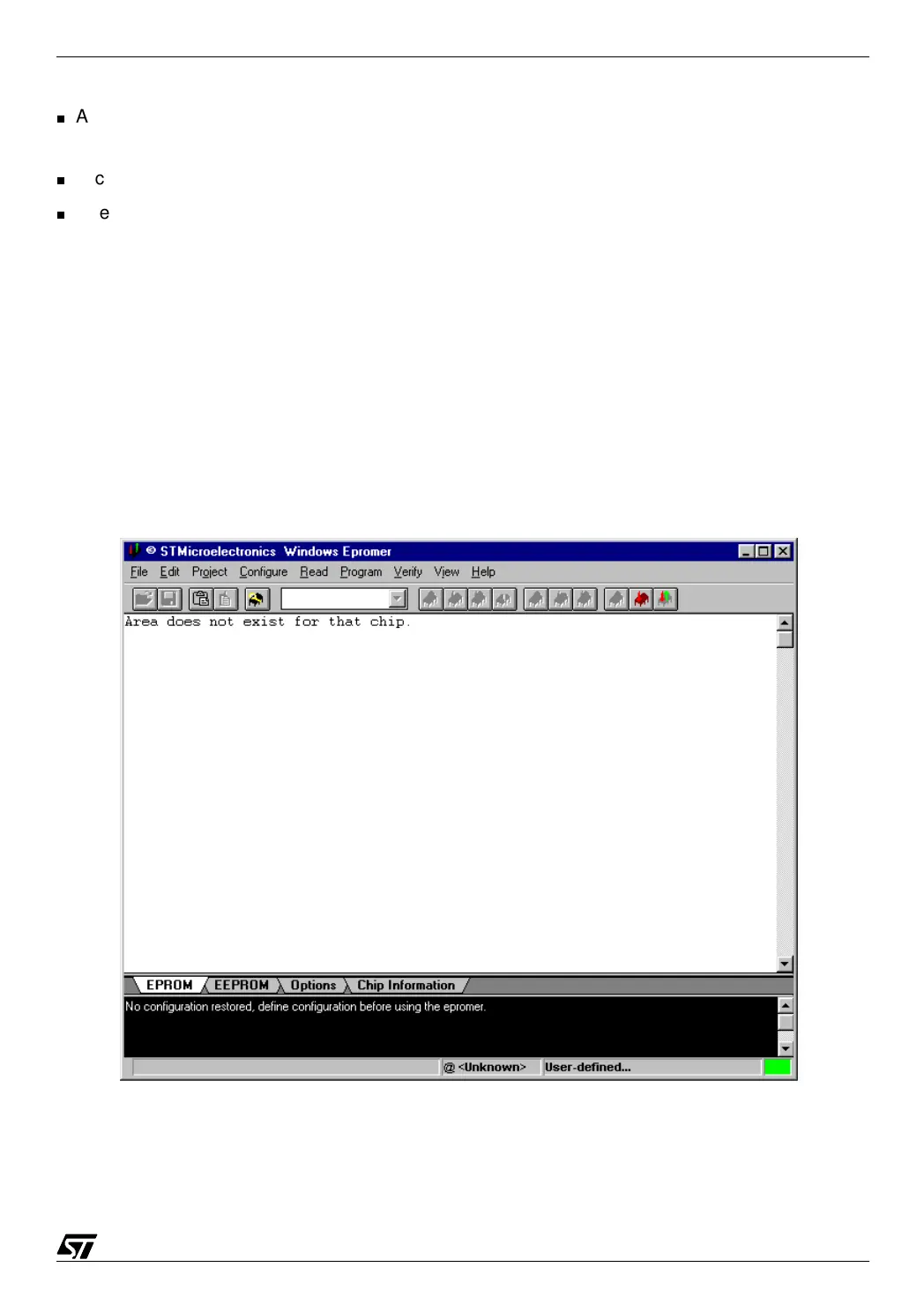
Using the shortcut, launch the EPROMER. The following window opens:
07-prog1.bmp
The EPROMER must now be configured both for the actual board connected to it, and for the
type of chip to program.



 To Next Page