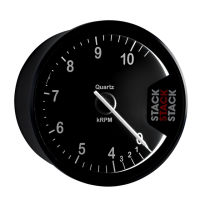
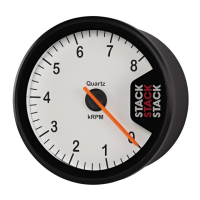
ST500 Tach-Timer Memory review
© Stack Limited
37
Standing quarter mile timer review – Standard feature on ST500SR.
Optional on other models.
The display shows the time that it took to cover
a quarter mile from a standing start. The timer
will be triggered automatically each time the
vehicle starts moving. This information also
appears in a pop-up message for the driver. You can use the Setup menu
to enable or disable the pop-up message.
Battery voltage measurement and review – Standard on all models.
Shows the battery voltage measured by the
Tach–Timer. Press the Driver button to display
the lowest value for battery voltage measured
since you last reset the peaks.
Press the rotary control to return to the normal
operating mode. The display will return to the
layer on view before you entered the menu
structure.


 To Next Page