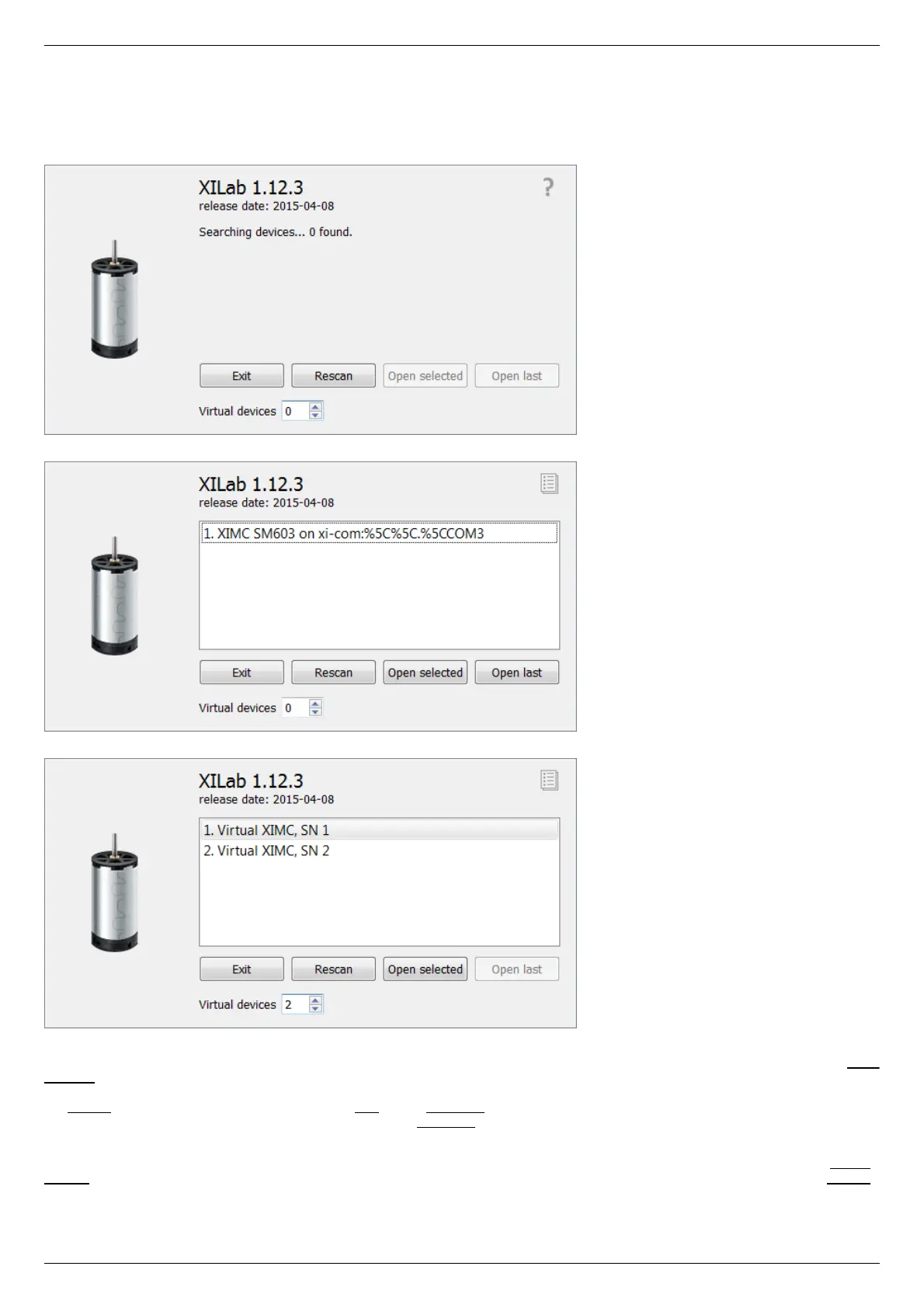
5.2.1. XILab Start window
When started, XILab opens a controllers detection window. By means of libximc library, XILab queries controllers connected to the
system and displays a list of found and successfully identified controllers.
XILab Start Window, 0 controllers found
XILab Start Window, 1 controller found
XILab Start Window, 2 controllers found
The list of found controllers is displayed on the start screen. Here you can select one or more controllers and open them using the Open
selected button. If one controller is chosen, then XILab Main window in single-axis control mode will be opened, if more than one
controller is chosen the XILab Main window in multi-axis control mode window will be opened. You could repeat the search by clicking
the Rescan button or exit the program by clicking Exit. If the Open last button is active it means that all the controllers that had been
opened in the previous run of XILab were found. Clicking the Open last button will then open the last saved configuration.
XILab can work with virtual XIMC controllers, which support the request-response protocol of a real controller. Virtual controllers may
be useful for testing and getting used to the XILab interface, if no real hardware controllers are connected to the system. The Virtual
devices field contains the number of virtual controllers which will appear in the list of available controllers after you press the Rescan
button or restart the XILab.



 To Next Page