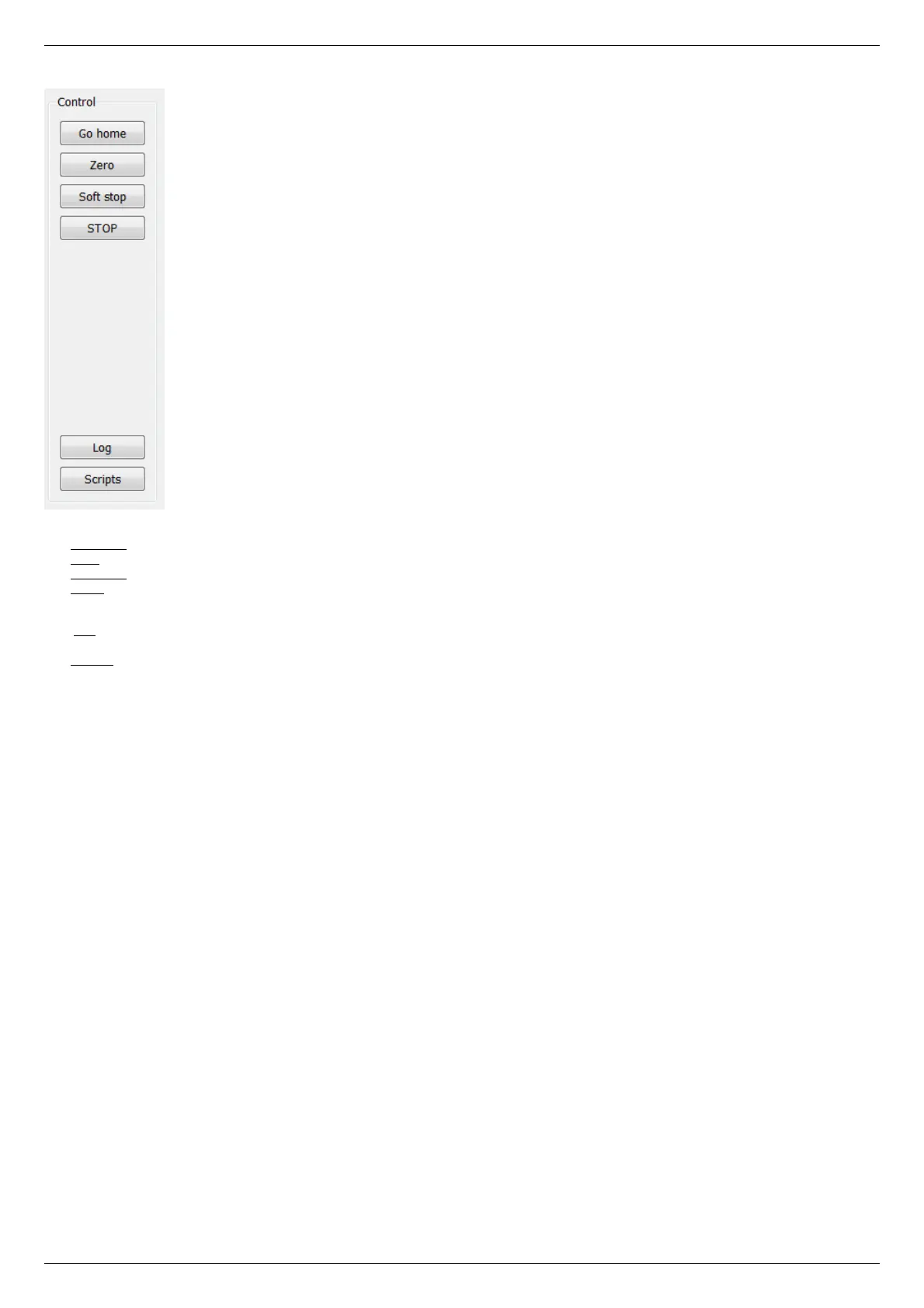
Control block
The Go home button searches for the home position independently for each of the controllers; see Home position settings.
The Zero button resets the current position of the motor and value of the encoder for each controller.
The Soft stop button executes a soft stop for each of the controllers.
The STOP button sends an emergency stop command to each controller, resets their Alarm statuses, clears their command buffers for
synchronous motion and stops a script if one is running.
The Log button opens a window with log information. Here you can find diagnostic information (errors, warnings, informational
messages) from XiLab, libximc and script sources.
The Scripts button opens a scripting window, see Scripts.
Block of status indicators for controllers and motors



 To Next Page