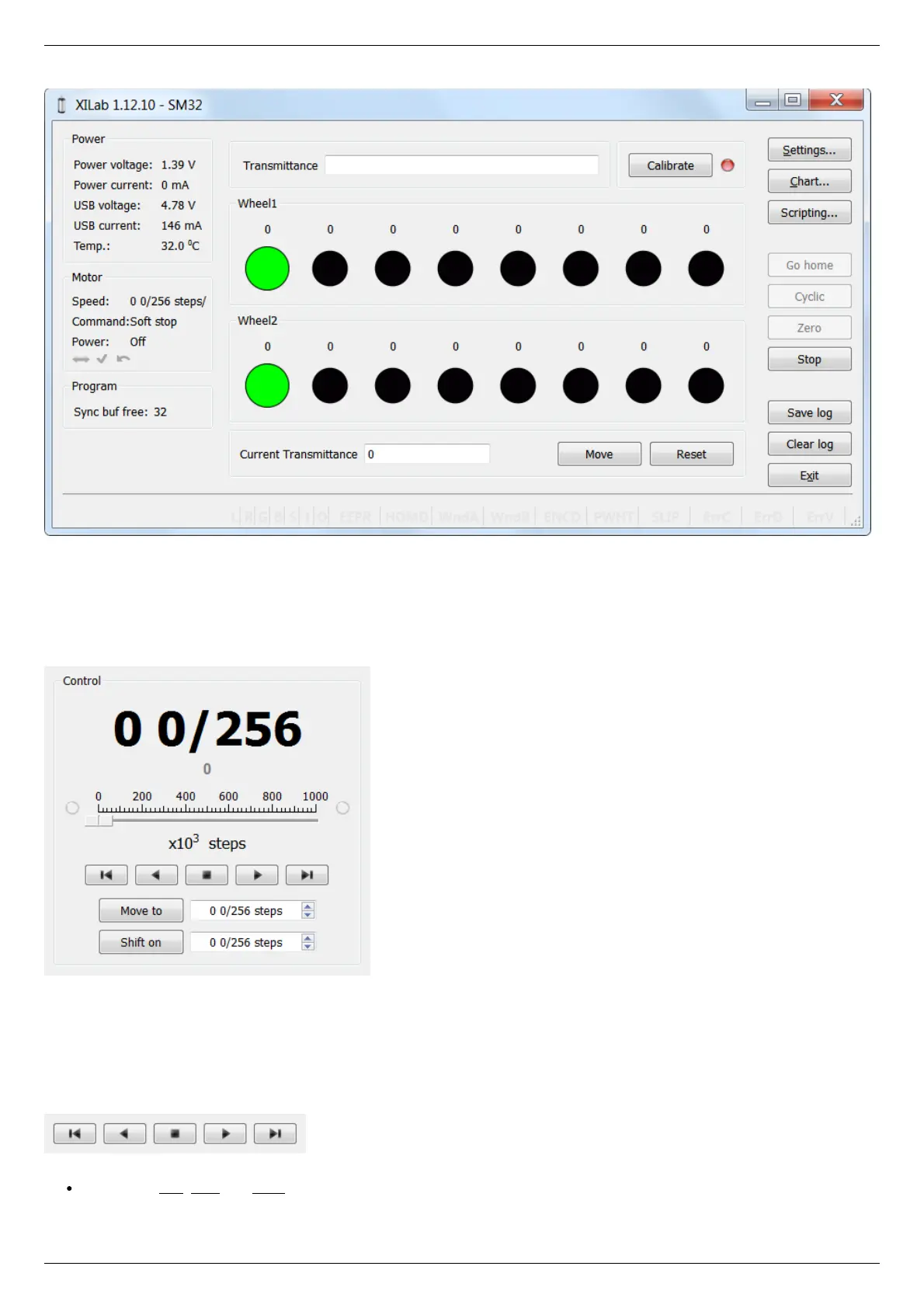
XILab Main Window in Attenuator mode
In the left part of the window in Power and Motor groups of parameters status of the controller and the motor is available. In the
central part of the window there is the Control group, containing the elements of motor motion control. On the right there is a group
of buttons to control the application as a whole. At the bottom there is a log, which is hidden as the window is resized to its minimum
size and a status bar. Below we consider these groups in more detail.
Motion Control Unit
Control Unit
In the central part of the block there is an indicator of the current position. Below it, in case the encoder is enabled, is located an
encoder position indicator. In the closed loop mode (see Operation with encoders section) the main and the secondary indicators swap
their places.
Below is the Control unit, containing the elements of motor motion control. Let us examine them in greater detail:
Movement without specifying the final position
Movement control buttons
The buttons Left, Stop and Right trigger movement to the left without specifying the final position, stop with deceleration any
previously started movement, and start the movement to the right without specifying the final position, respectively.



 To Next Page