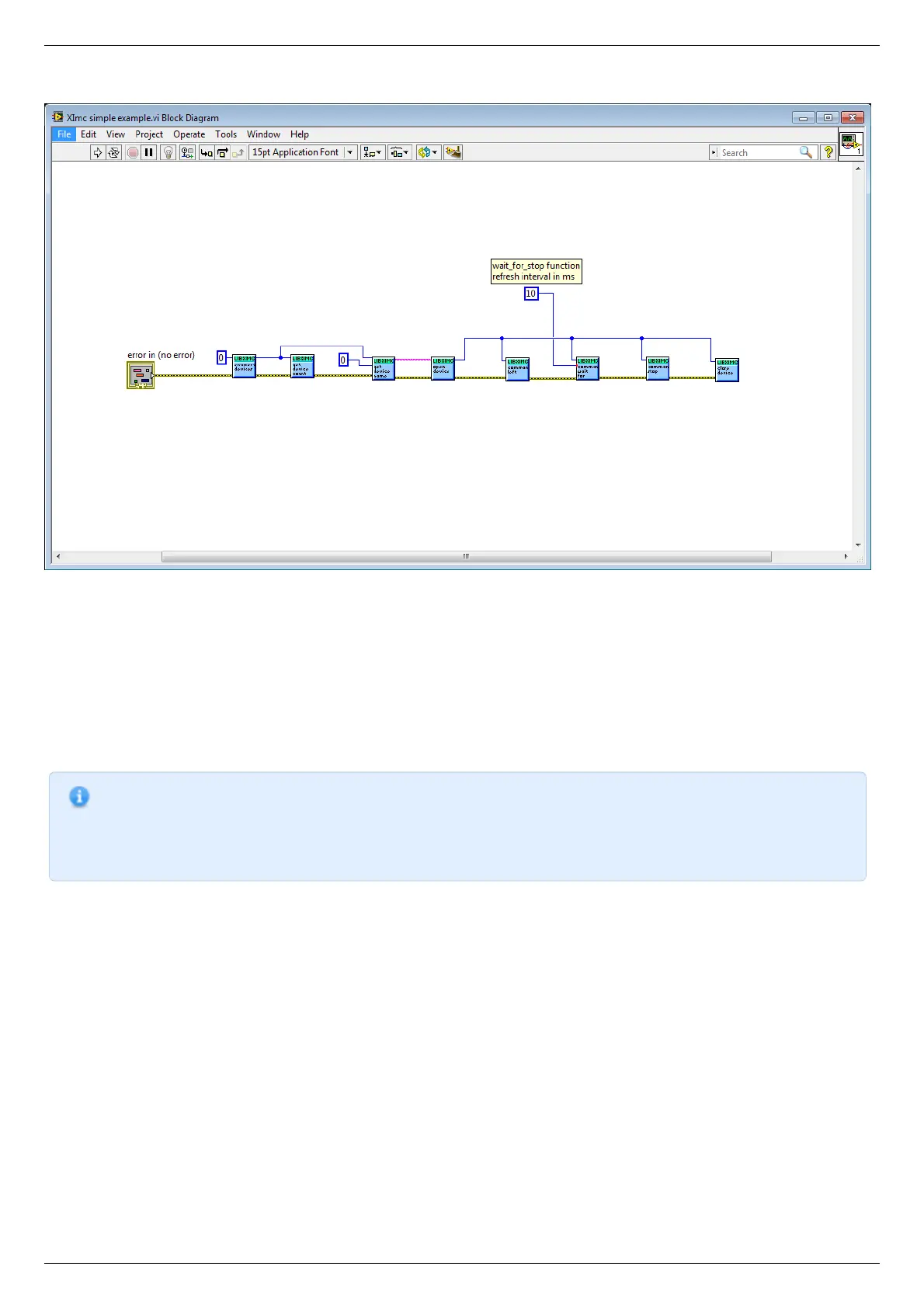
Let's review how to create a simple Labview program with libximc library using "Ximc simple example.vi".
The program starts by calling enumerate_devices function and passing it the enumerate flags parameter (for details see Programming
guide). Result of the enumerate_devices function call is an opaque pointer and is passed to the get_device_name function together
with device number, whose name we want to find out (one can get total number of found devices by passing the same opaque pointer
to the get_device_count function). Result of the get_device_name function call is a string, which is passed to the open_device function.
This function call sequence is not mandatory (though recommended) - one can manually form device name string and pass it to the
open_device function directly.
Result of the open_device function call is a device handle, or a ximc.h header constant device_undefined, which is returned if libximc
could not open specified device. Device handle is passed to all functions which read data from the controller, write data to the
controller or send commands to the controller, together with appropriate parameters if necessary by function prototype. "Ximc simple
example.vi" calls command_left, command_wait_for_stop and command_stop as an example. After you stop using the controller you
need to close its handle by passing it to the close_device function. After you stop using enumerate_devices result you need to free
allocated memory pointed to by this opaque pointer by passing it to the free_enumerate_devices function (not shown in this example).
Note. Libximc library opens controllers in exclusive access mode. Any controller opened by libximc needs to be closed
before it may be used by another process. Do not stop this Labview example or any other Labview program which
uses libximc with the "Abort execution" button - this doesn't give the running program a chance to call the
close_device() function, thus all open controllers will become locked and inaccessible until you close Labview
environment entirely.



 To Next Page