Helios Users Guide
www.starcomgpsglobal.com 107
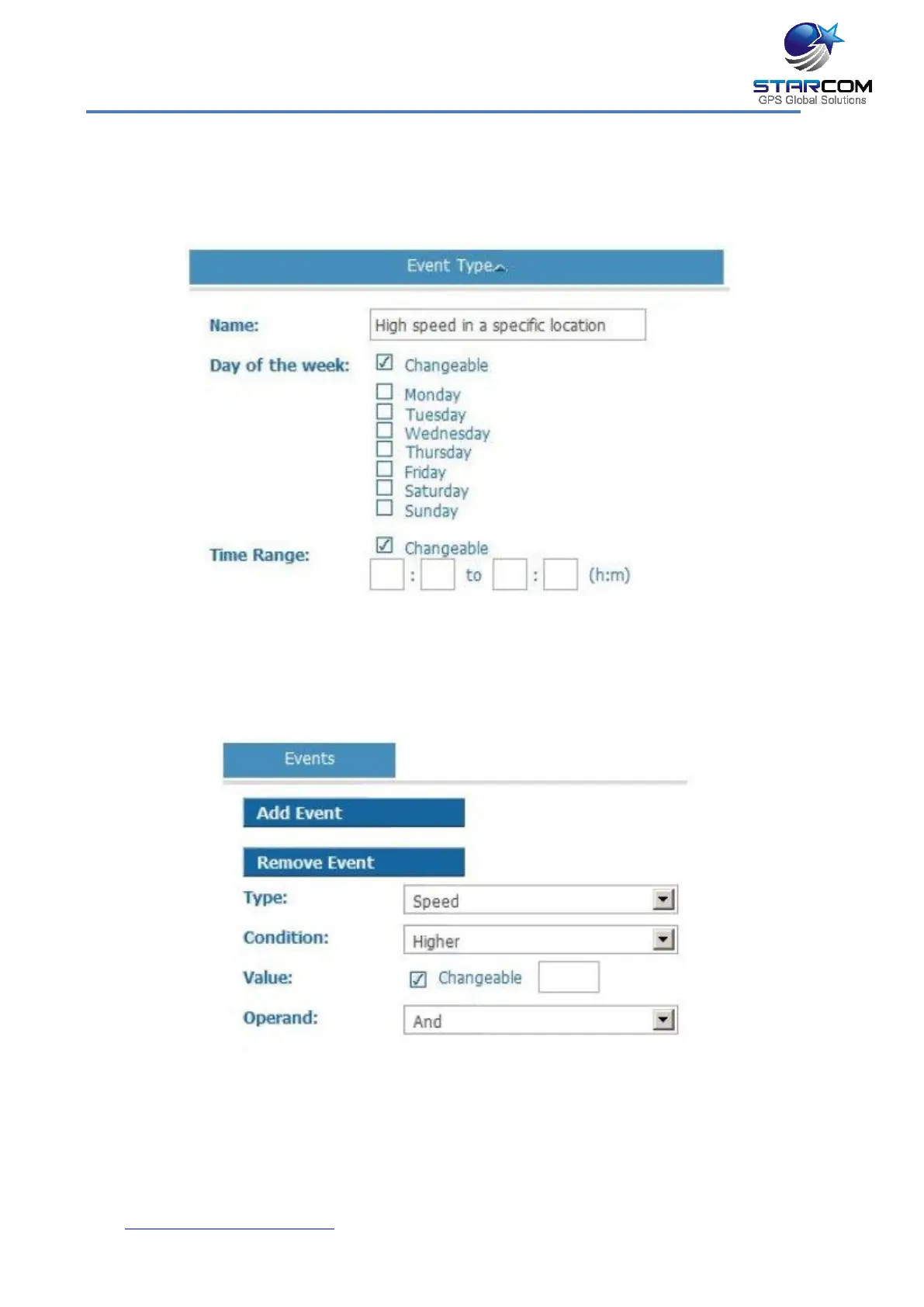
For example, let’s create an event, which will send an alert when the vehicle
goes over a certain speed in a specific location.
Go to Types and click New.
Enter the event type name and tick the Changeable checkboxes for the Day of
the week and Time range.
Click Add Event.
Select Speed in the Type list. Select Higher in the Condition list. Click the
Changeable checkbox in the Value field. Select And in the Operand list.
Click the Add Event button again.



 To Next Page