Helios Users Guide
www.starcomgpsglobal.com 108
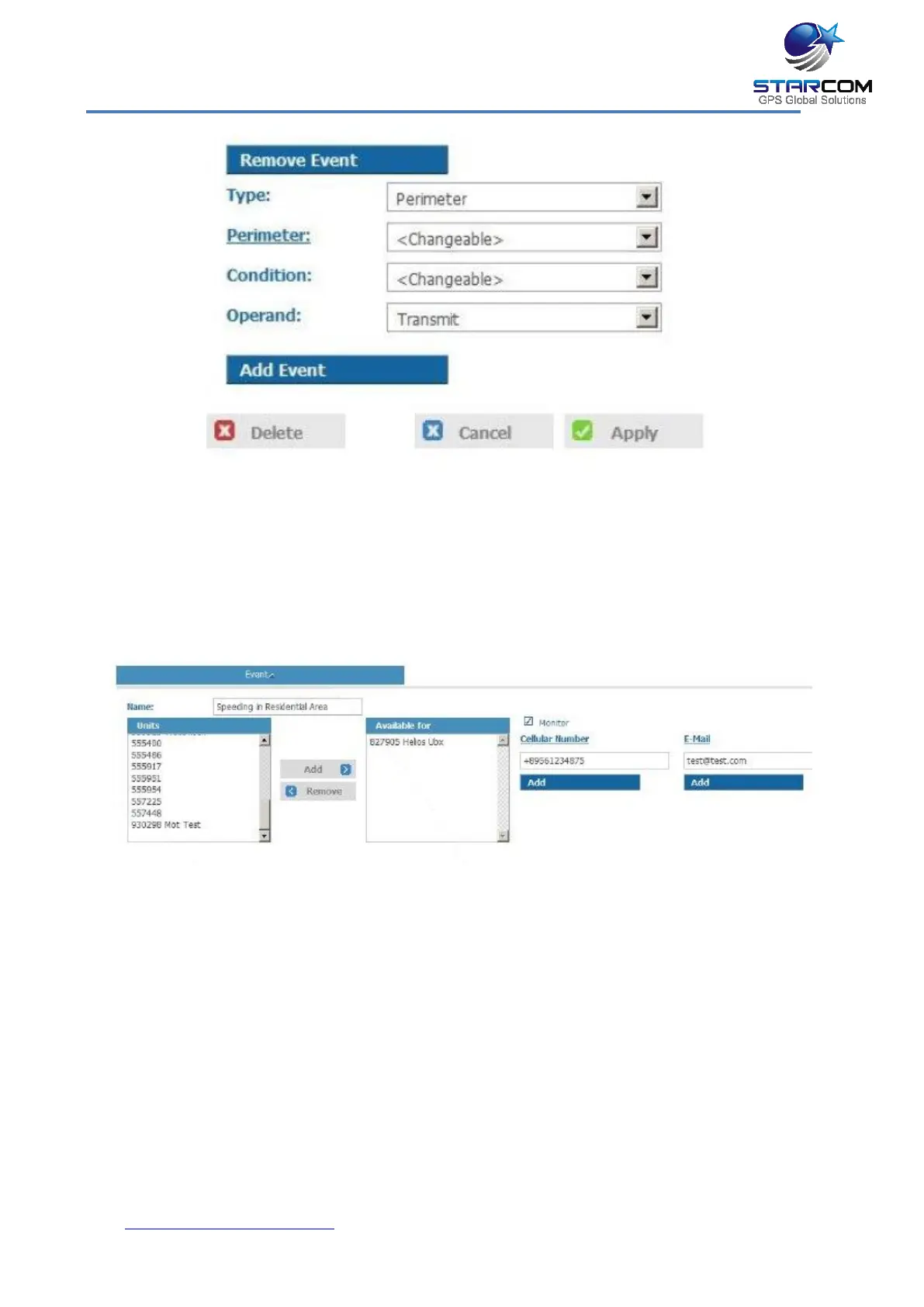
Select Perimeter in the Type list. Select Changeable in the Perimeter list.
Select Changeable in the Condition field. Select Transmit in the Operand list.
Click Apply. The new event type is saved.
Now, go to Events and click New.
Enter the name of the event in the Name field. In the Units list, select the units
you want to include in the event and click Add. The units will be moved to the
Available for list.
Enter the cellular number and email address to receive the event notification.
Select the Monitor checkbox, if you want the event will to be displayed on the
Monitor page in real time.
Click the Add Event button and select the High speed in a specific location
type in the Type list.



 To Next Page