Helios Users Guide
www.starcomgpsglobal.com 148
Use this procedure to find additional values.
If you want to identify the RPM value, accelerate the motor until it reaches
1000 RPM and search for its value at the same time. Then decrease number of
signals by searching for the other values, such as 800 RPM, 500 RPM, etc.
For more complicated signals, you can use the Error Range field. For example,
when the gas pedal is pressed hard, the RPM will show approximately 2, which
would be about 2000. However, this value isn't accurate. You can enter an
Error Range of about 200. Then perform the search while keeping the RPM
around 2000.
Regarding fuel, for example, if you have approximately 70% fuel in the tank,
look for the value of about 70 (the data displayed in percentage). Use an Error
Range of around 5-10%.
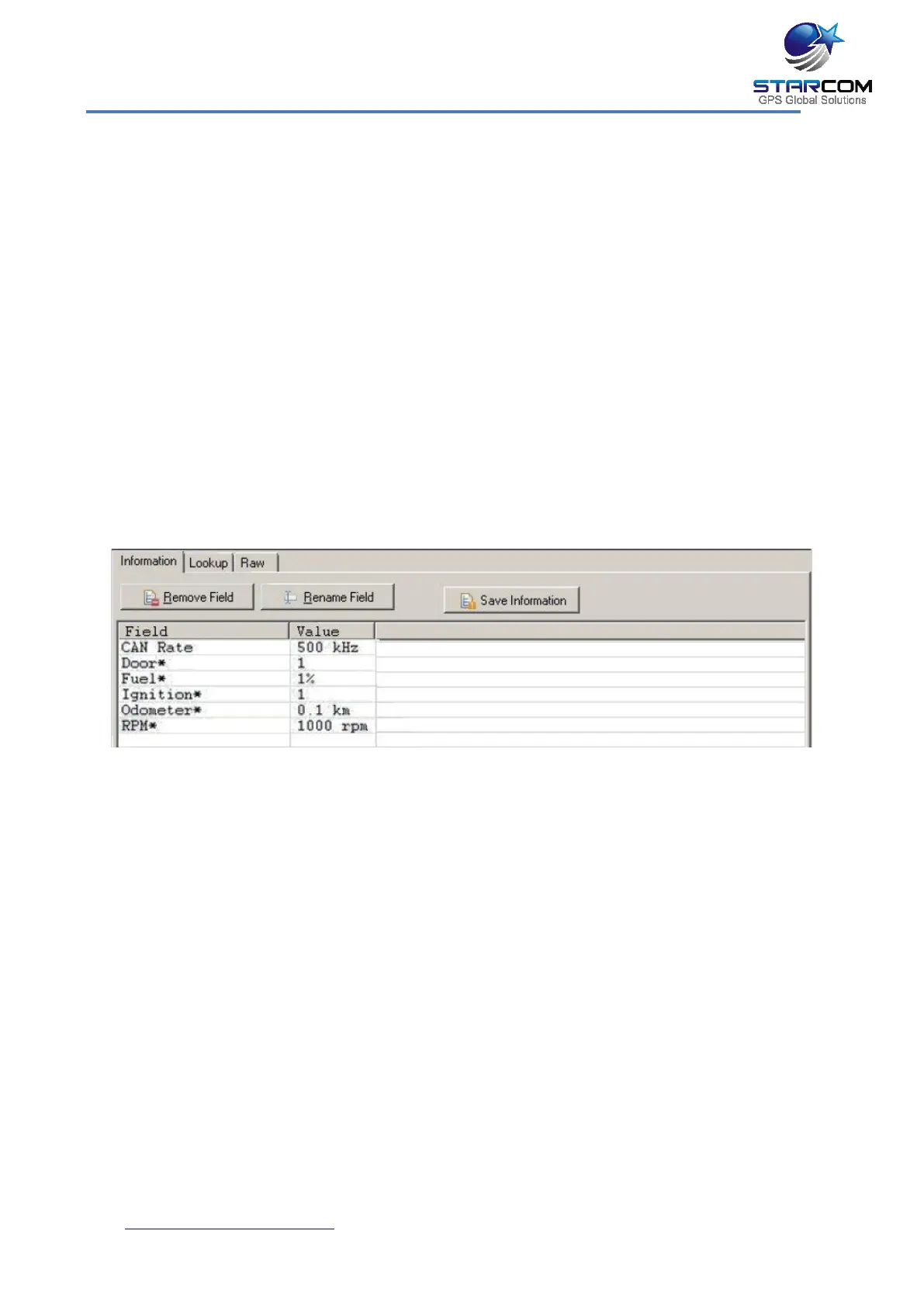
Once all the signals are identified, go to the Information tab and review the
fields.
Click the Save Information button to save the data.
Click the Update Database button to save the new information to Starcom
CAN Bus Database.
Open Helios Parameters > Hardware. In the Canbus Vehicle section, select
your vehicle from the list and click Send button to send the definitions to the
unit.



 To Next Page