Helios Users Guide
www.starcomgpsglobal.com 149
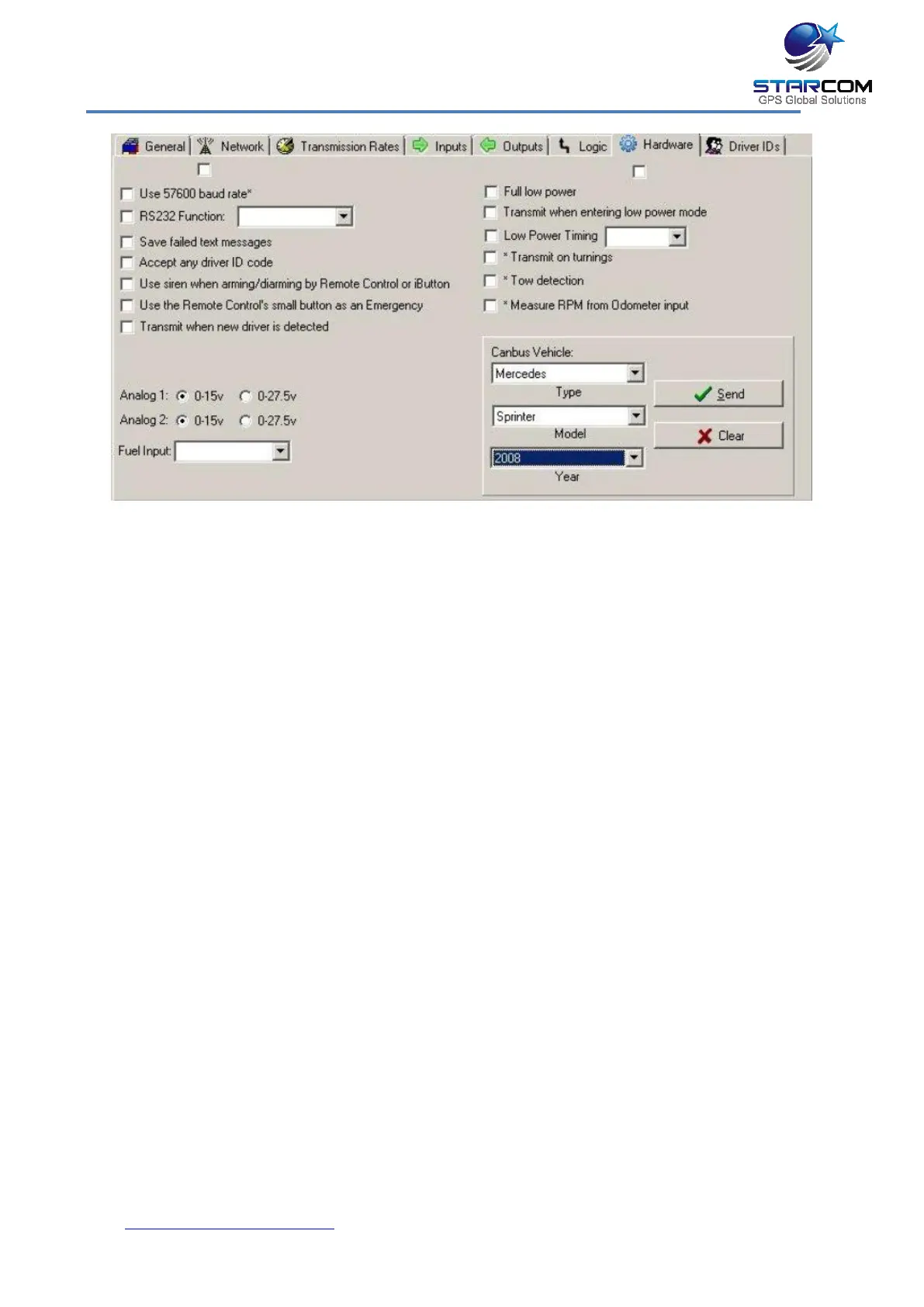
In the Unit Status window you will see a new RPM tab. Request status several
times to see that the RPM data is updated, which means that Helios is
receiving the readings from CAN Bus.
OBD II Connection
This direct connection to the vehicle’s computer through the on-board
diagnostics connector allows to receive the most accurate information about
the vehicle’s speed, mileage, RPM, and fuel (where available).
Installation
To establish Helios connection to OBD-II, connect the OBD-II connector pins to
the Helios CAN wires the following way:
CAN High – BLACK/GRAY cable (Pin 12)
CAN Low – GRAY/BLUE cable (Pin 24)
The OBD-II connector can usually be found either behind or below the
dashboard, behind the glove compartment, behind the radio, or below it.
NOTE: Be careful, do not short the two wires!



 To Next Page