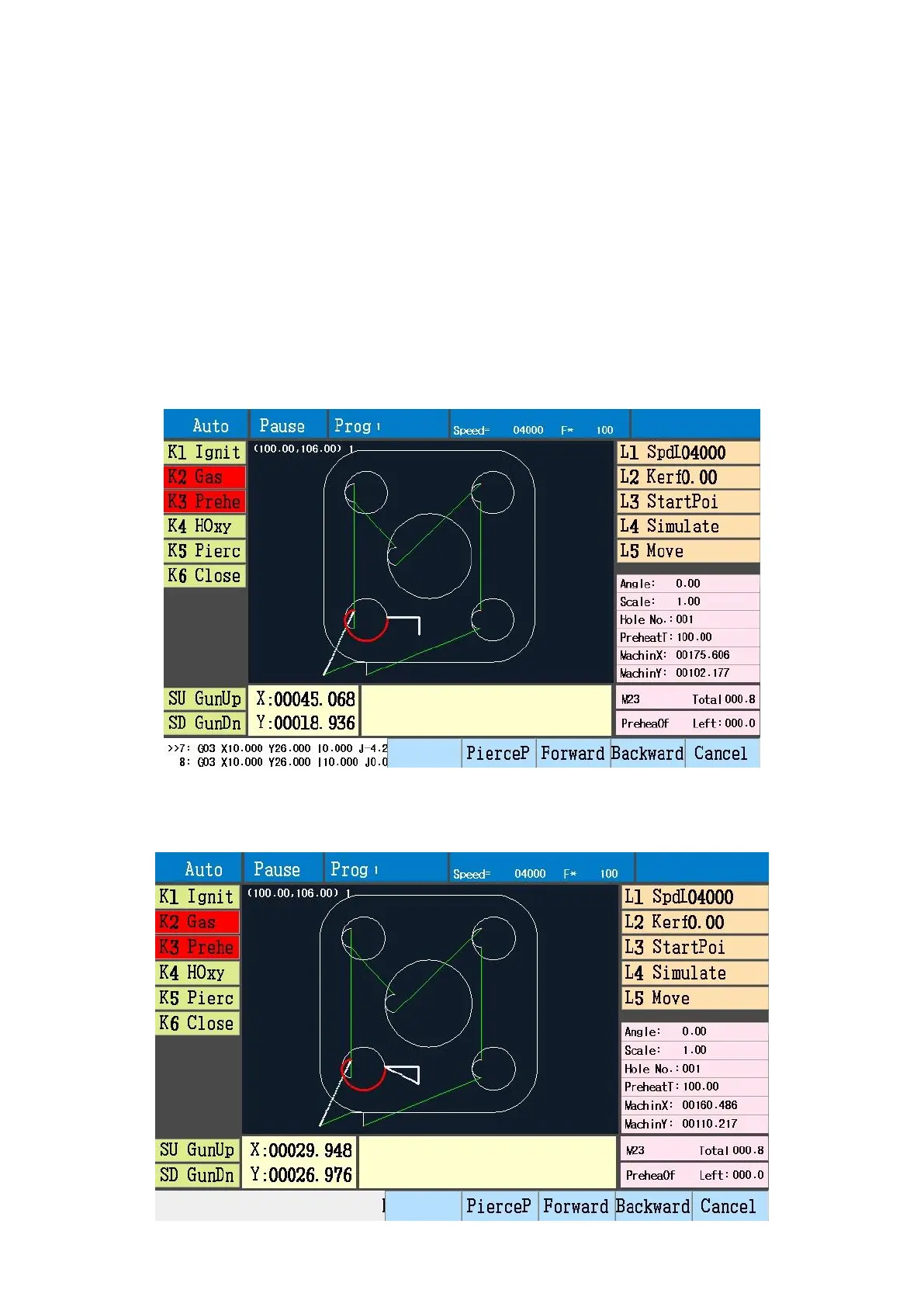
Press start button, torch moves to selected pierce point position from current position.
StartPoi (back to the start point): Back to start point after pause.
Press L3 after pause, torch moves back to start point in idle-run speed.
Simulate (simulation run): After pause to press L4 to simulatively run the left parts program.
Move (continuously move): After pause, can manually move torch, the default state is “press to move, release
to stop”. Choose L5, when move torch, it will continuously move.
Cancel: Press F8, exit pause state, back to auto pending state, can continue to cut by “break point”.
Start after path deviate
After pause, use direction buttons to move torch, to make torch to deviate path, there are 3 methods to
continue cutting.
Back to path: F5 keep current output state, torch moves to pause position from current position by shortest
path.



 To Next Page