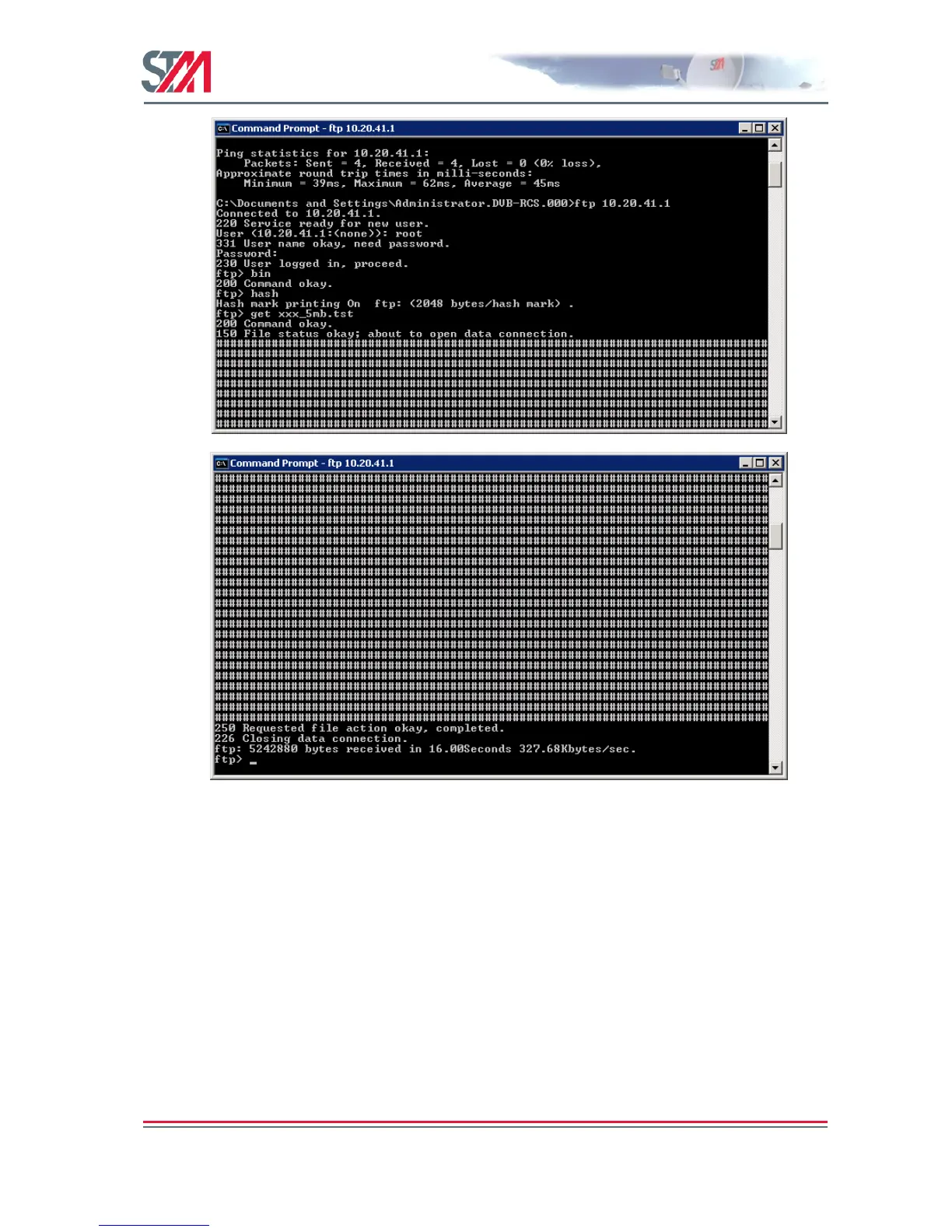
FTP to DVB Interface
The following example shows how to use the internal FTP to DVB interface for uploading.
The same procedure can be followed for downloading the FTP to DVB interface.
1. Log the VSAT onto the HUB.
2. From a workstation on the HUB side, log on to the VSAT using DOS prompt and the FTP
command. You can use either root or install user.
3. Type FTP <DVB IP address of the terminal>.
4. Enter the correct user name and password.



 To Next Page