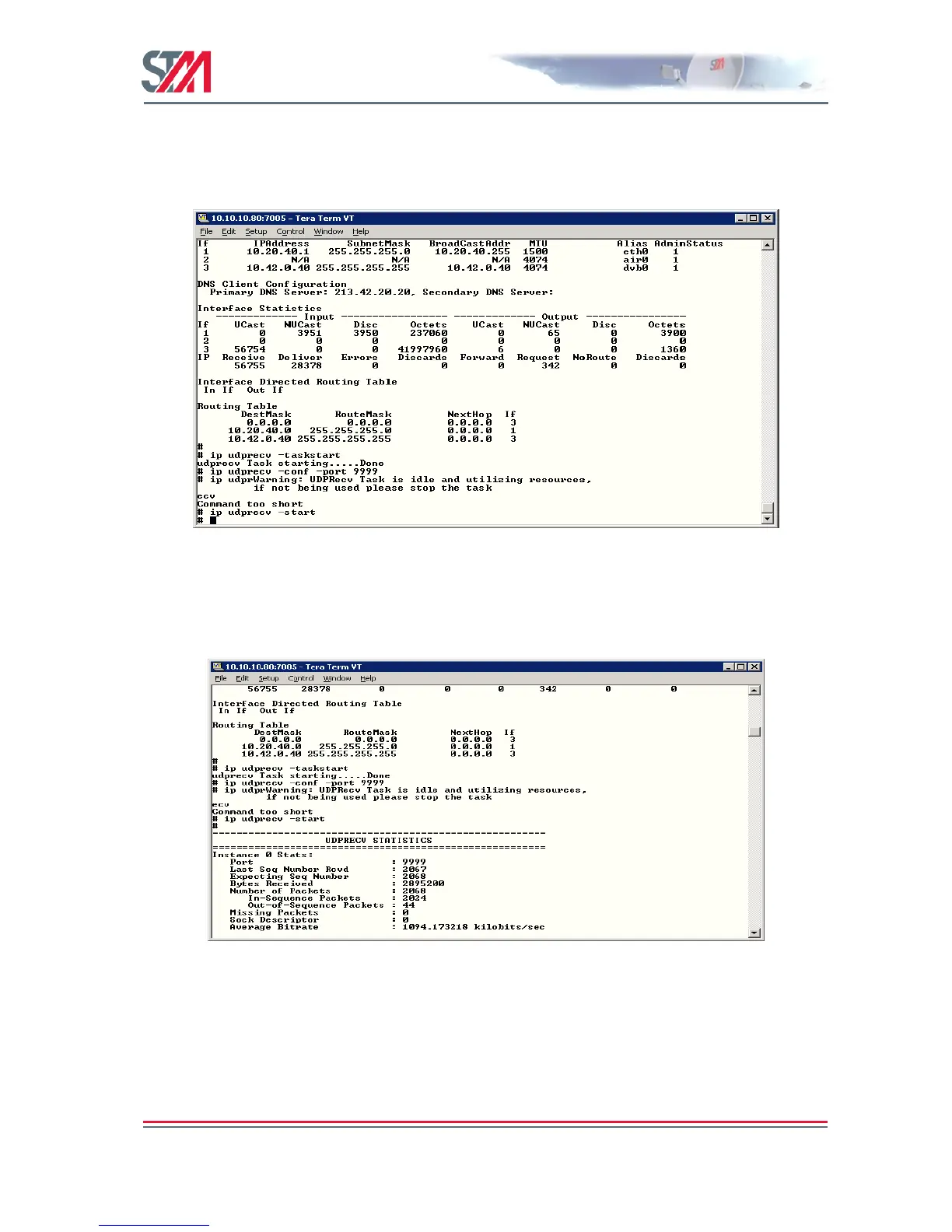
2. Start the task on the terminal by typing the command ip udprecv –taskstart.
3. Configure the port number on the terminal using the command ip udprecv –conf –port
9999.
Make sure that the port number on the terminal is same as that on the port sender.
4. Type the command ip udprecv –start and click the start button on the port sender to start
sending the packets.
To check the statistics and the packet loss between the sender and the receiver, type the CLI
command ip udprecv show.



 To Next Page