pg 27
Flint - tremolo & reverb
Configuring Flint to Use MIDI (cont.)
STEP 2 SET MIDI CHANNEL
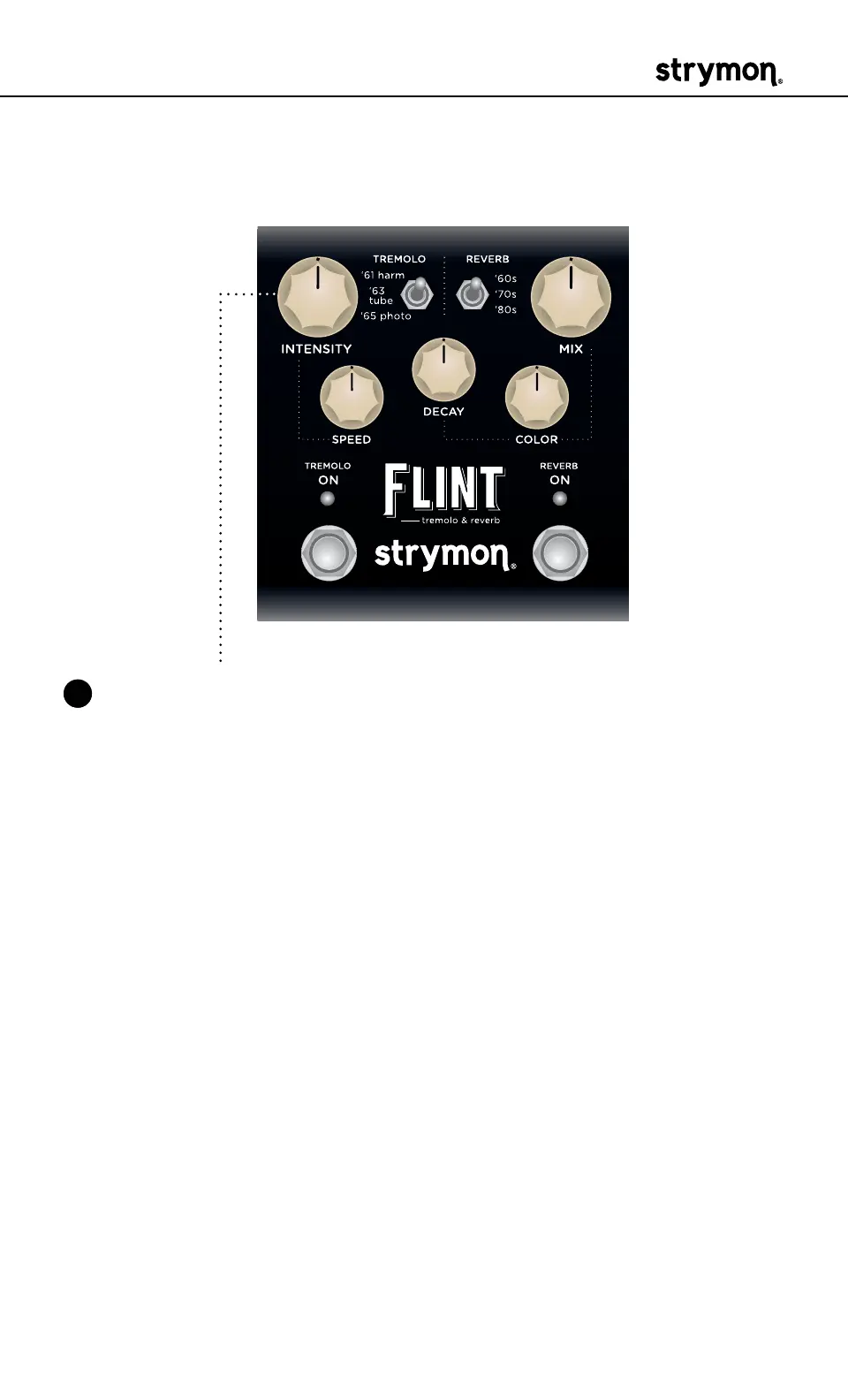
3 Turn the INTENSITY knob to set the MIDI communication channel�
The TREMOLO ON LED indicates status� Your INTENSITY knob selec-
tions are as follows:
• Channel 1: GREEN (default)
• Channel 2: AMBER
• Channel 3: RED
• Channel 4-16: BLUE (requires 1⁄4" MIDI connection)
Once the TREMOLO ON LED turns BLUE, it will blink until the pedal
receives a MIDI Program Change message� Once a message is
received, the pedal will be set to the MIDI channel that carried the
message and exit the power-up mode to allow you to begin using
Flint�



 To Next Page