© 2022 STYPE; ALL RIGHTS RESERVED.
36
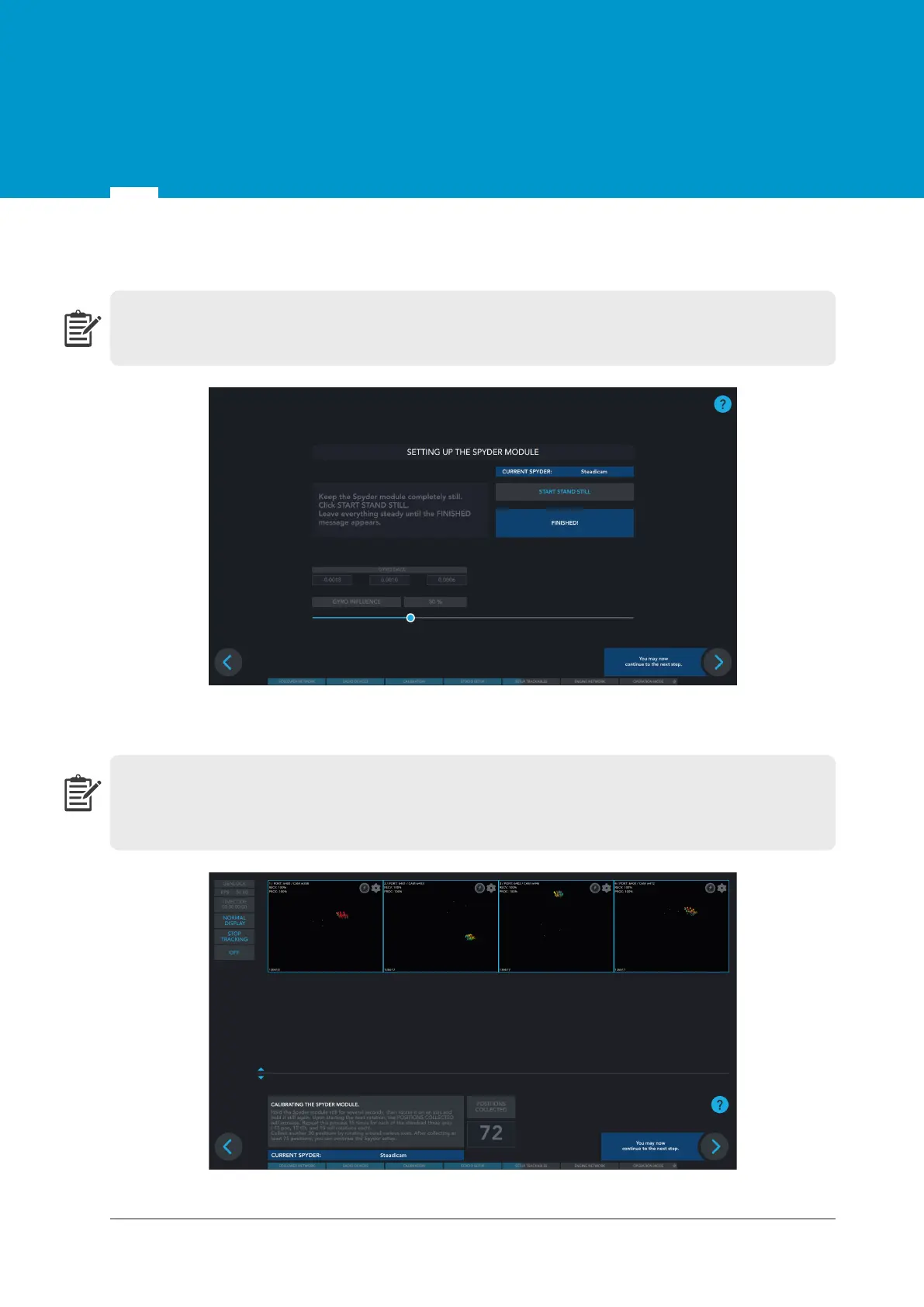
Figure 13.3 Start stand still process
Step 3
Keep the Spyder module completely still. Click
START STAND STILL
and leave everything steady
until the FINISHED! message appears.
Step 4
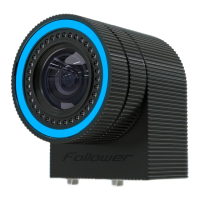
Hold the Spyder module still for several seconds, then rotate it on an axis and hold it still again.
Upon starting the next rotation, the POSITIONS COLLECTED will increase. Repeat this process 15
times for each of the standard three axes (15 pan, 15 tilt and 15 roll rotations each).
Figure 13.4 Spyder module calibration
13


 To Next Page