Audio and Visual 271
How to Operate Portable Audio Devices
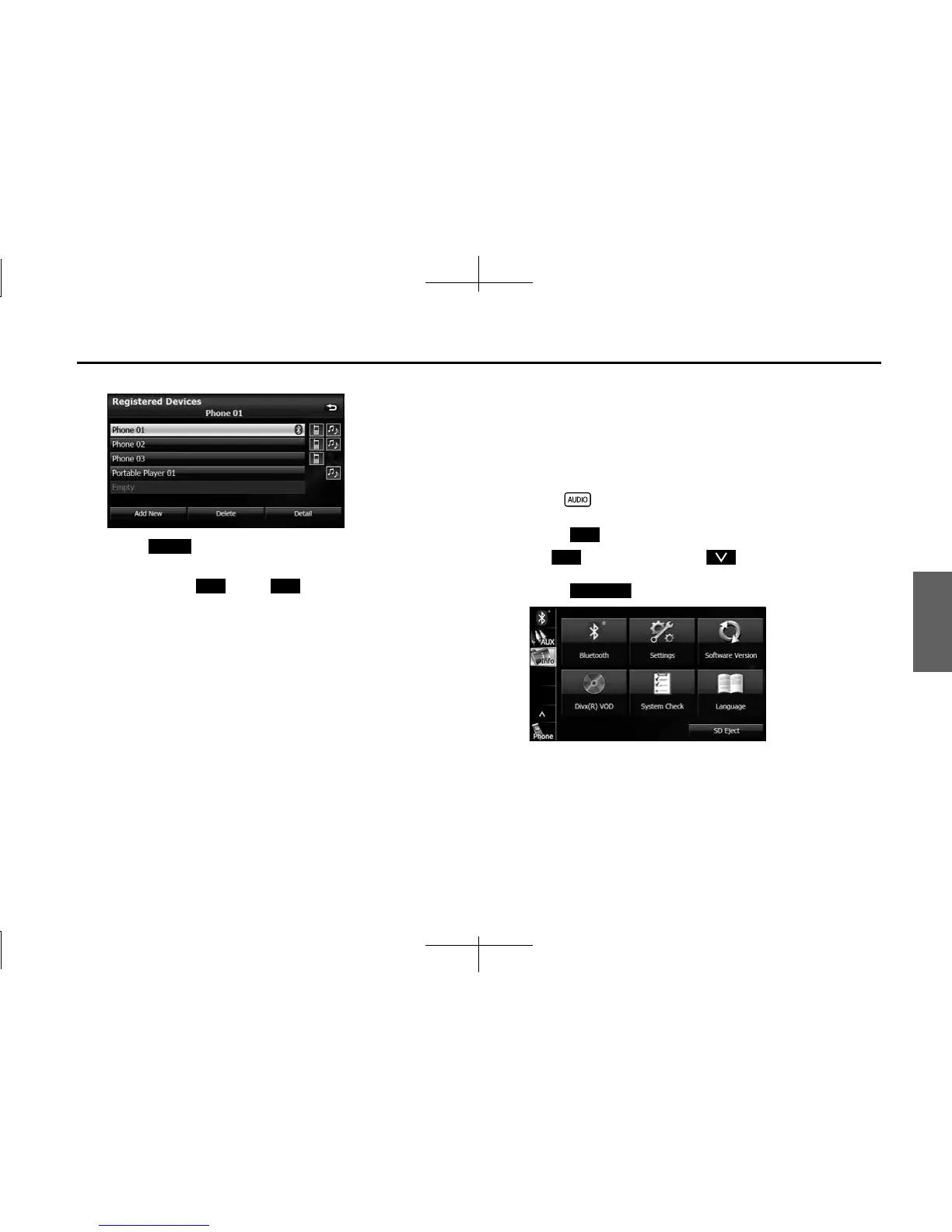
5 Select the portable device that you want to delete.
6 Touch (Delete).
• “Are you sure you want to delete this device?” appears on the
screen. Touch (Yes) or (No).
7 After touching “Yes”, when the deletion is complete,
“Completed” appears.
• The portable device deletion is complete.
■ Connecting a portable device
You can connect portable devices that are registered on the unit.
• Make the preparations necessary for connecting to the unit, for
example by setting the portable device's Bluetooth standby to On.
For details of operations on the portable device, see the portable
device's instruction manual.
1 Press .
2 Touch .
• If is not displayed, touch .
3 Touch .
Delete
Yes No
Info
Info
Bluetooth














 To Next Page