272 Audio and Visual
How to Operate Portable Audio Devices
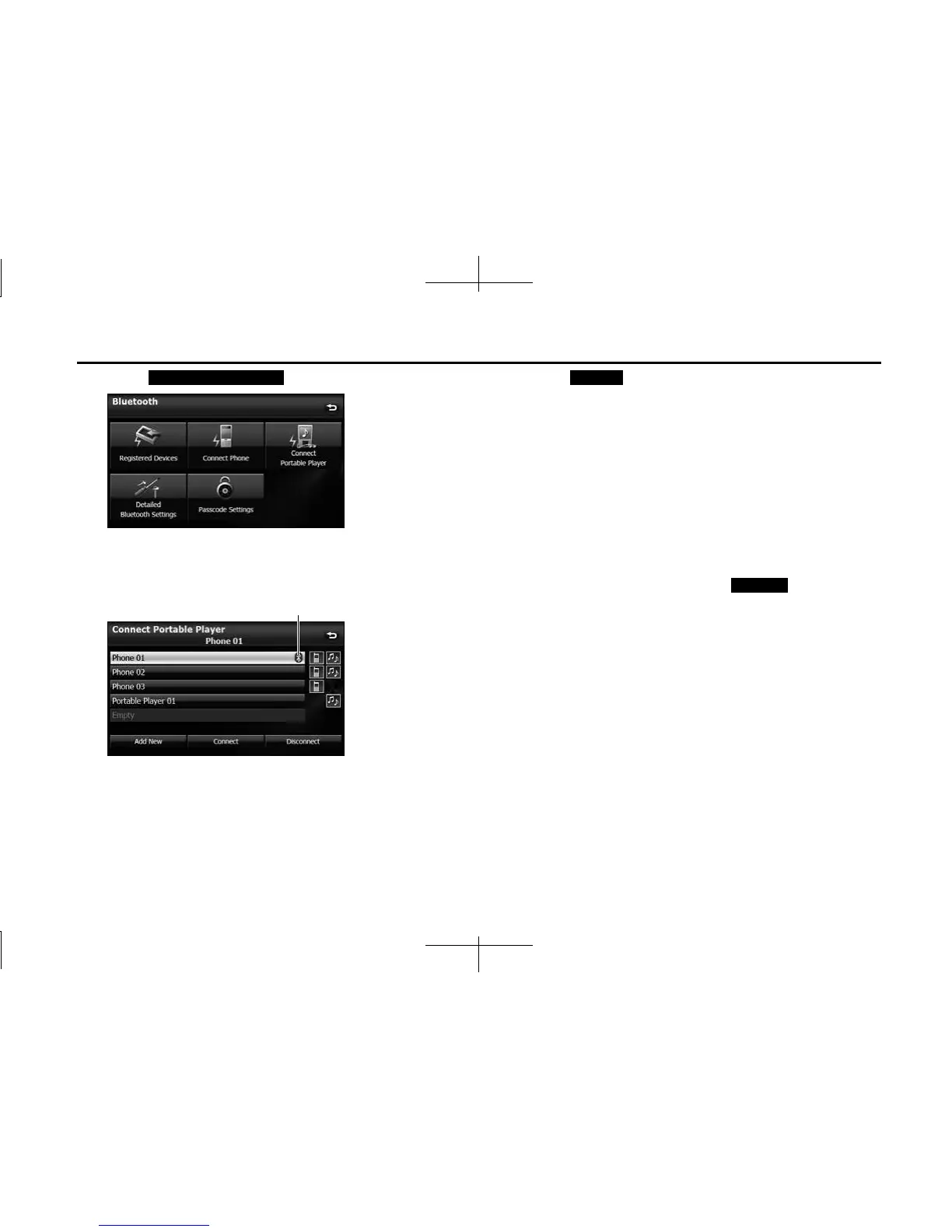
4 Touch (Connect Portable Player).
5 Select the portable device that you want to connect.
• The Bluetooth mark is displayed for portable devices with an
active Bluetooth connection.
6 Touch (Connect).
• The connection screen appears.
7 When the connection is complete, “Connection
Completed” appears.
• The connection between the portable device and the unit is
complete.
NOTE
• If the connection fails, “Connection failed.” appears on the screen. If this
happens, perform the connection operation again.
• Connection is not possible if no portable devices are registered.
• On the Connect Portable Player screen, touch (Add New) to
register a portable device.
Connect Portable Player
Bluetooth mark
Connect
Add New














 To Next Page